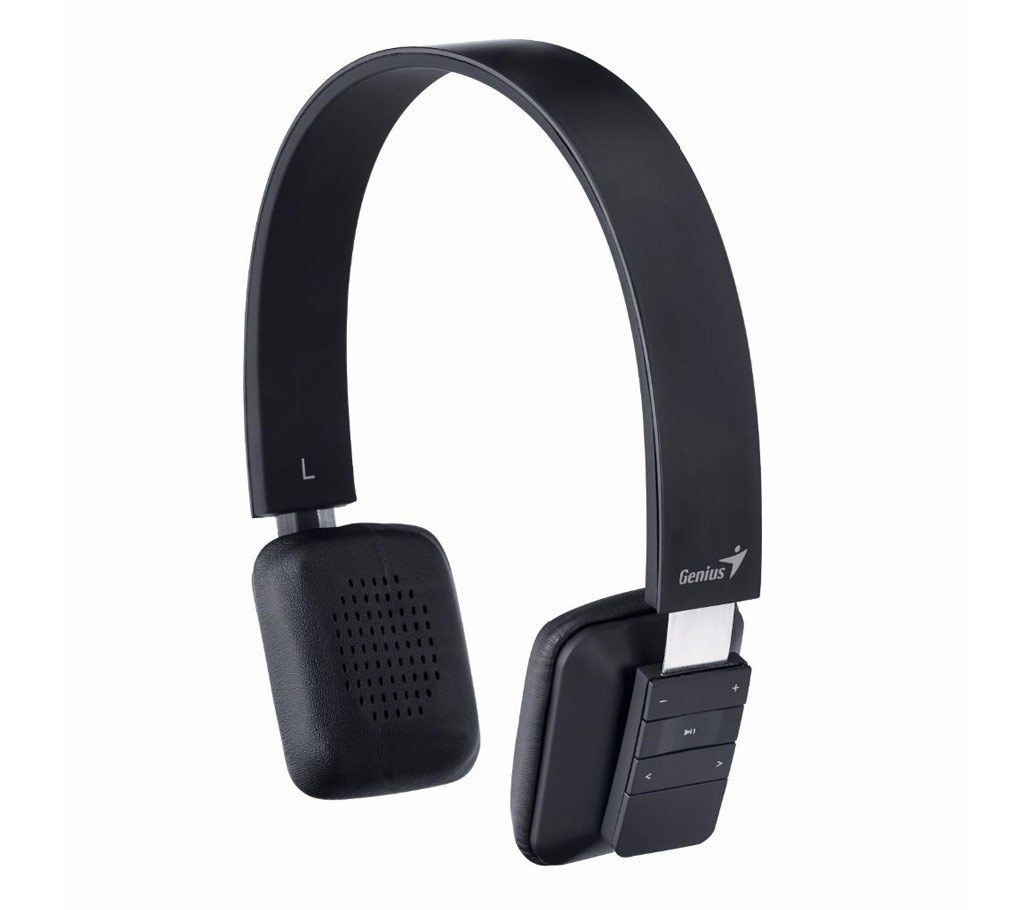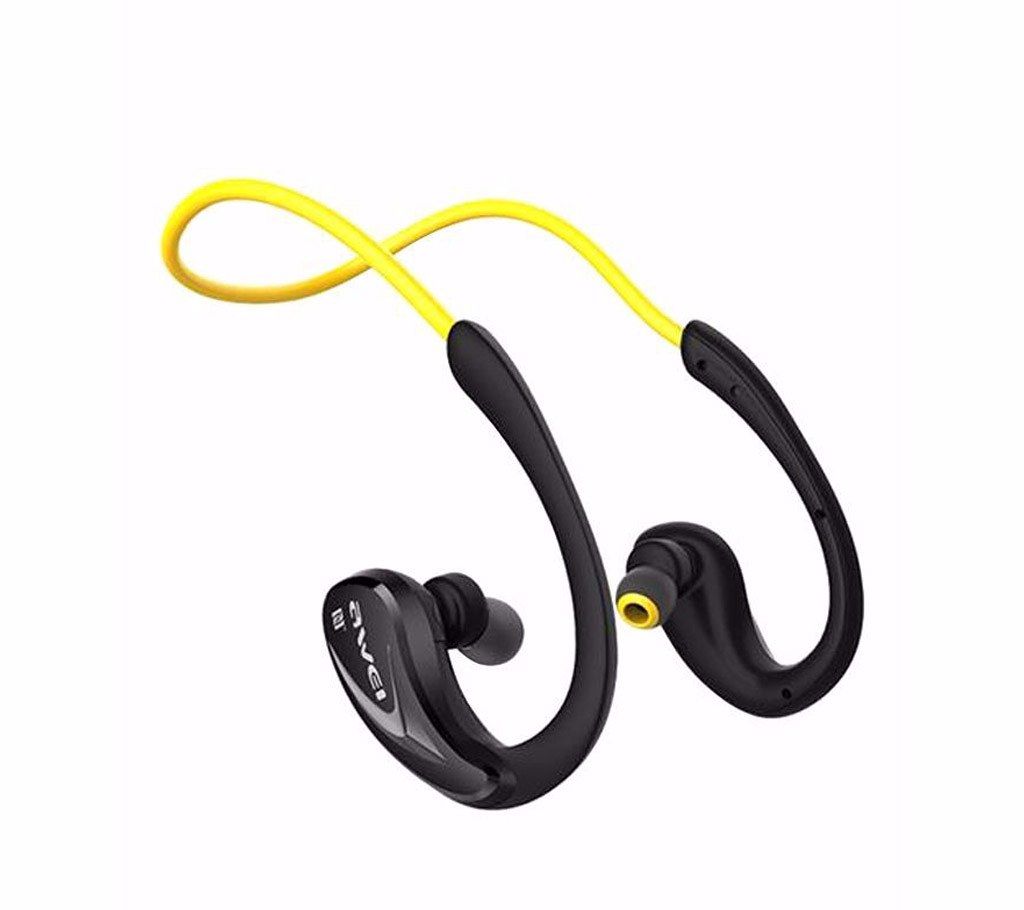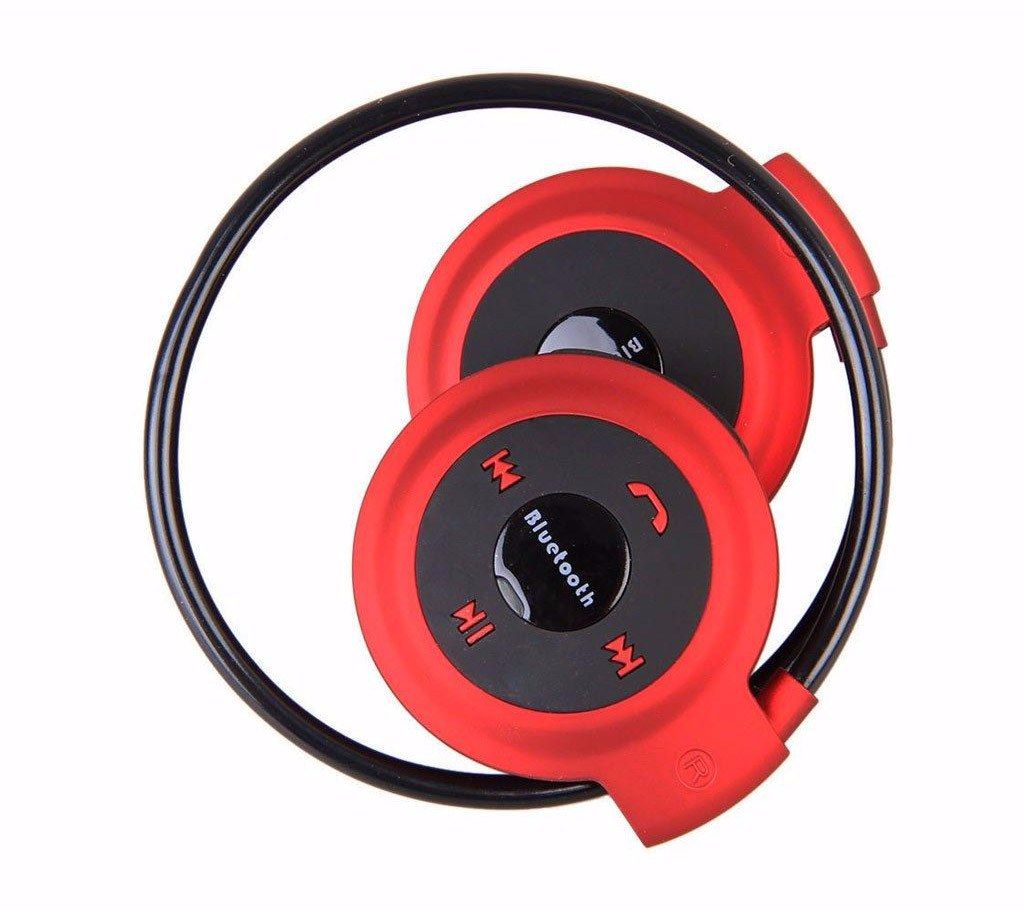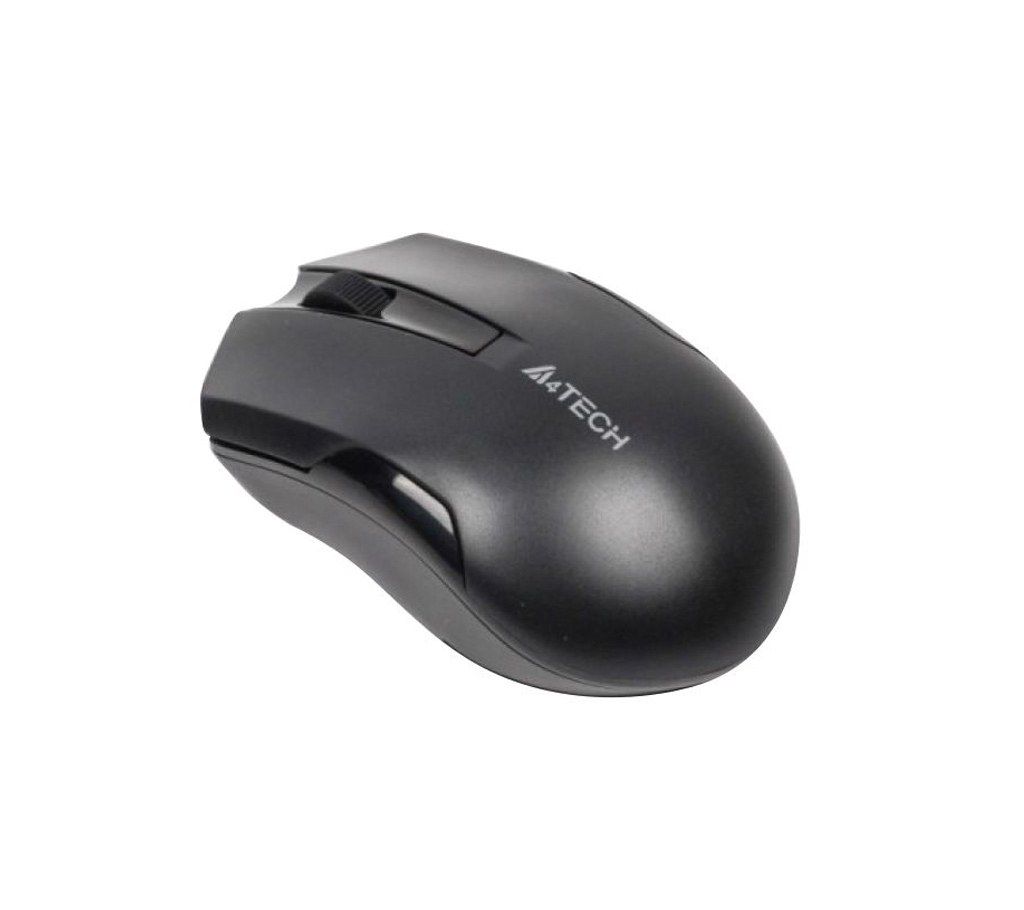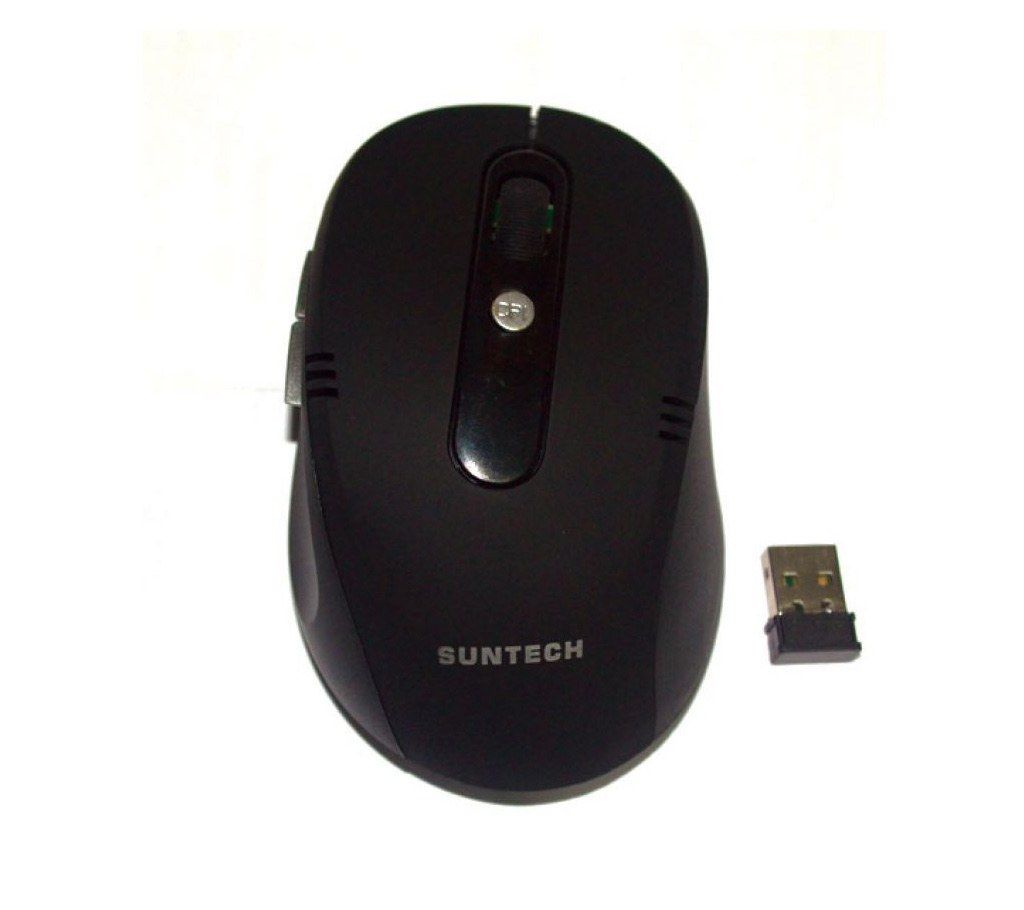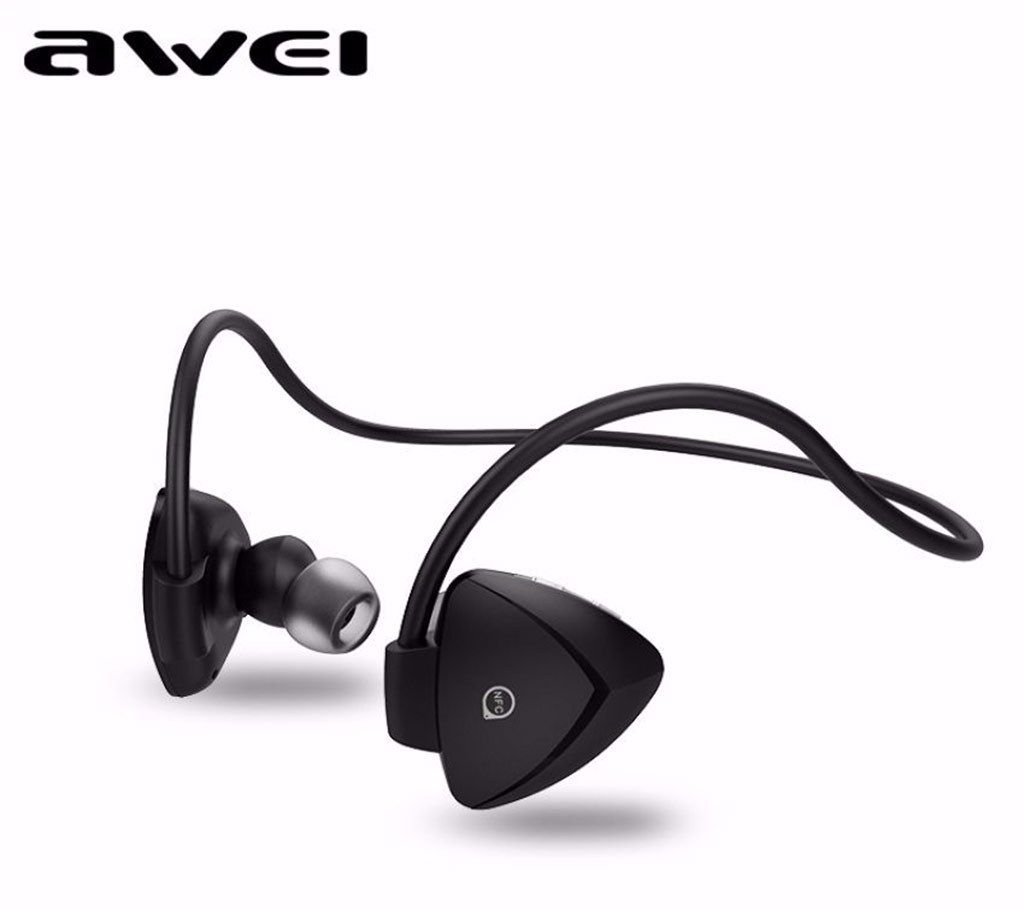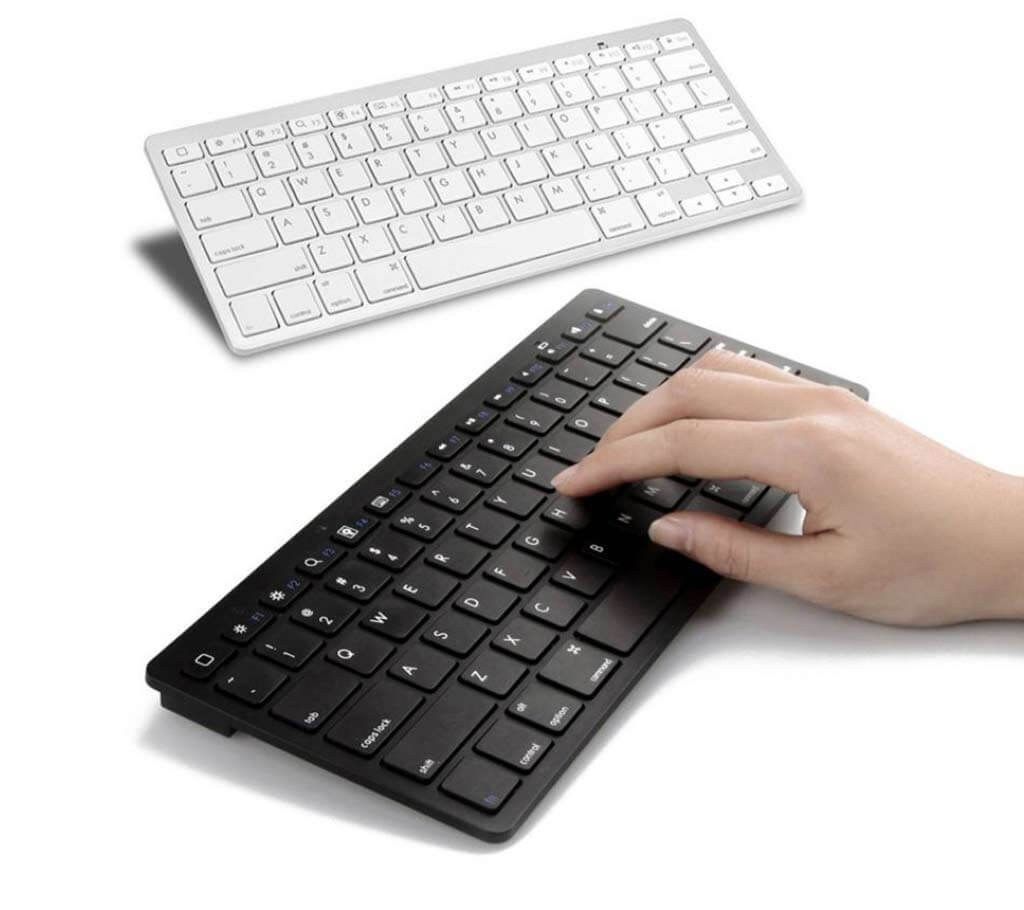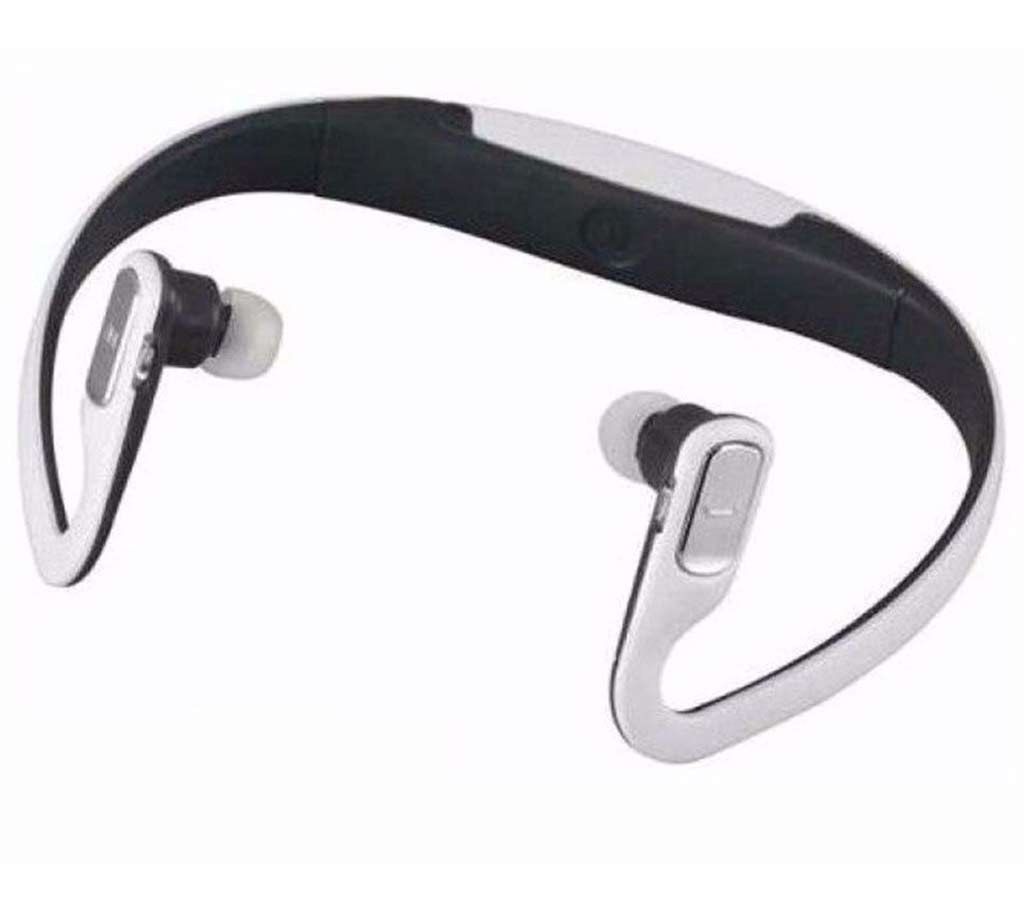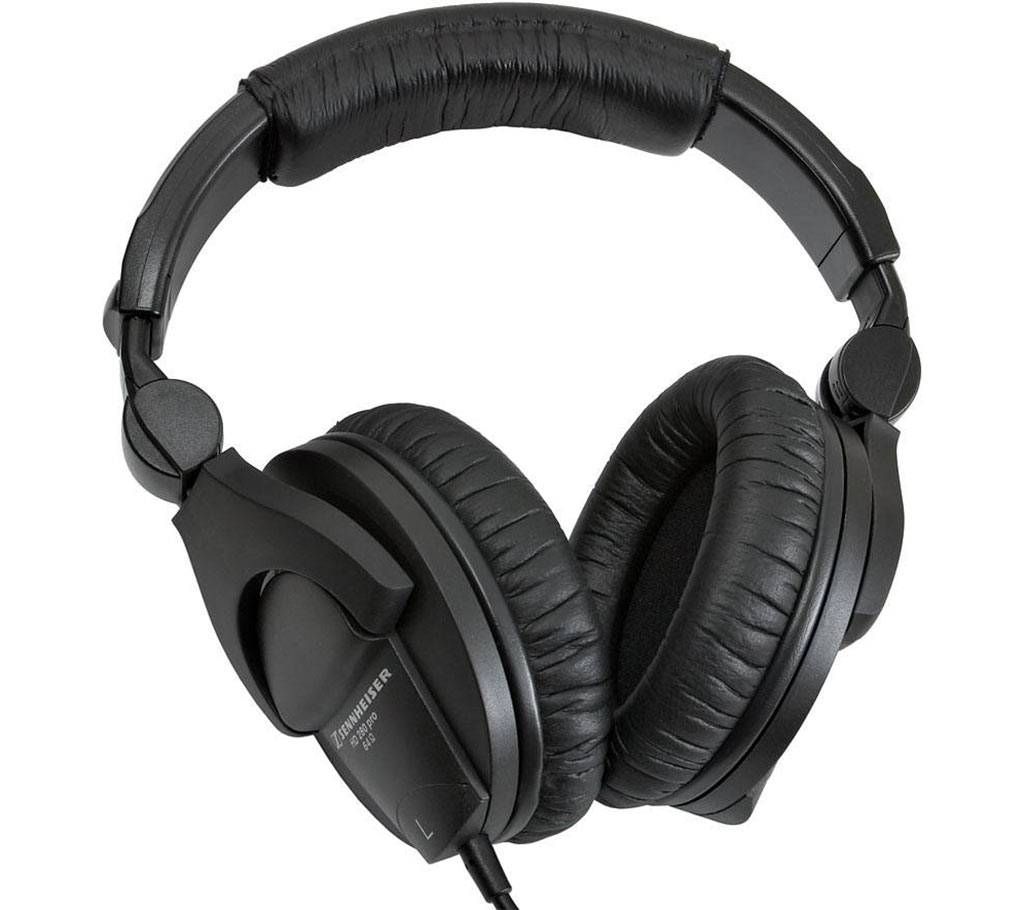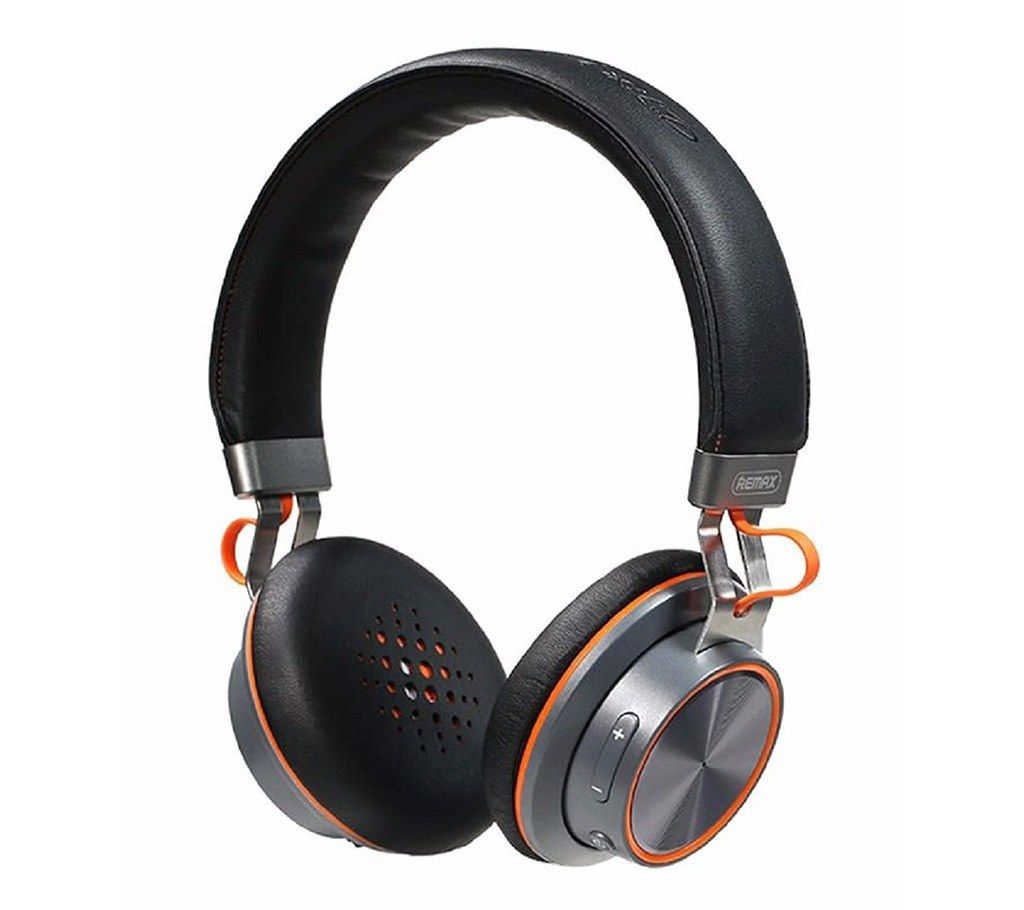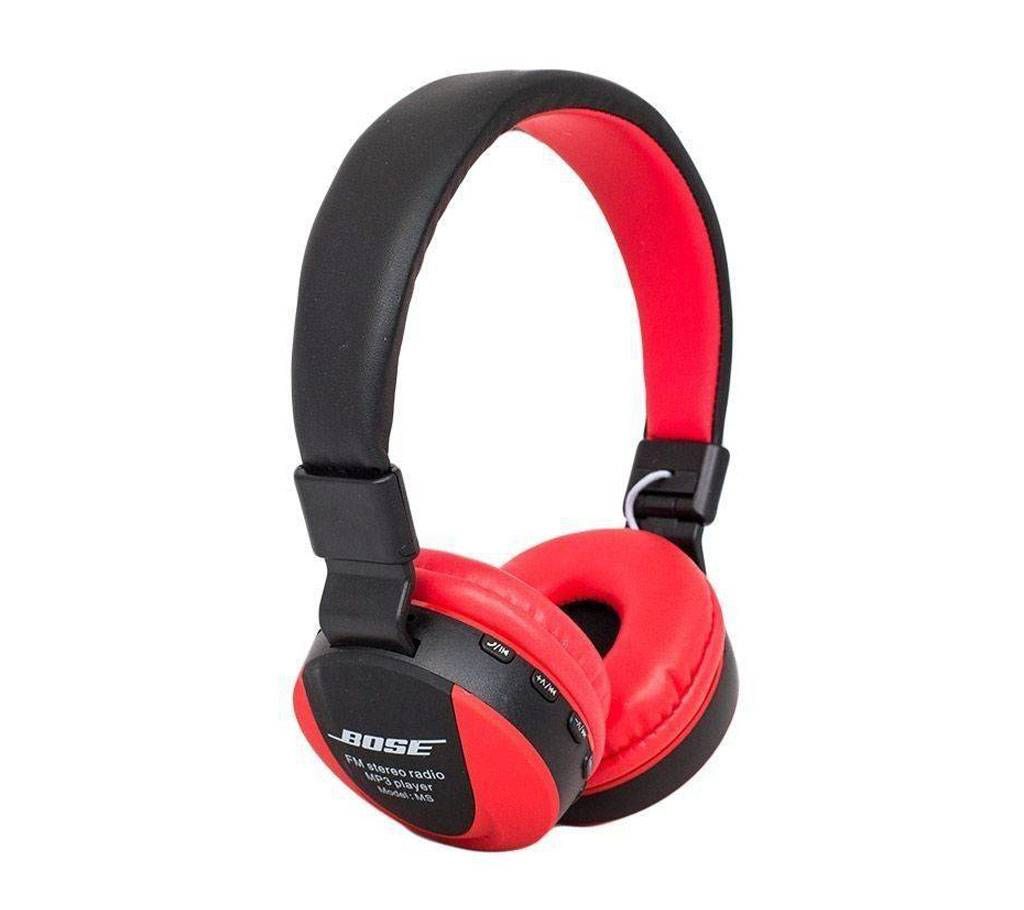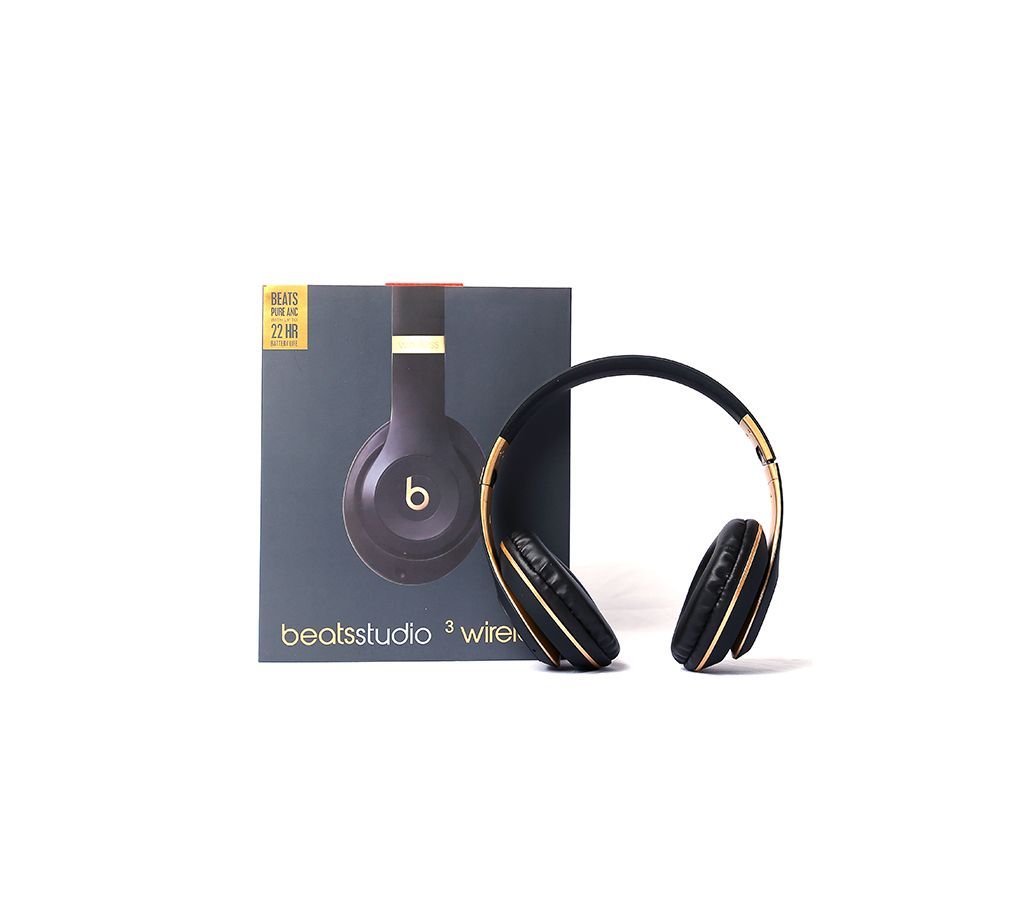
Beats studio WIRELESS HEADPHONE
বিটস স্টুডিও ওয়্যারলেস হেডফোন
Functional Parameter:
USB charge: DC 5VIN
FM frequency : 87.5-108MHz
Wireless frequency :2.401-2.480GHz
Wireless distance:10 meters
Frequency :20Hz—-20KHz
Output power:35mW
SNR : 88dB
Charging time : <2 hours
With up to 22 Hours Battery life.
Key Operating Instructions:
1.Power:Turn on/off key,Long press three seconds is power on.off
2.-PREV/VOL-
In Wireless mode,Short Press: Previous; Long Press: volume-
In MP3 Mode, Short Press: Previous; Long Press: volume-
In FM mode, Short Press: Previous a frequency; Long Press: volume-
3.PLAY
In Wireless mode when get the calling:Short Press is answer the calls;Long Press is Refuse to listen, continuous push 2 times is redial
In Wireless mode, Short Press: play/pause;
In MP3 mode, Short Press:Play/Pause
In FM mode,Short Press:Automatic searching the broadcasting station.
4.+NEXT/VOL+:
In Wireless mode, Short Press: next; Long Press: volume+
In MP3 mode, Short Press: next; Long Press: volume+
In FM mode, Short Press: next frequency; Long Press: volume+
5.Mode:
Short Press to change the mode, Wireless/MP3/FM Radio/AUX LINE IN:
LED Indicator:
In Wireless mode, the blue/red light will be twinkle flash,when the headphone matches the phone successfully, the blue light will slow falshing when connection successful.
In MP3 mode, the blue light will slow flashing when playing;
In FM mode, the blue light is on steadily when hearing the FM radio, the light twinkles fast when searching the FM radio
In charging mode: the red light is on steadily when charging,when it's fully charged, the red light will be off.
Wireless using the operating manual:
1.Short Press the power key three seconds to open the power, it is Wireless of the default open 2.The blue/red light twinkles fast,Wireless into pairs.
3.When your mobile phone searches the Wireless product,the Wireless name is studio’
4.When your mobile phone searches the Wireless product and connects successfully, if