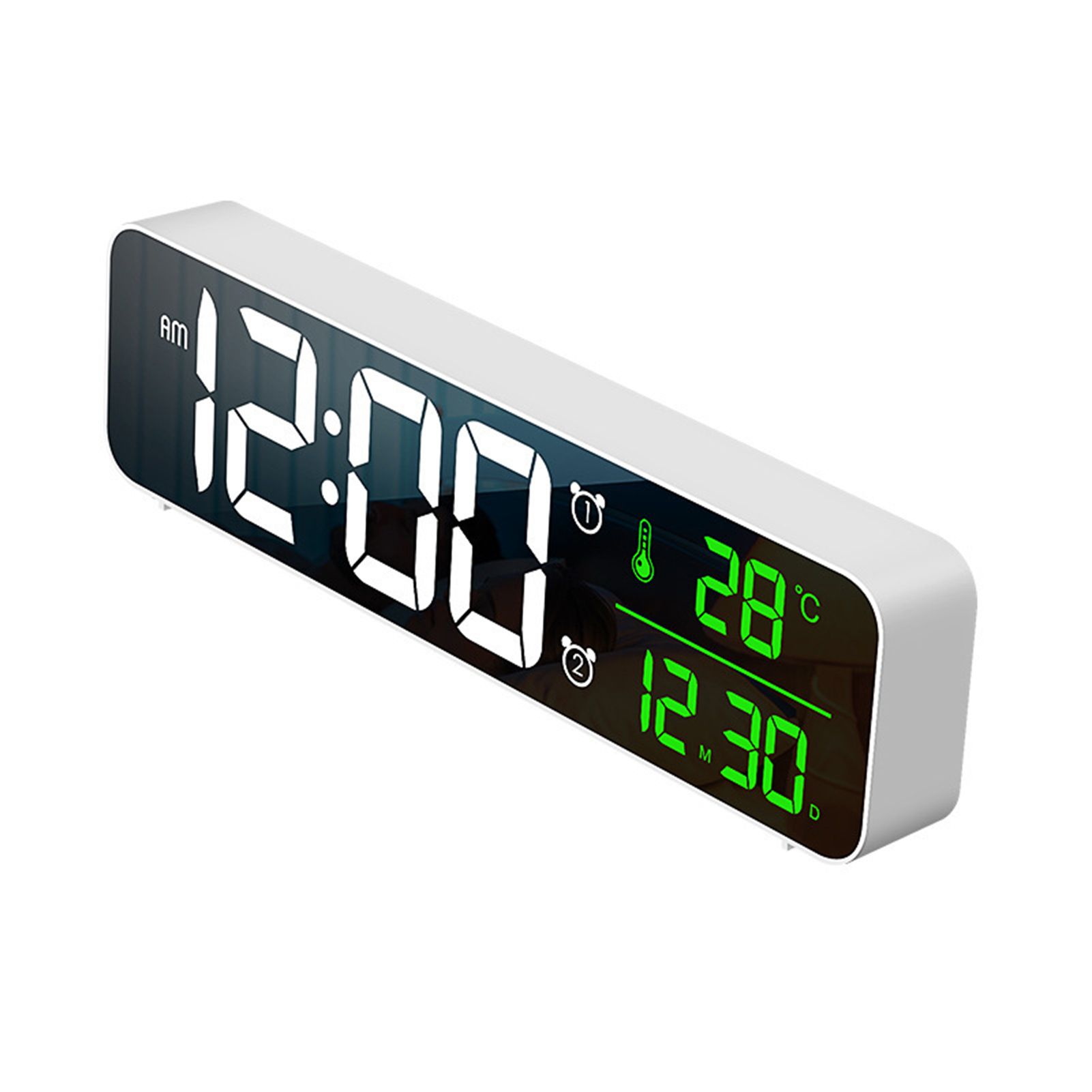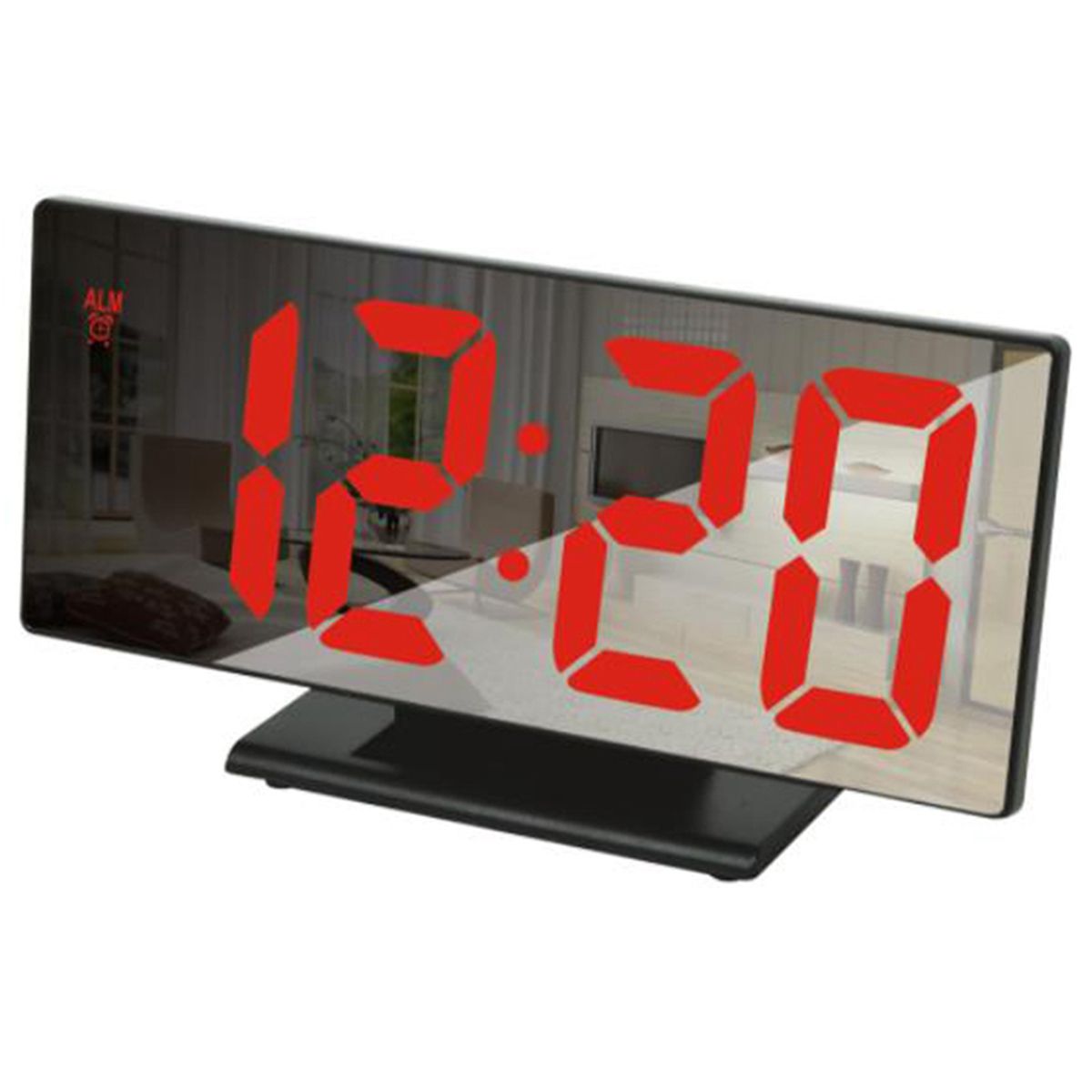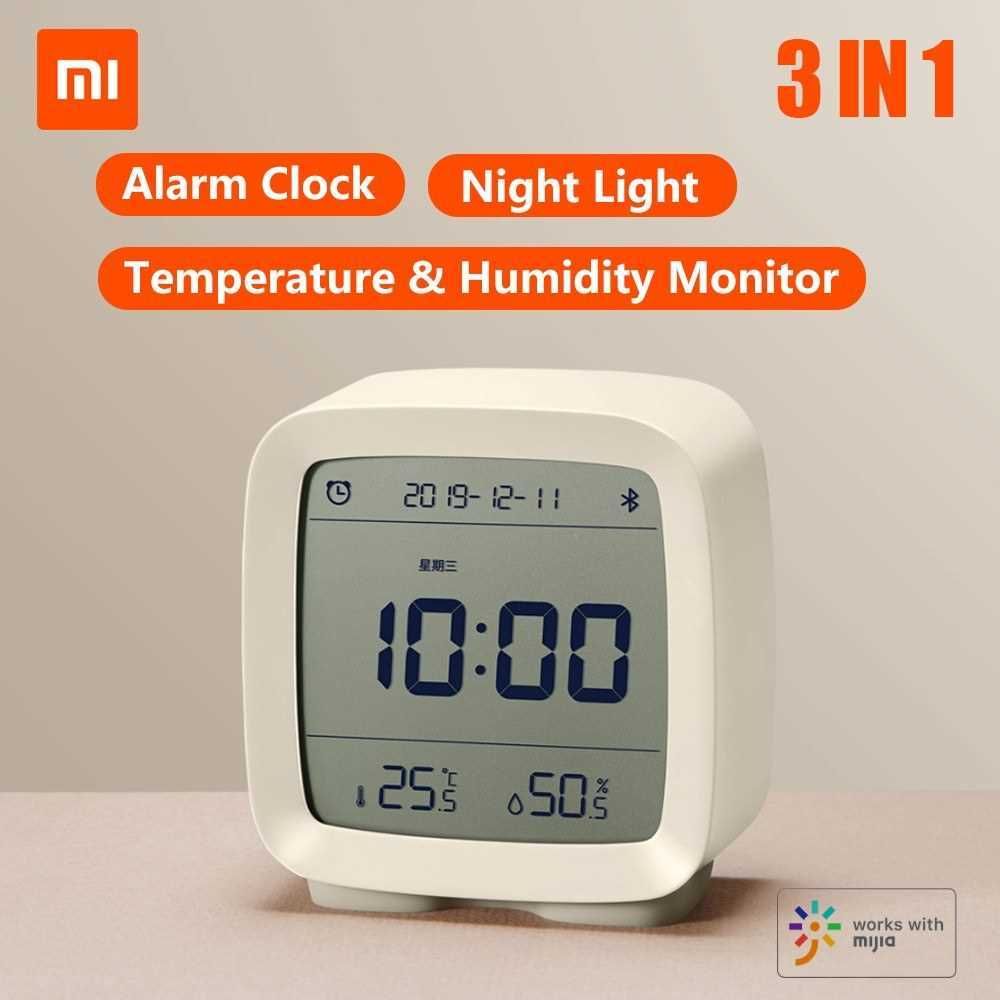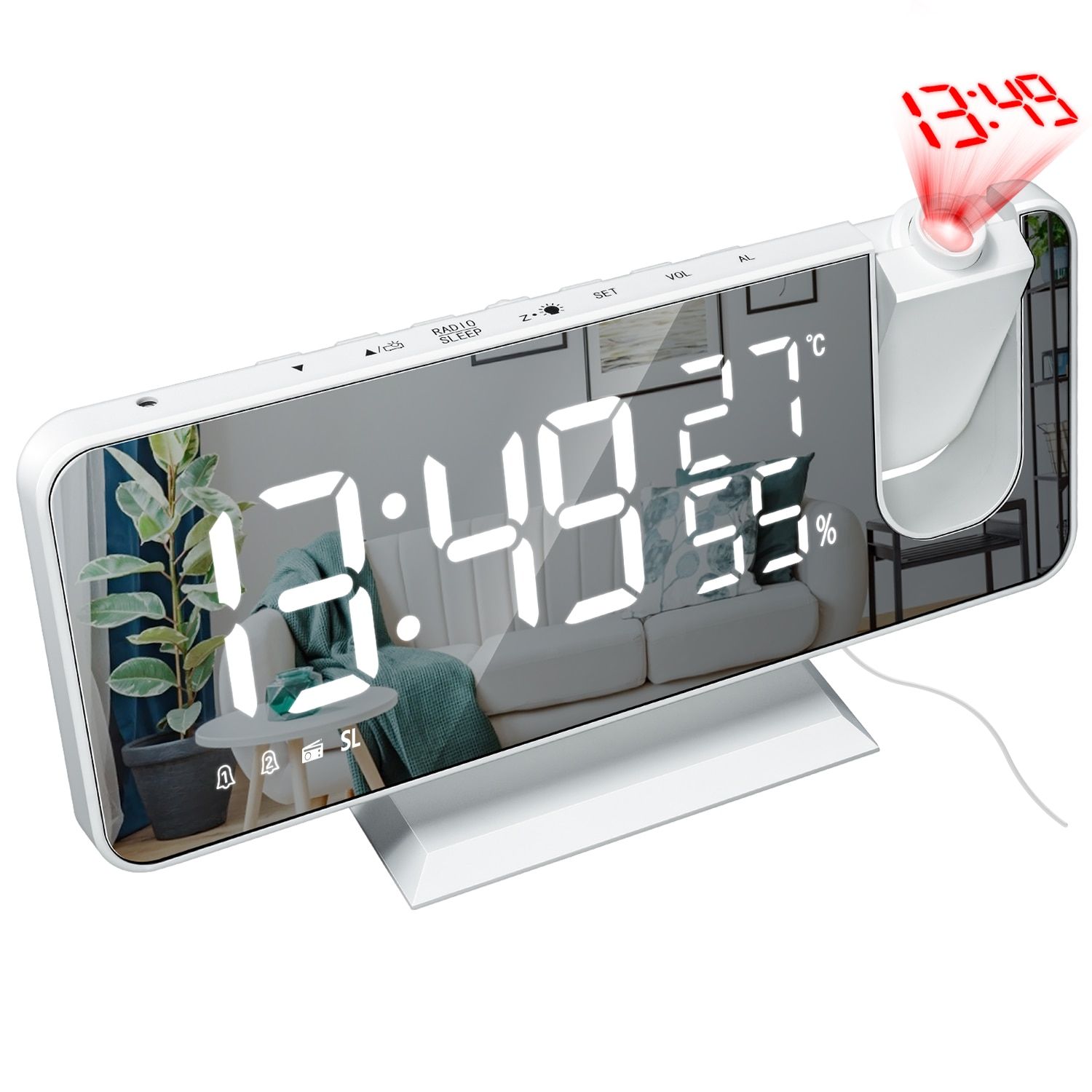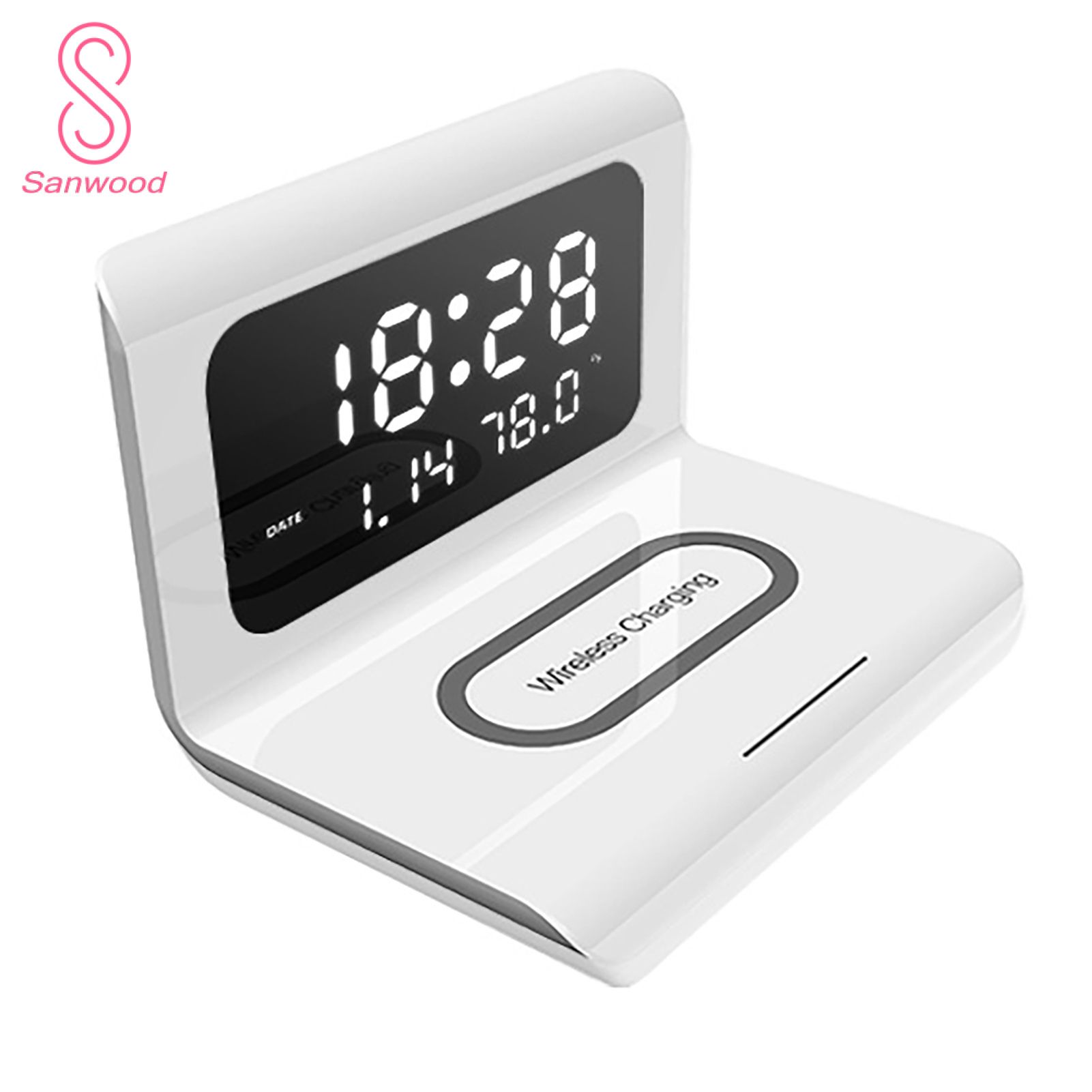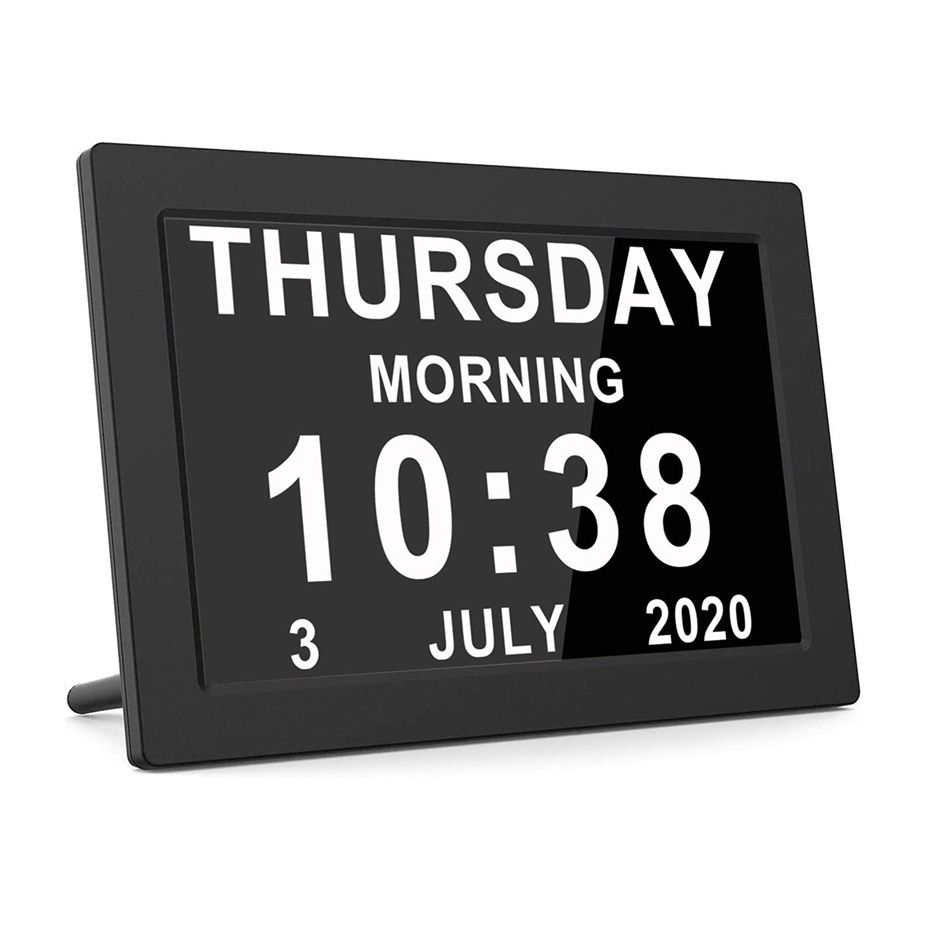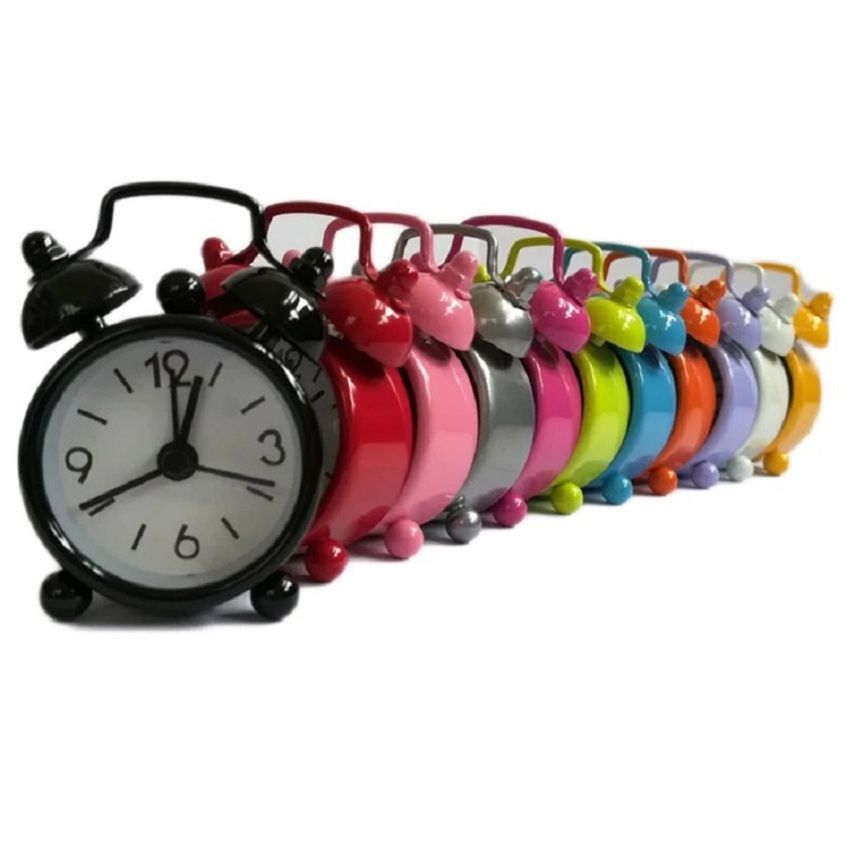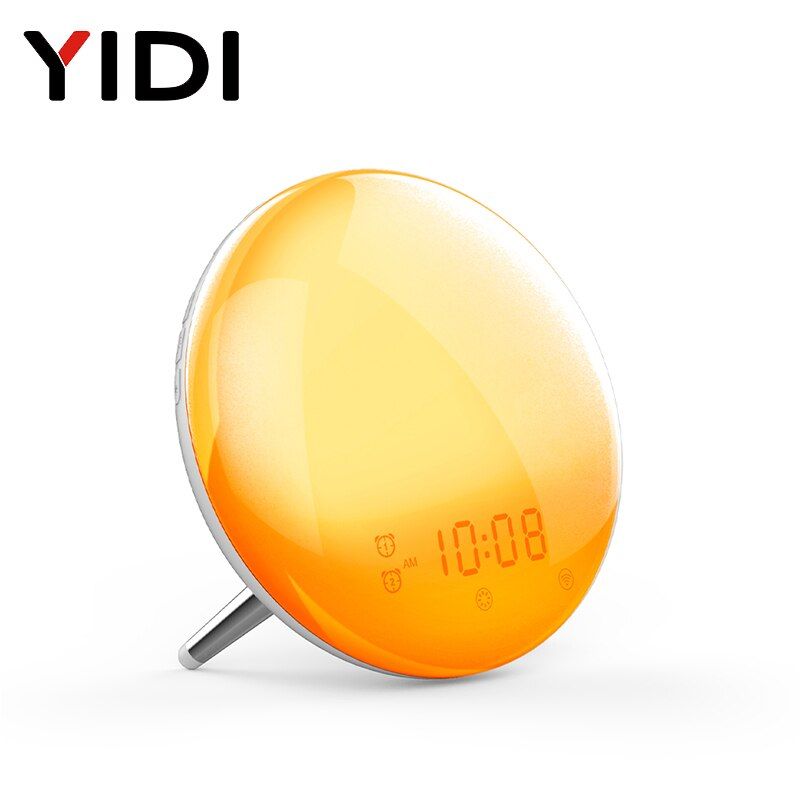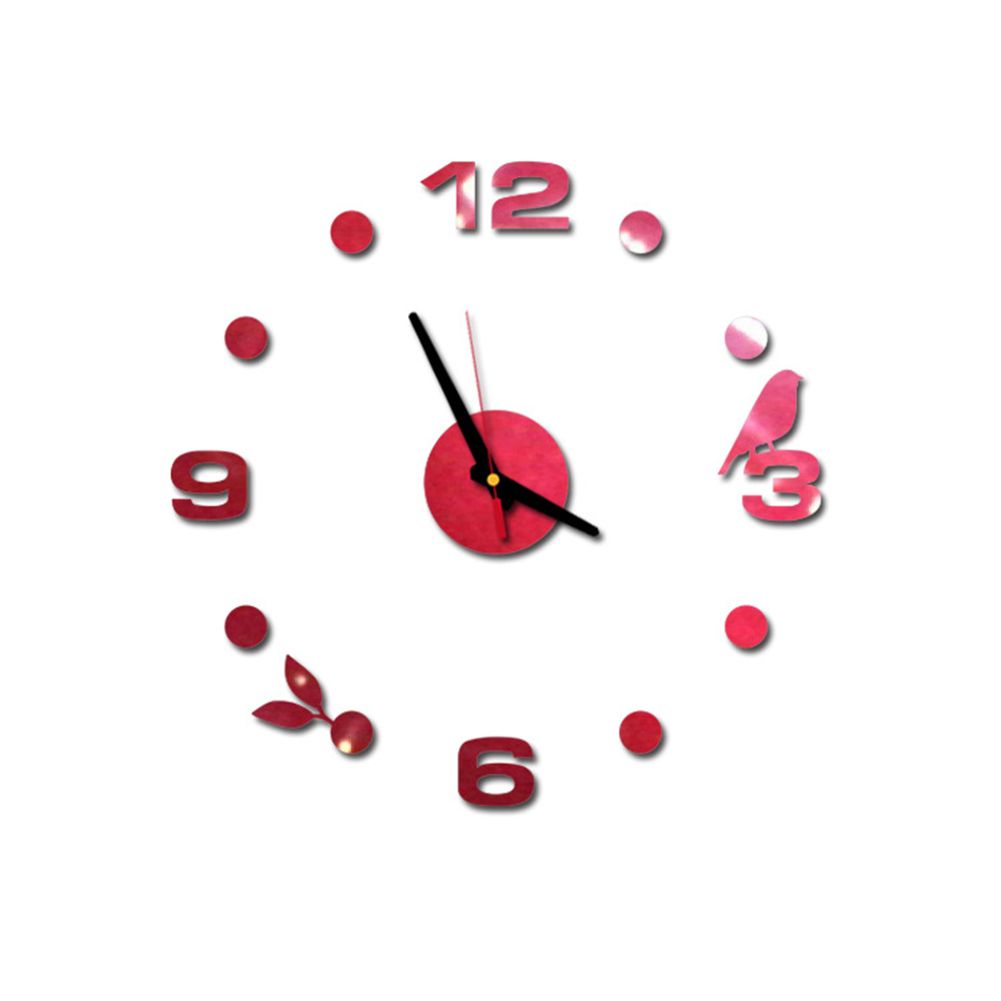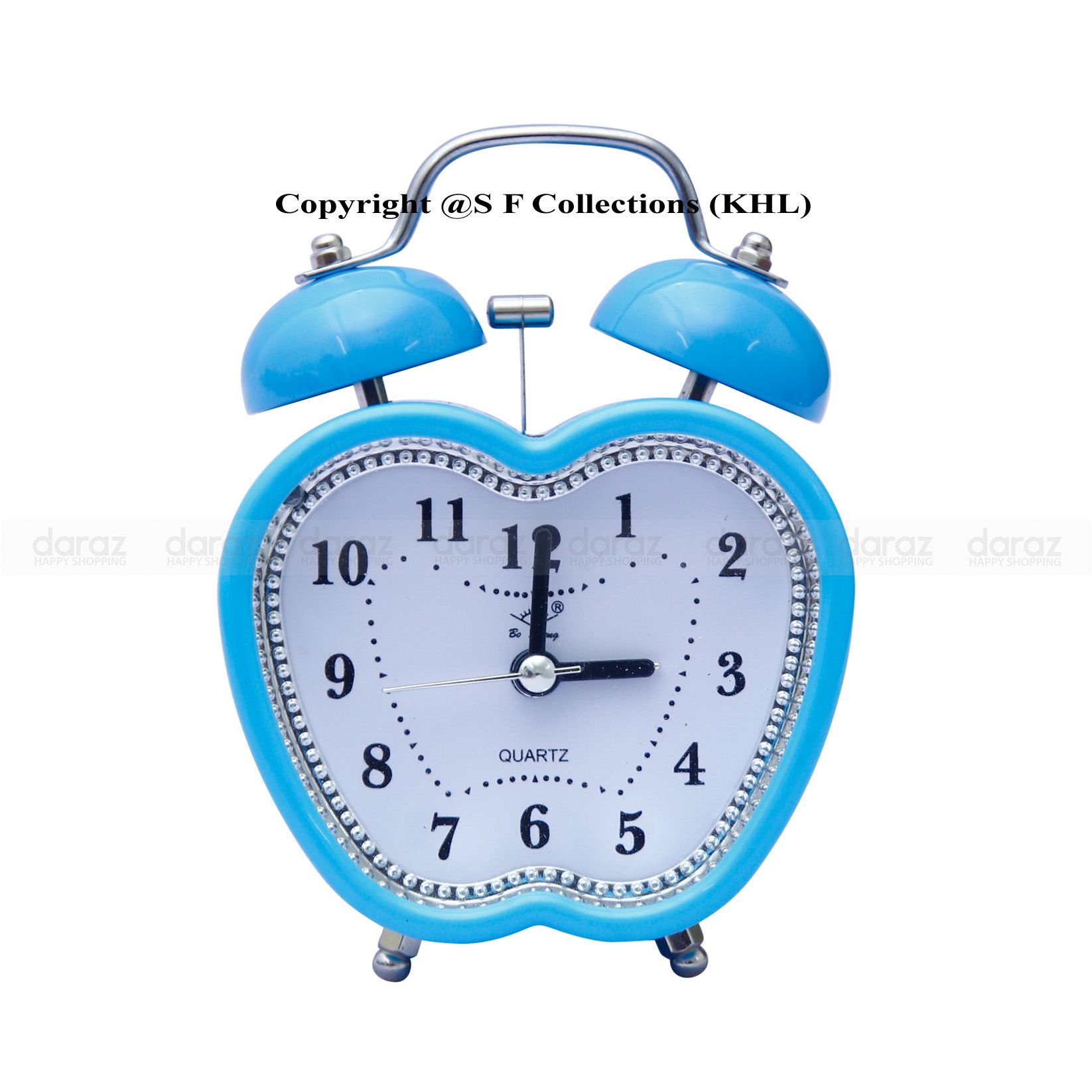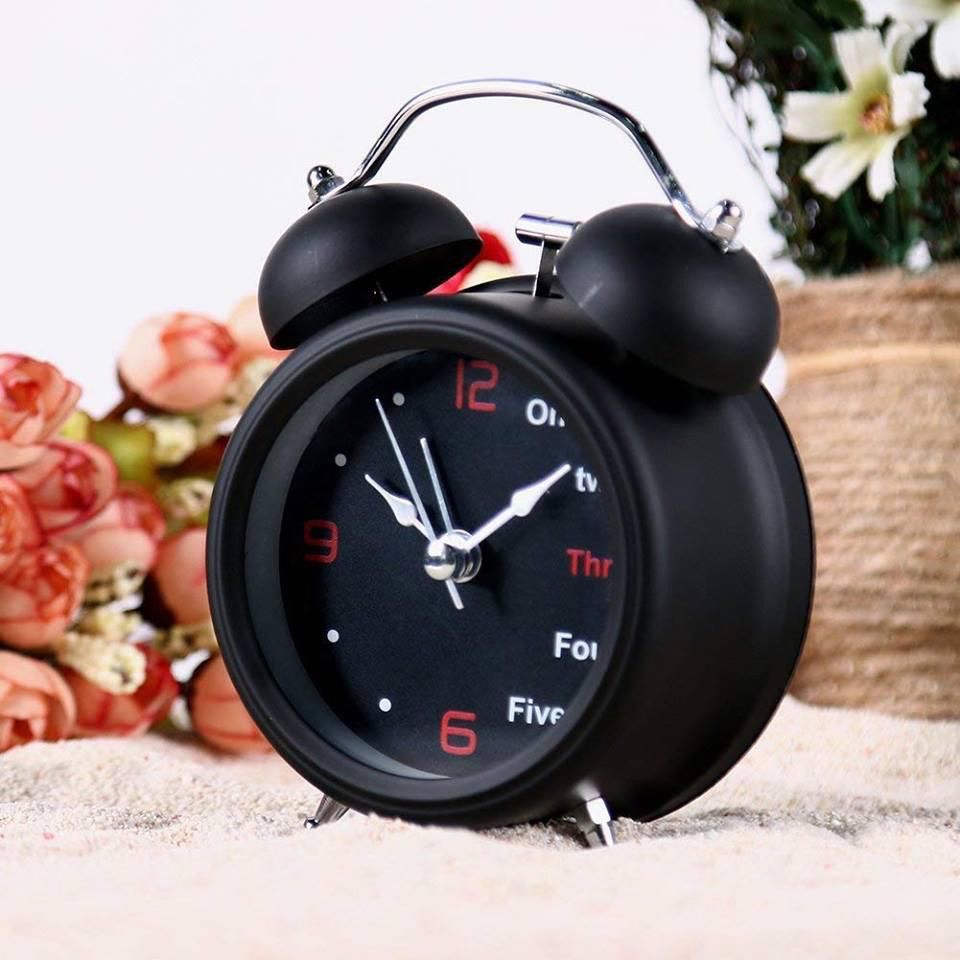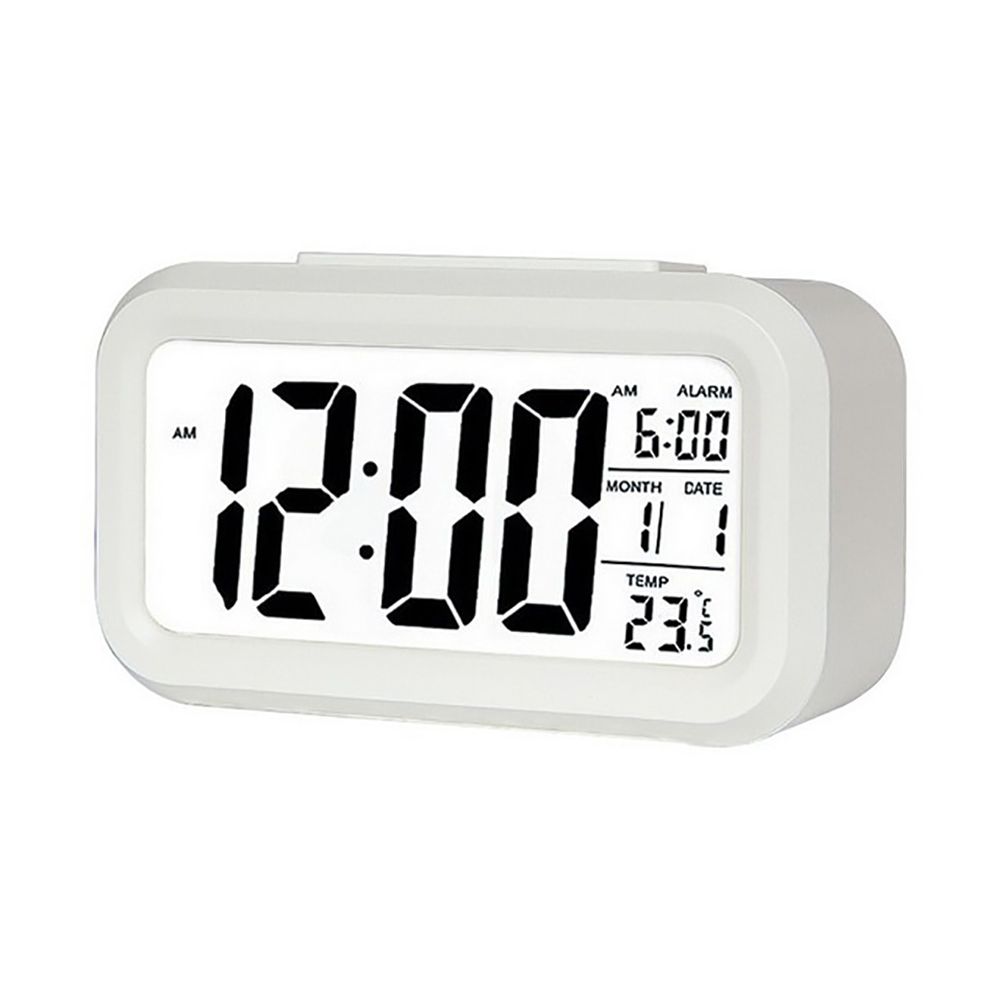
Ehousehold Desktop Digital LCD Display Calendar Thermometer Electronic Snooze Alarm Clock
- How to set the time:
- Push the button to the desired time position.
- Then press the hour,minute button to set the time.
- After setting the time, push the button back to the lock mold.
- How to set the date:
- Push the button to the date position.
- Then press the year, month and day button to set the date.
- After setting the date, push the button back to the lock mold.
- How to set the alarm clock:
- Push the button to the alarm clock position.
- Press the hour, seconds button and set the alarm time.
- After setting the alarm time, push the button back to the lock mold.