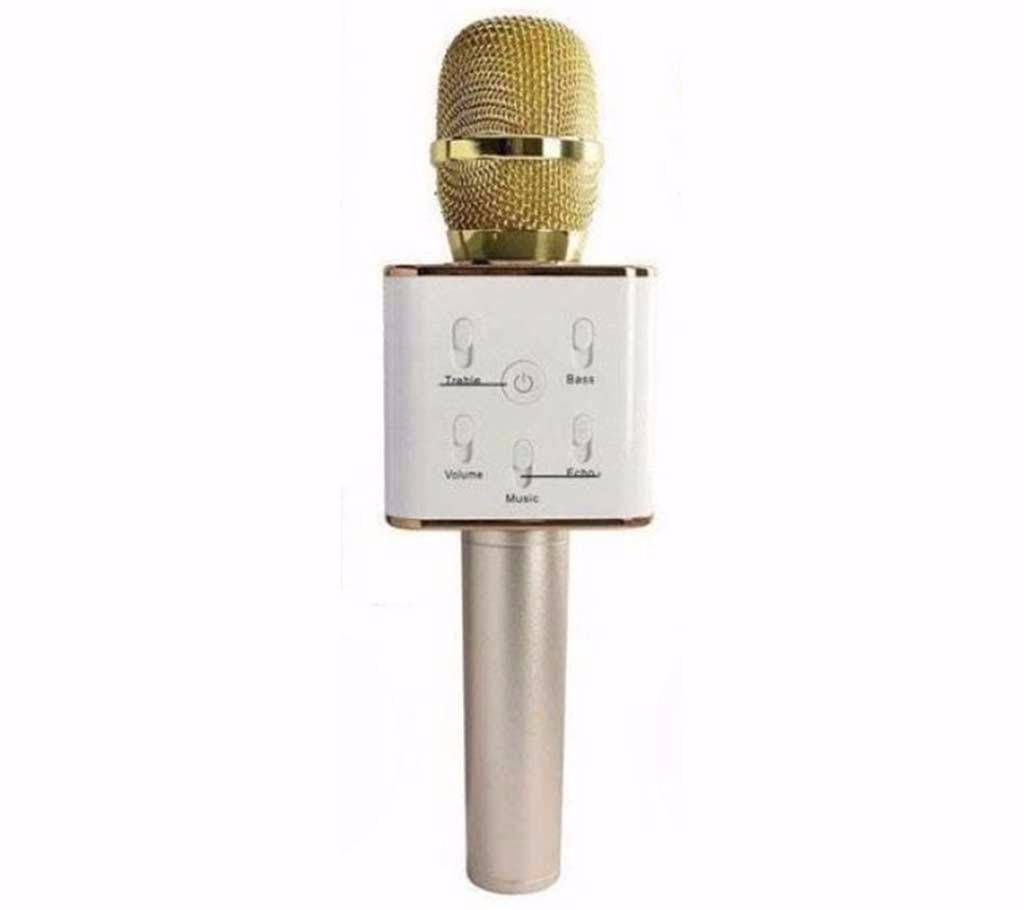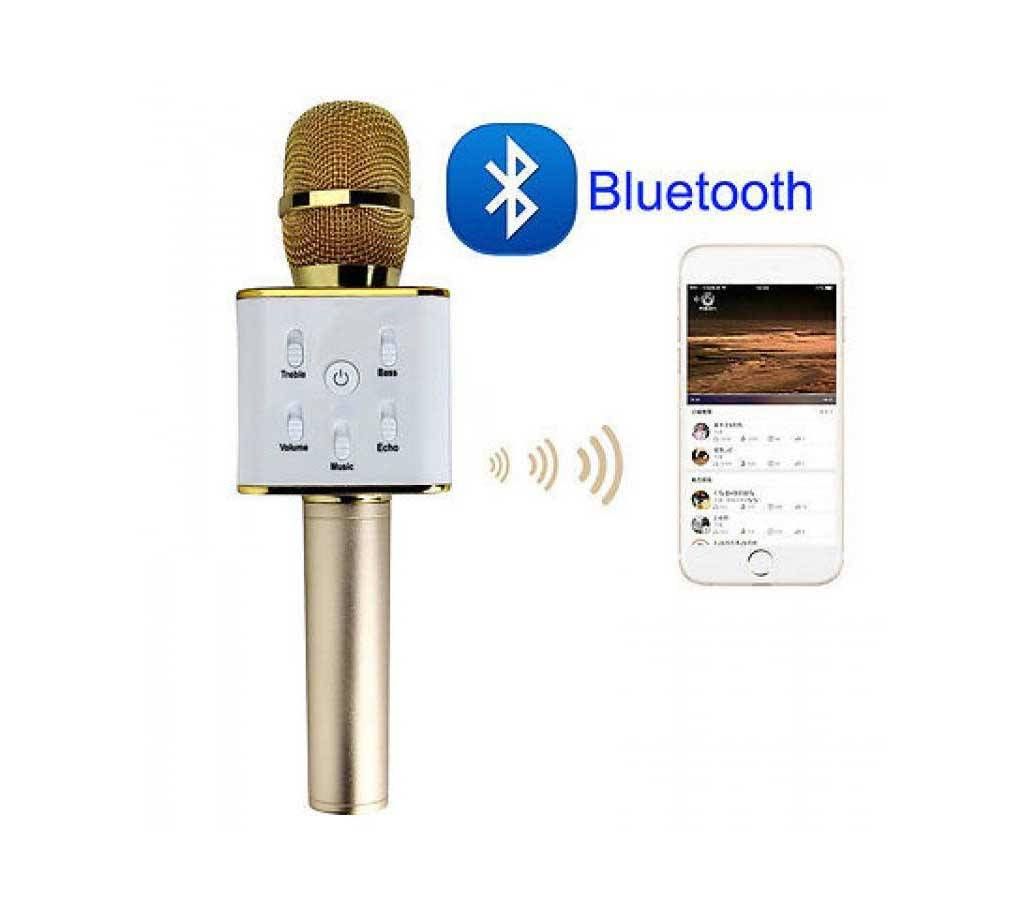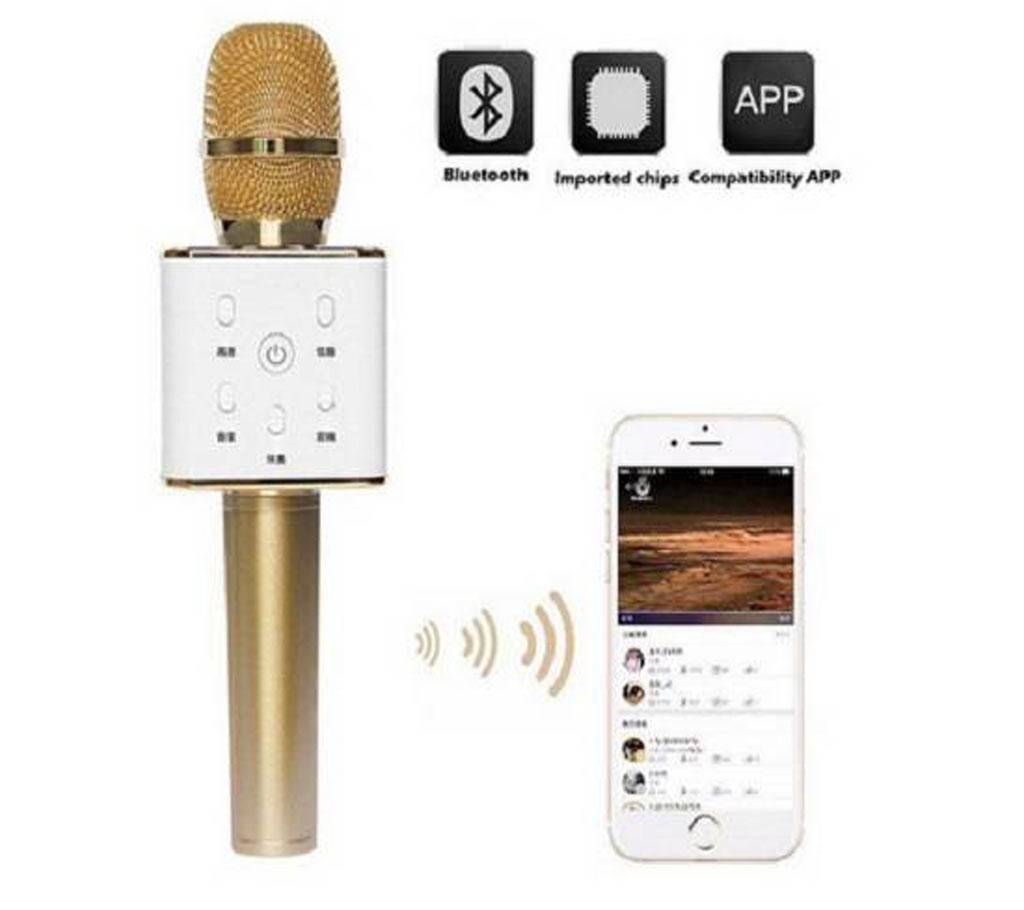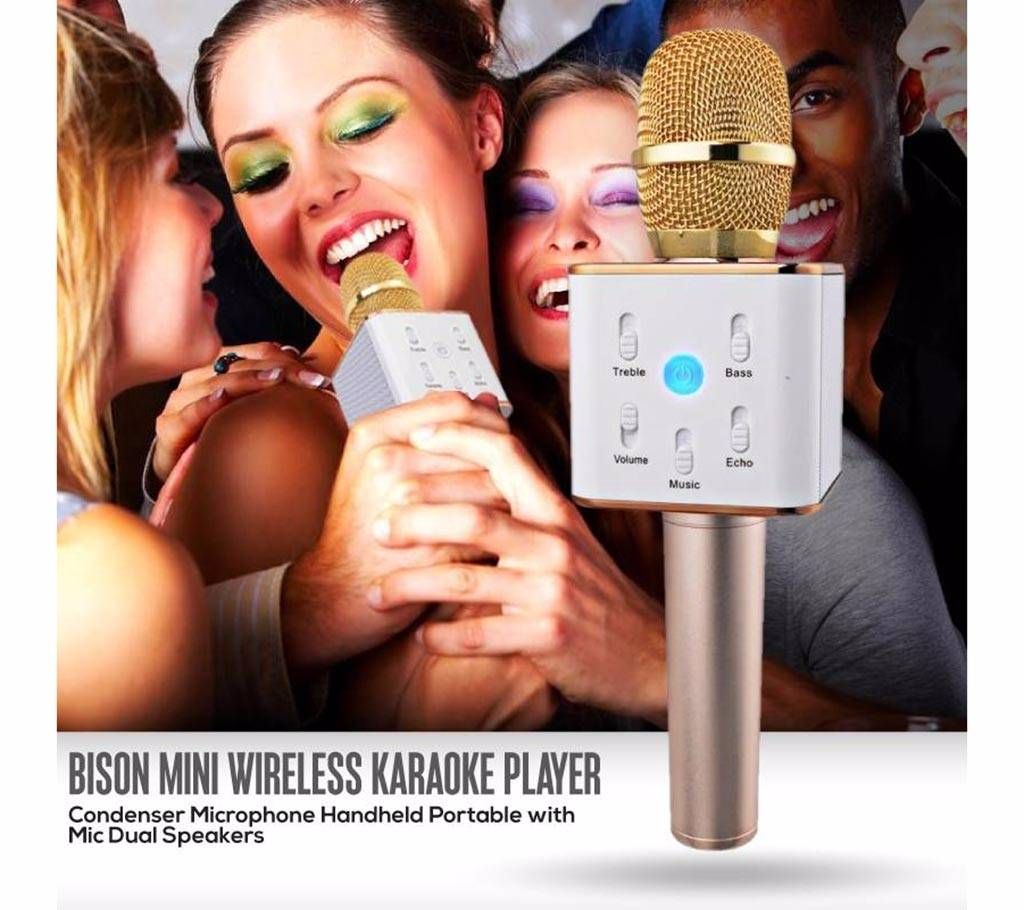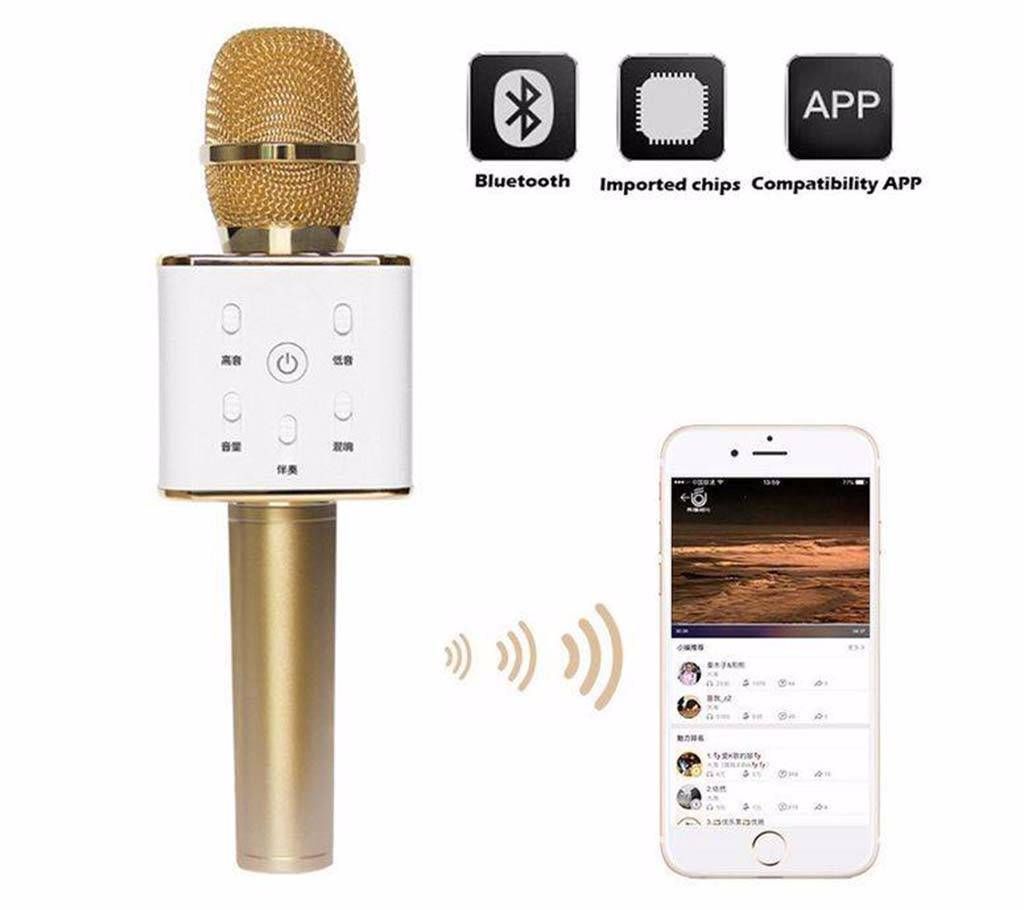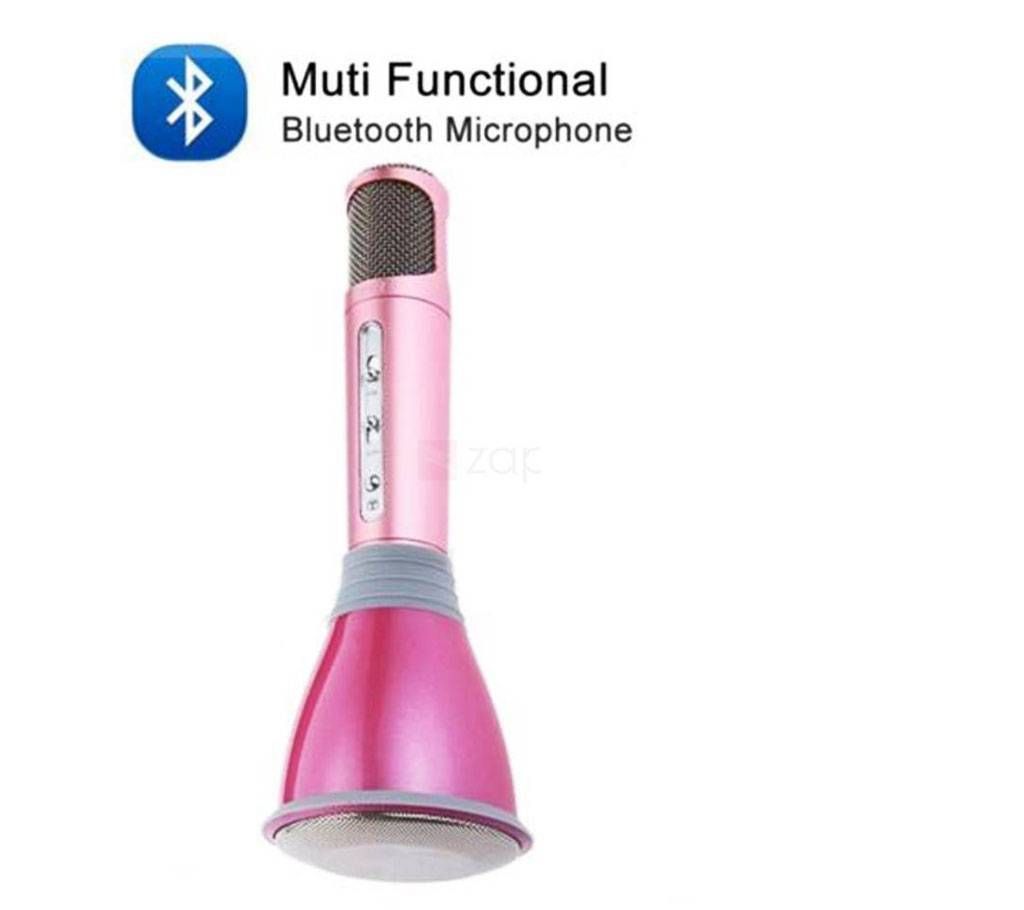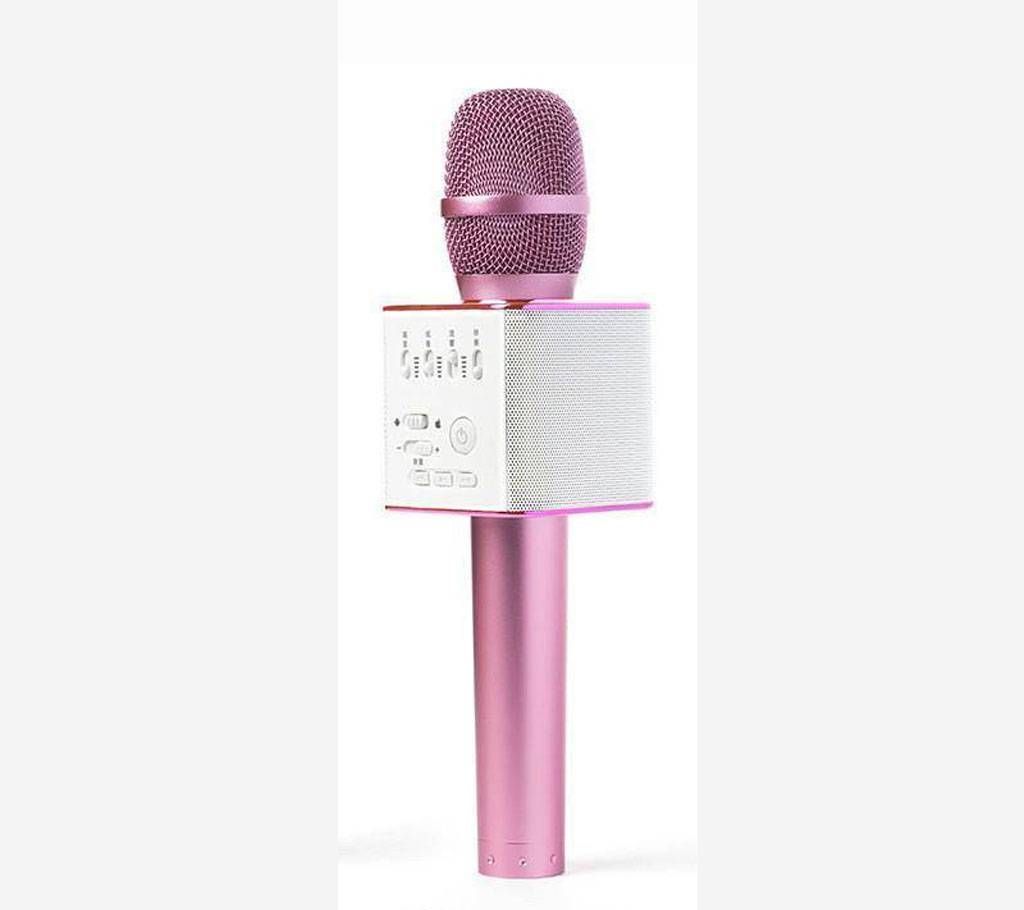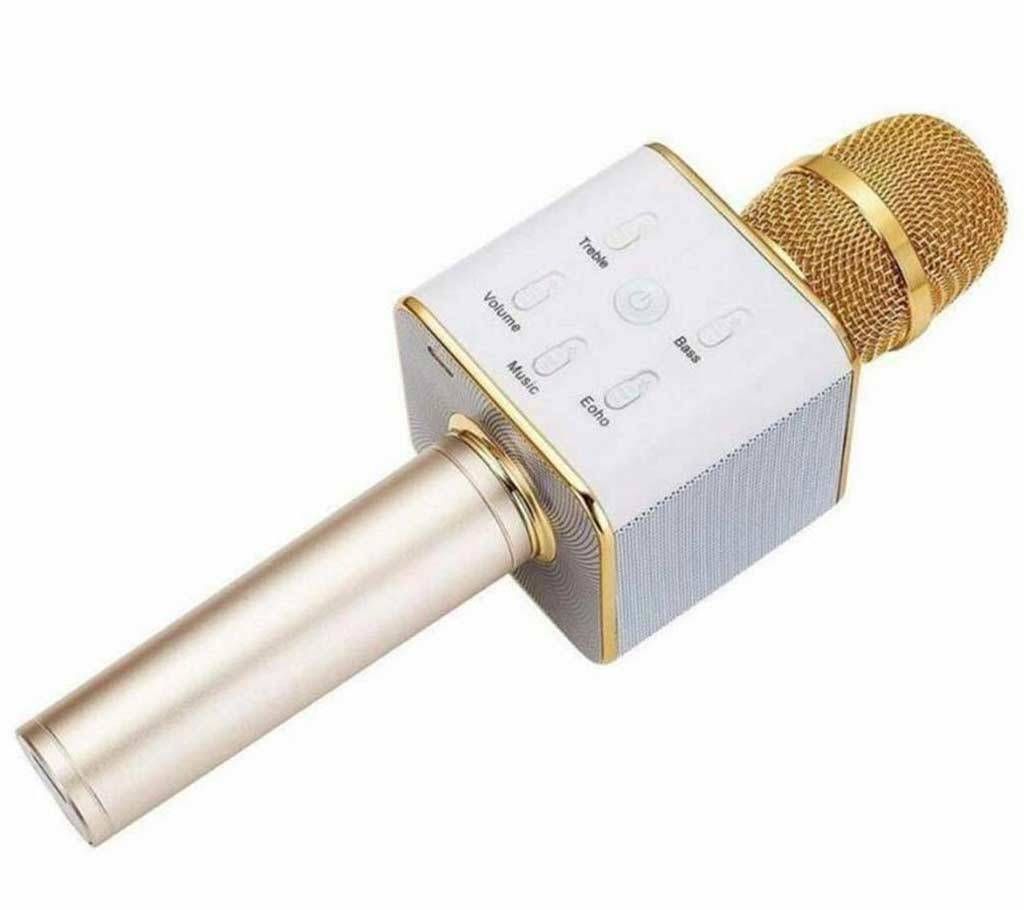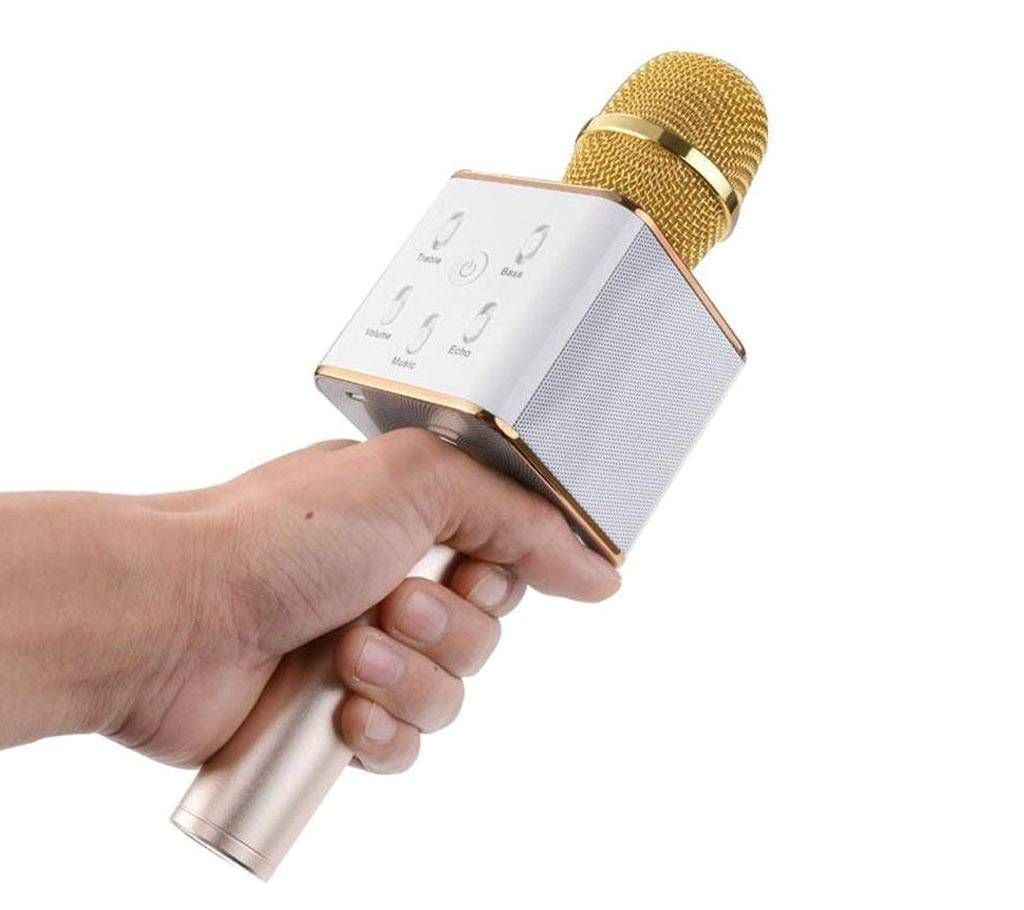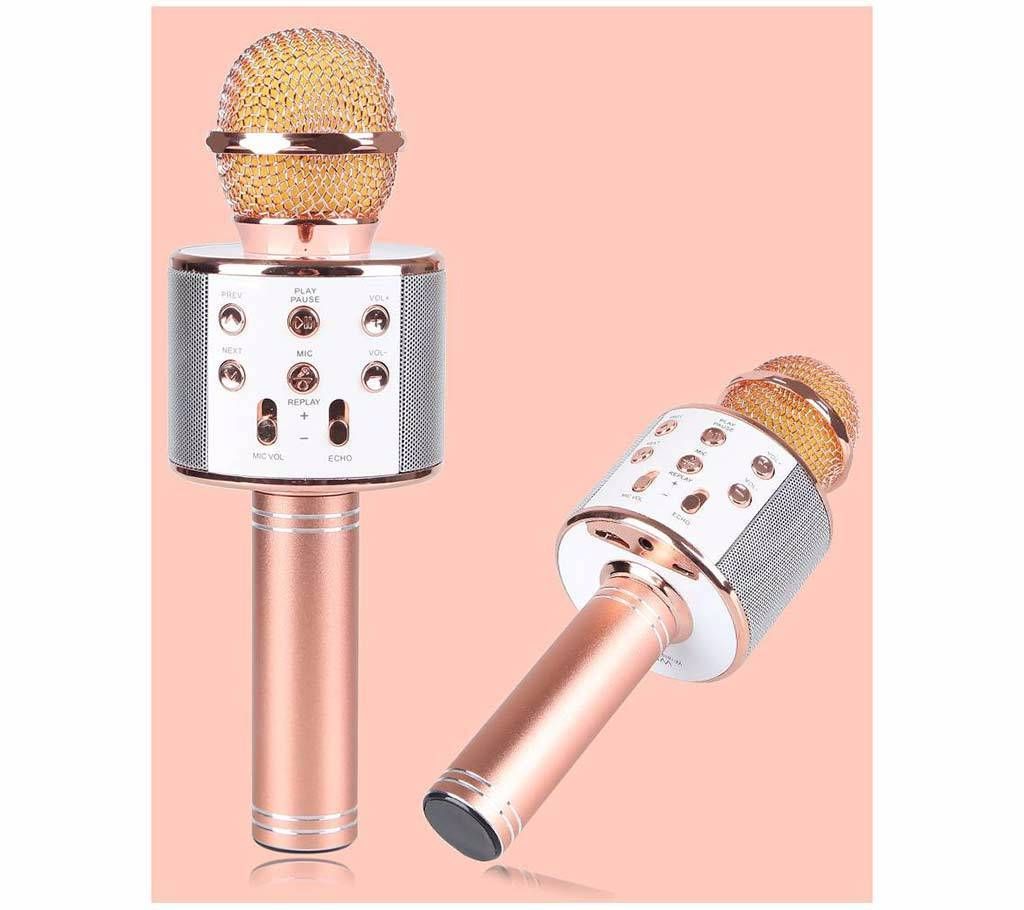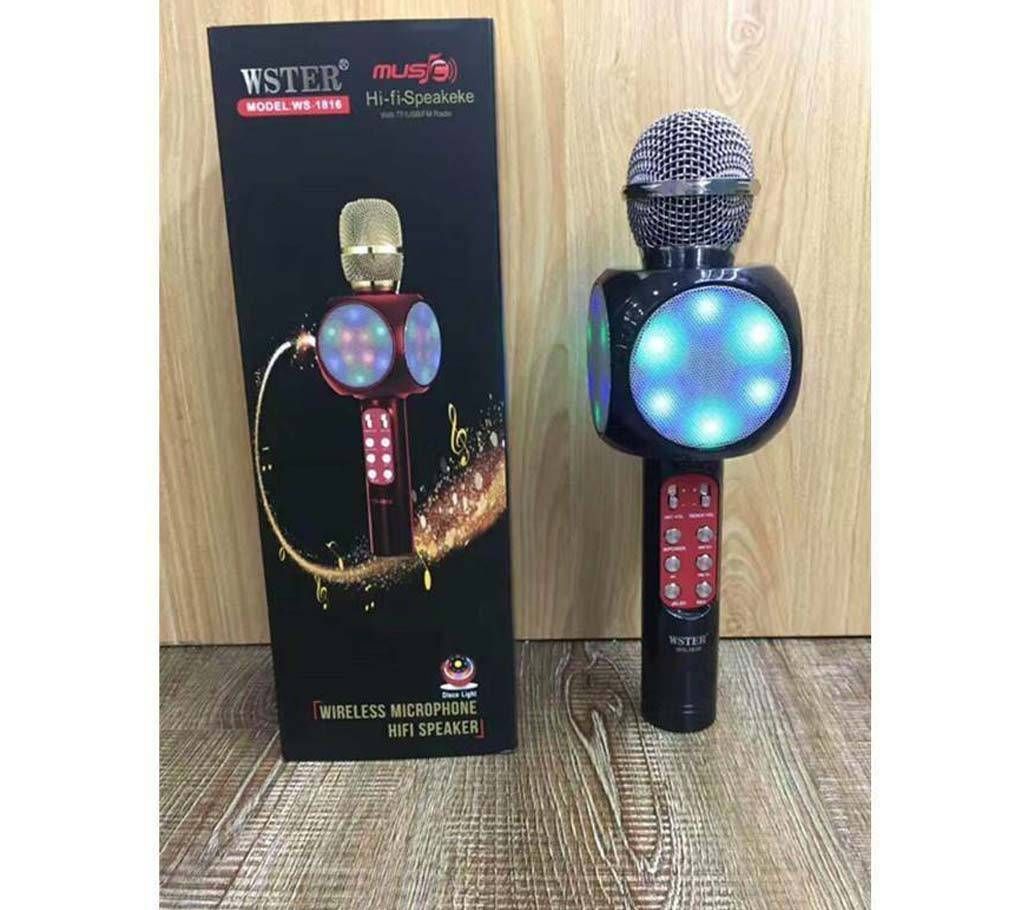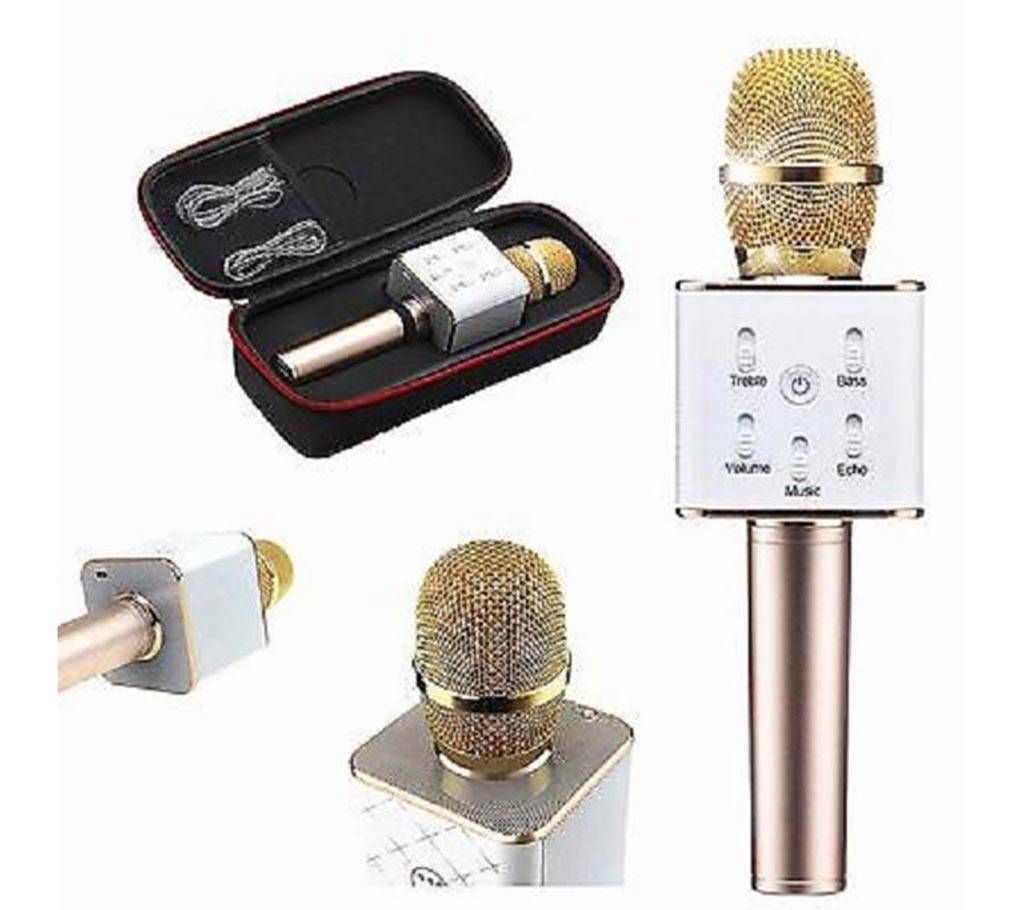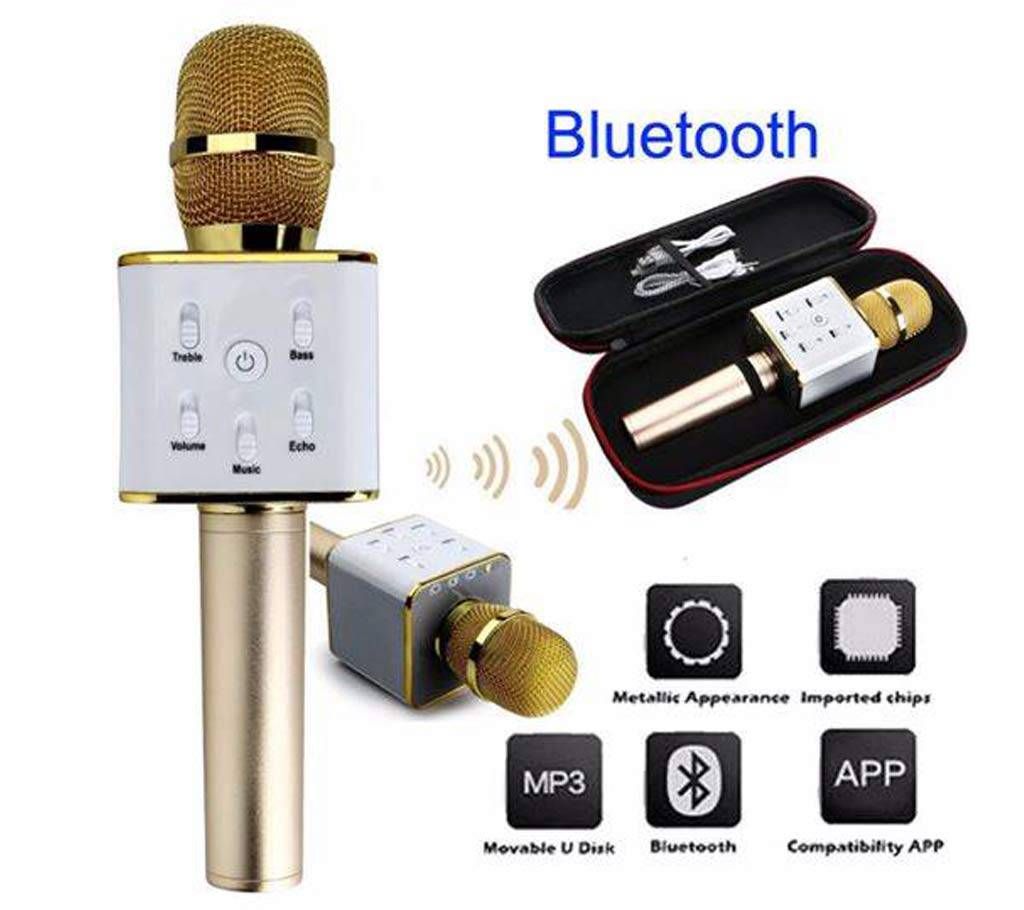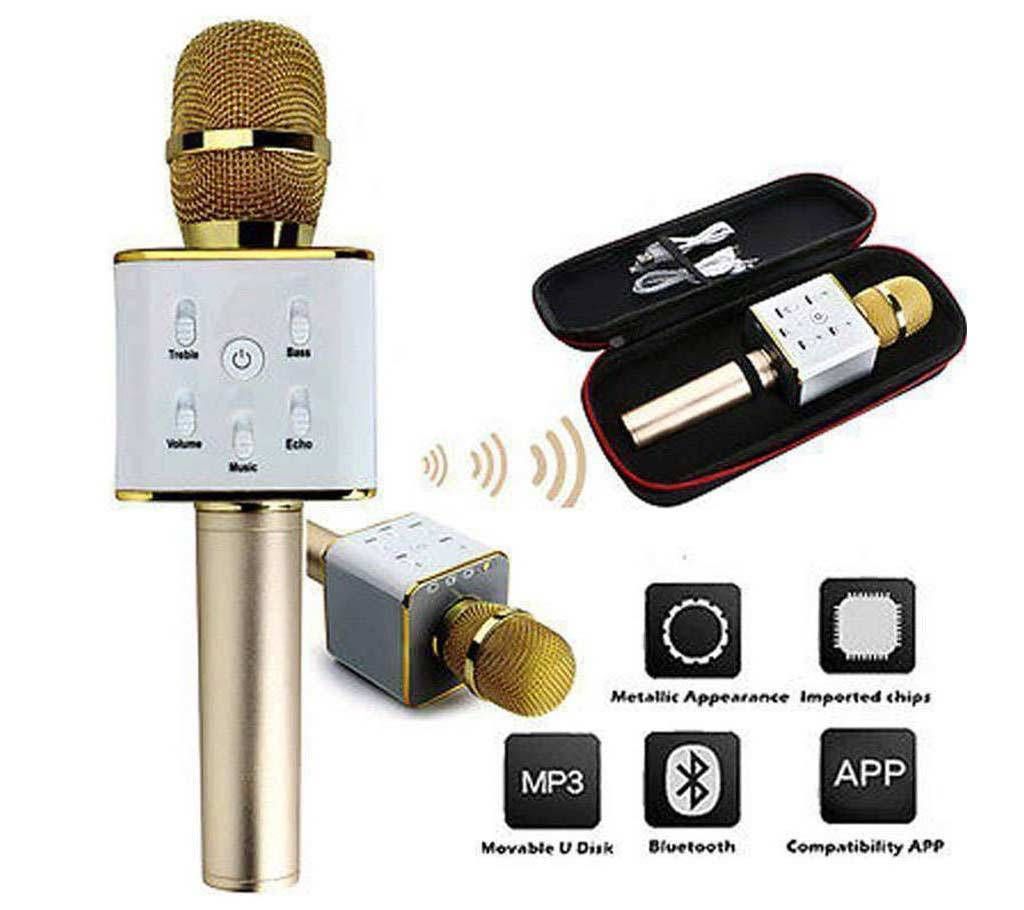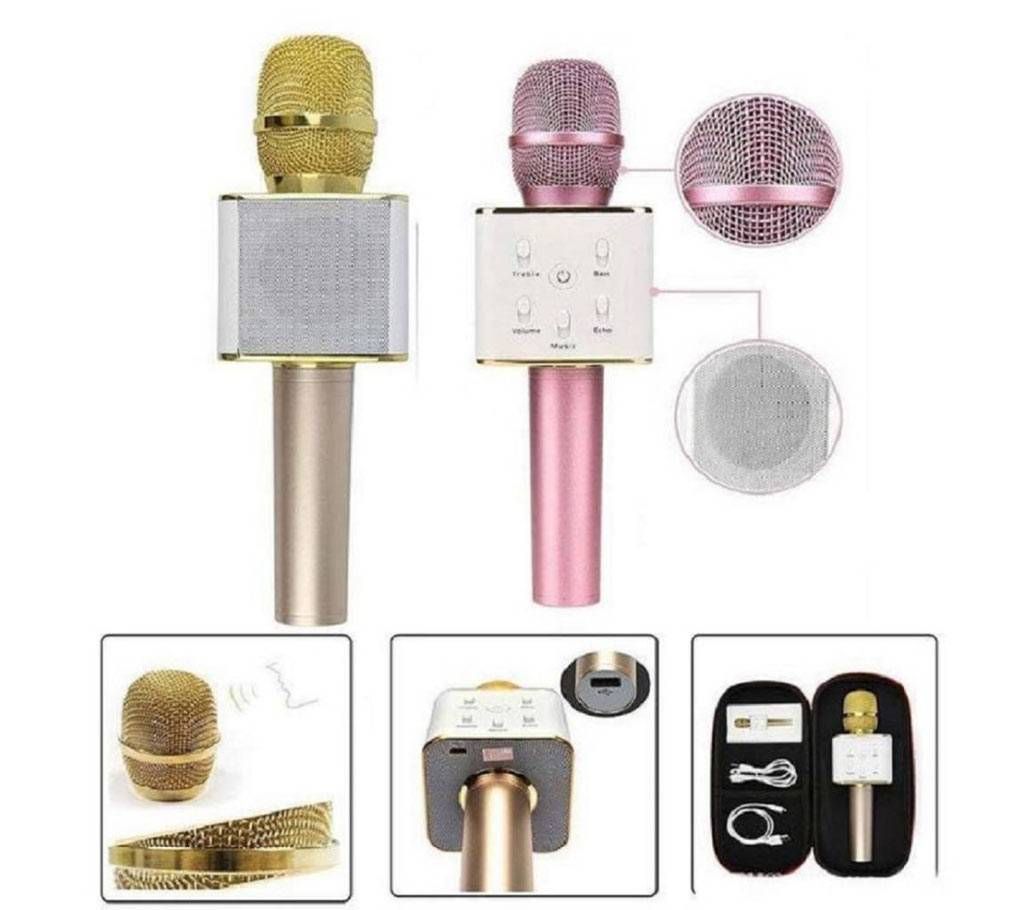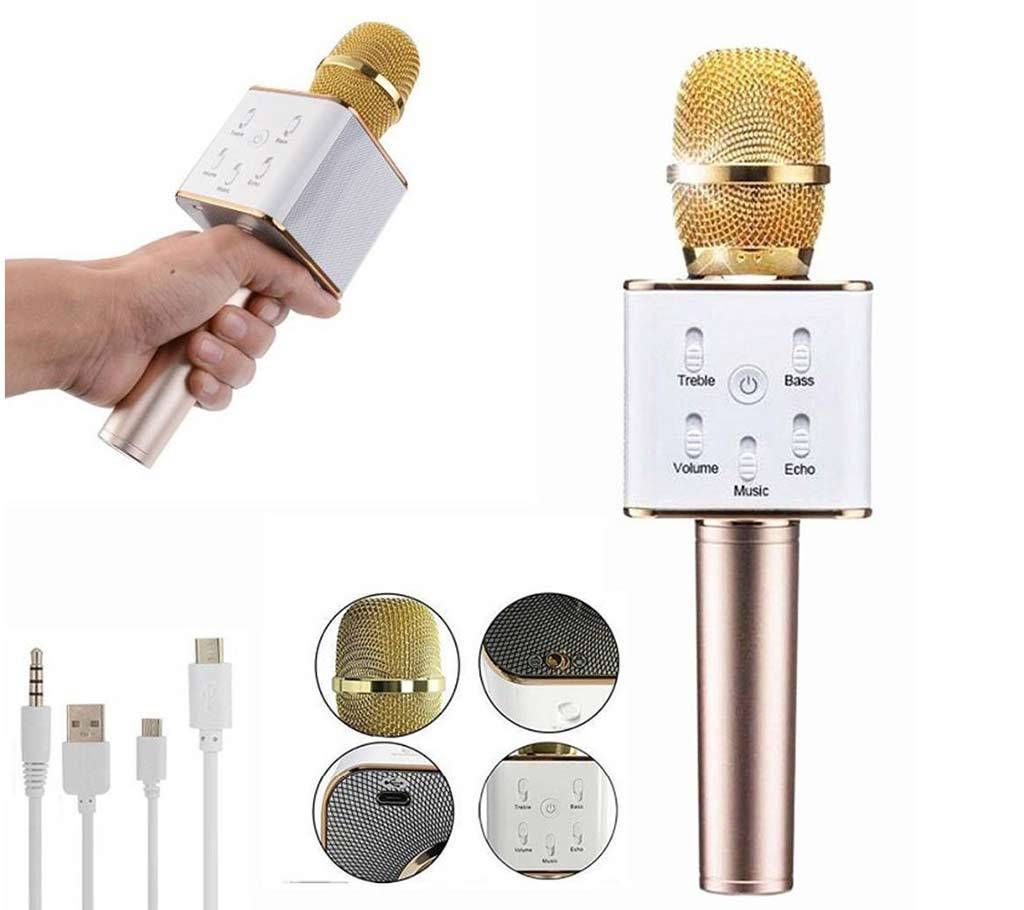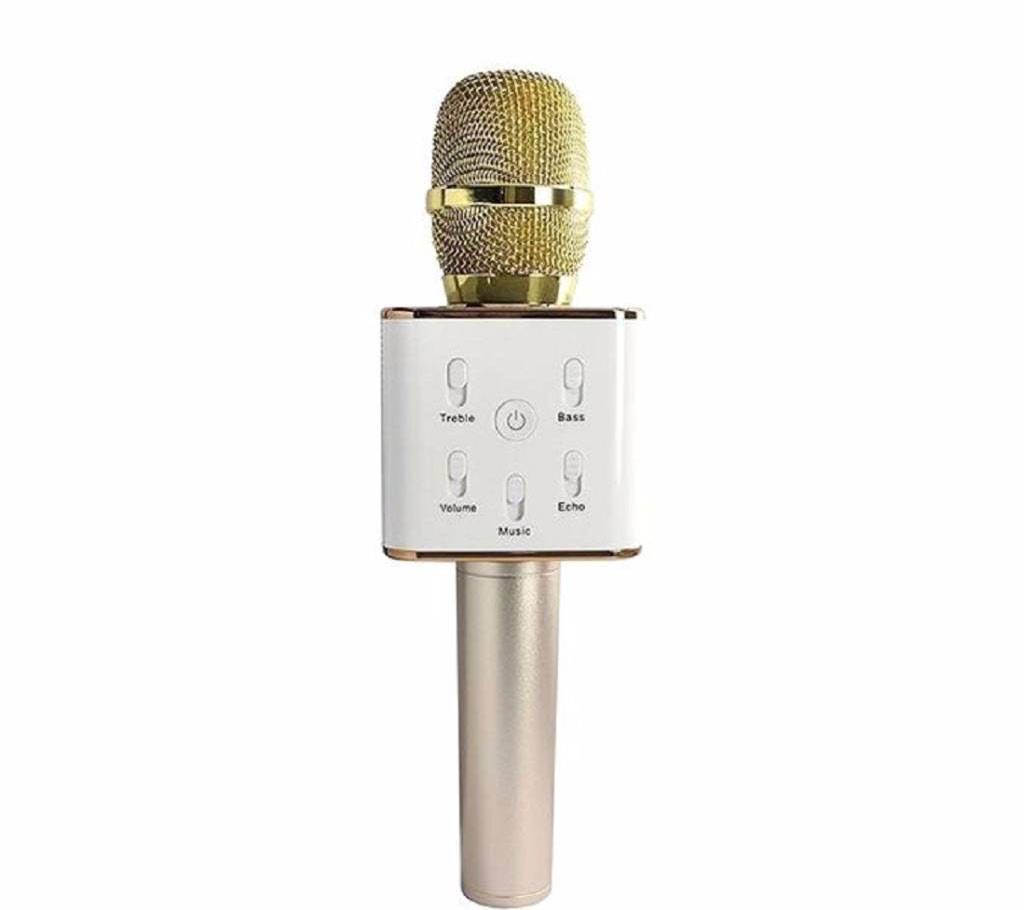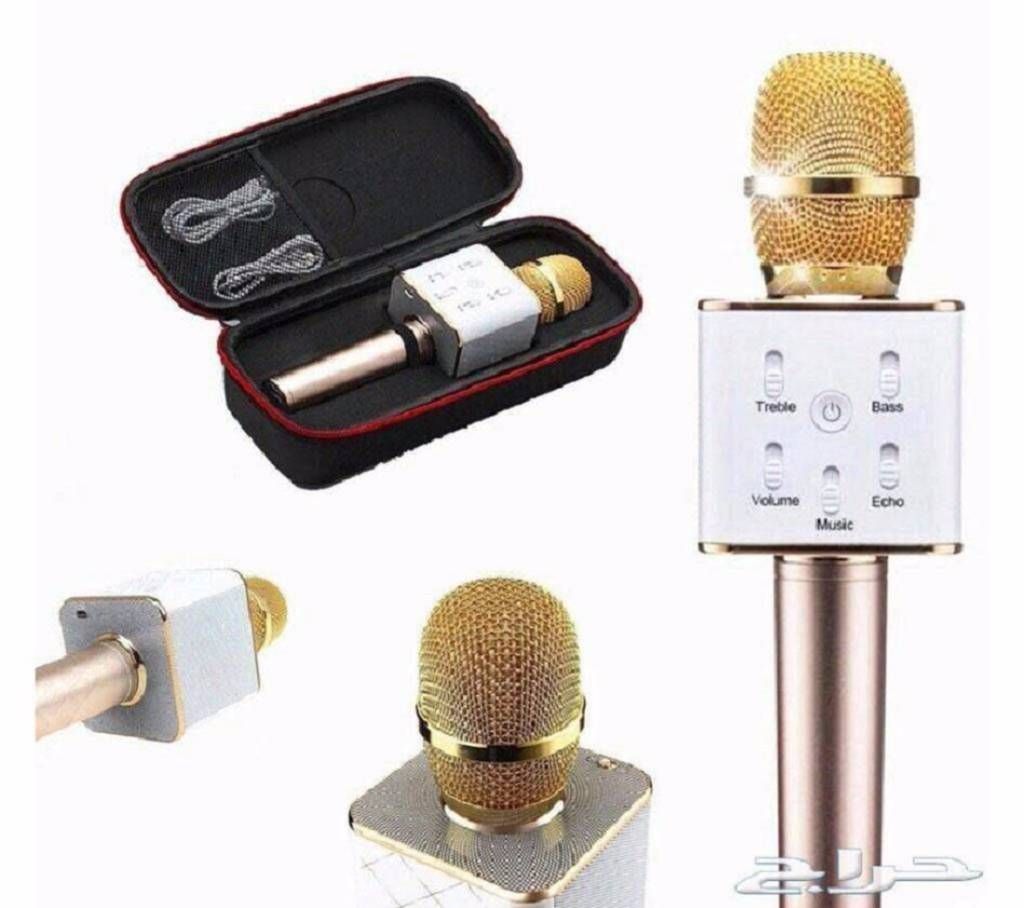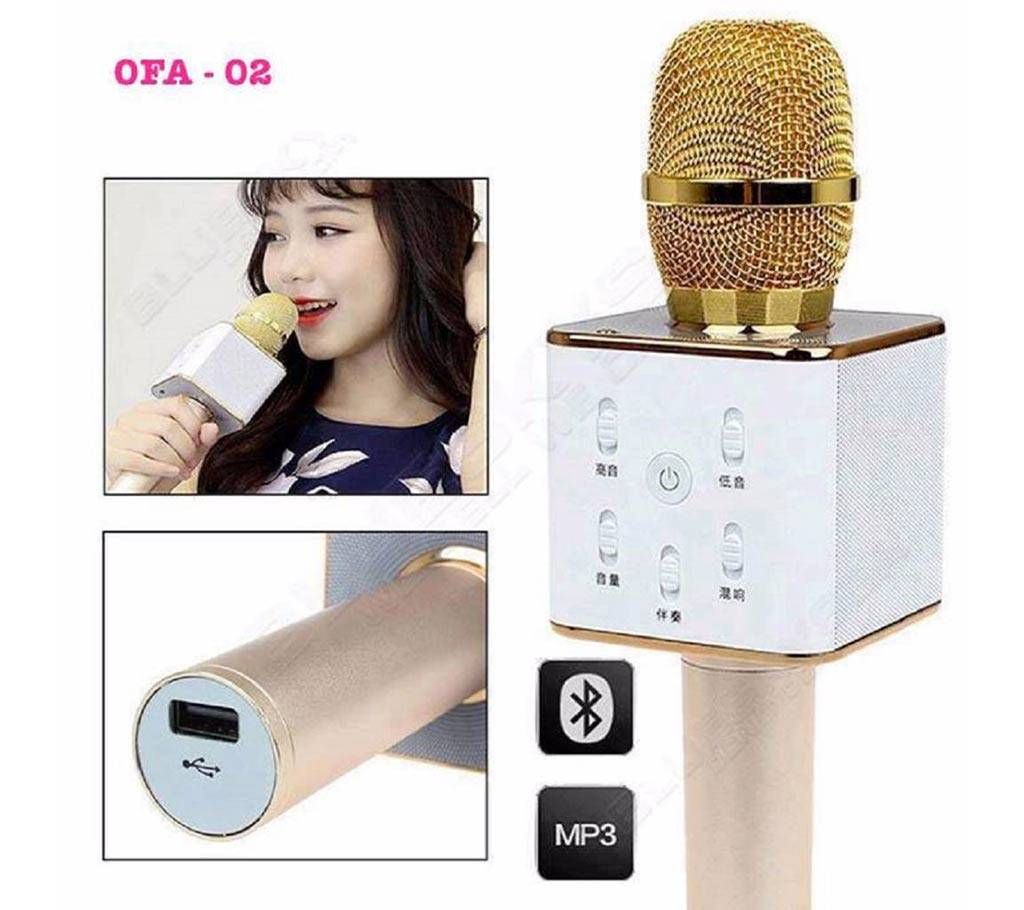
HIFI MICROPHONE
ডিজিটাল কারাওকে মাইক্রোফোন
structions:
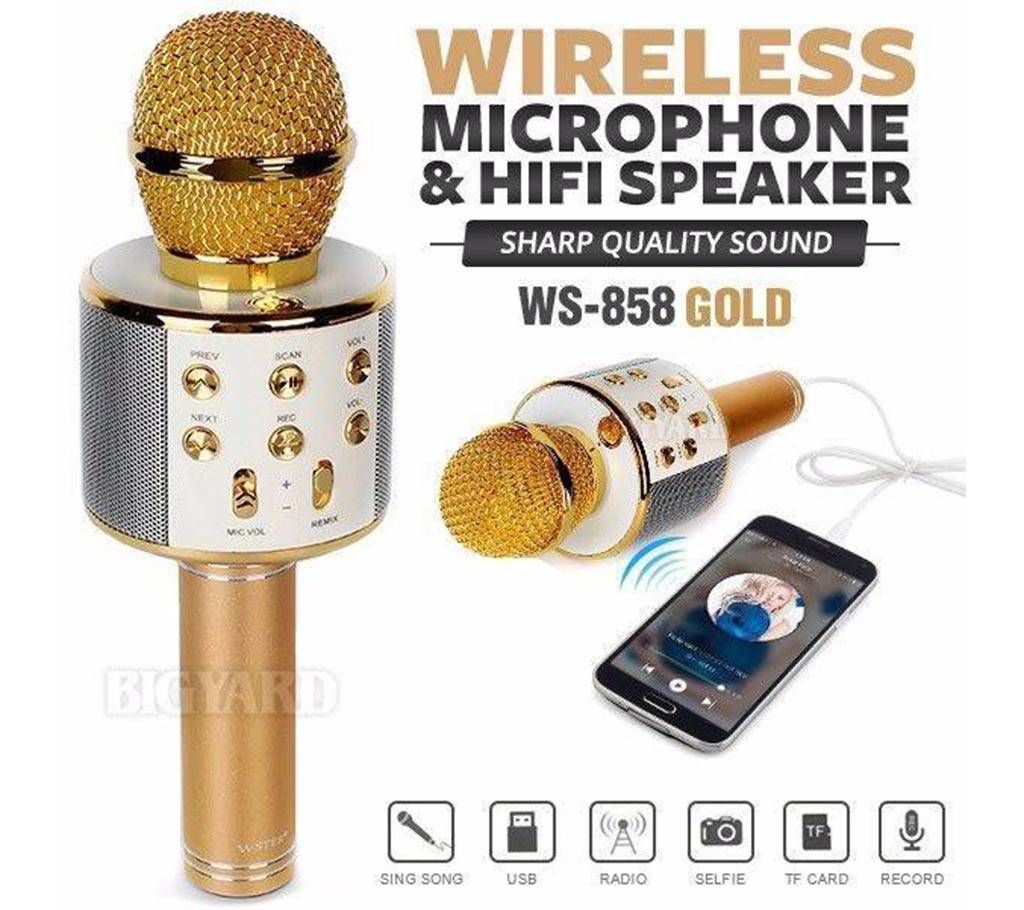
Wireless Karaoke:
Supply power Hold button to start the product.
.Wireless connection: enable the wireless or mobile phone, click to connect successful connection if prompt tone is produced
Adjust sound: adjust the sound volume of mike and the reverberation to suitable level.
Start Karaoke
Recording with mobile phone:
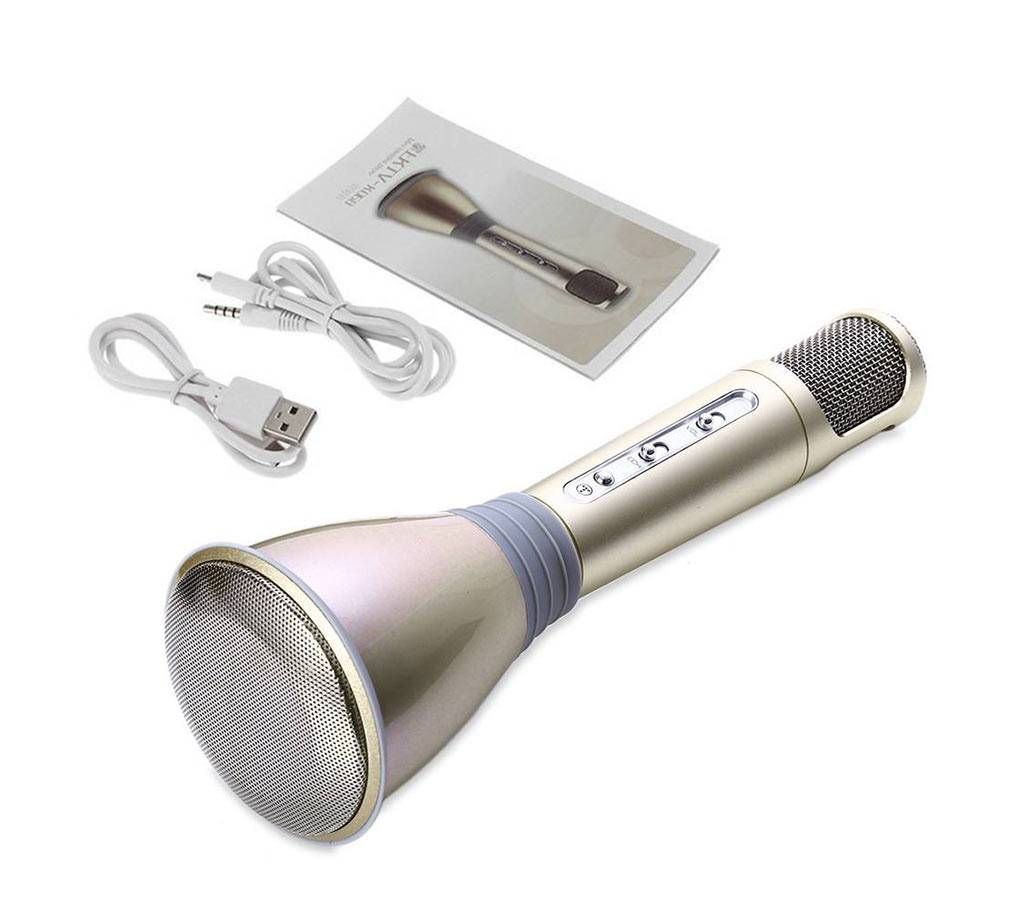
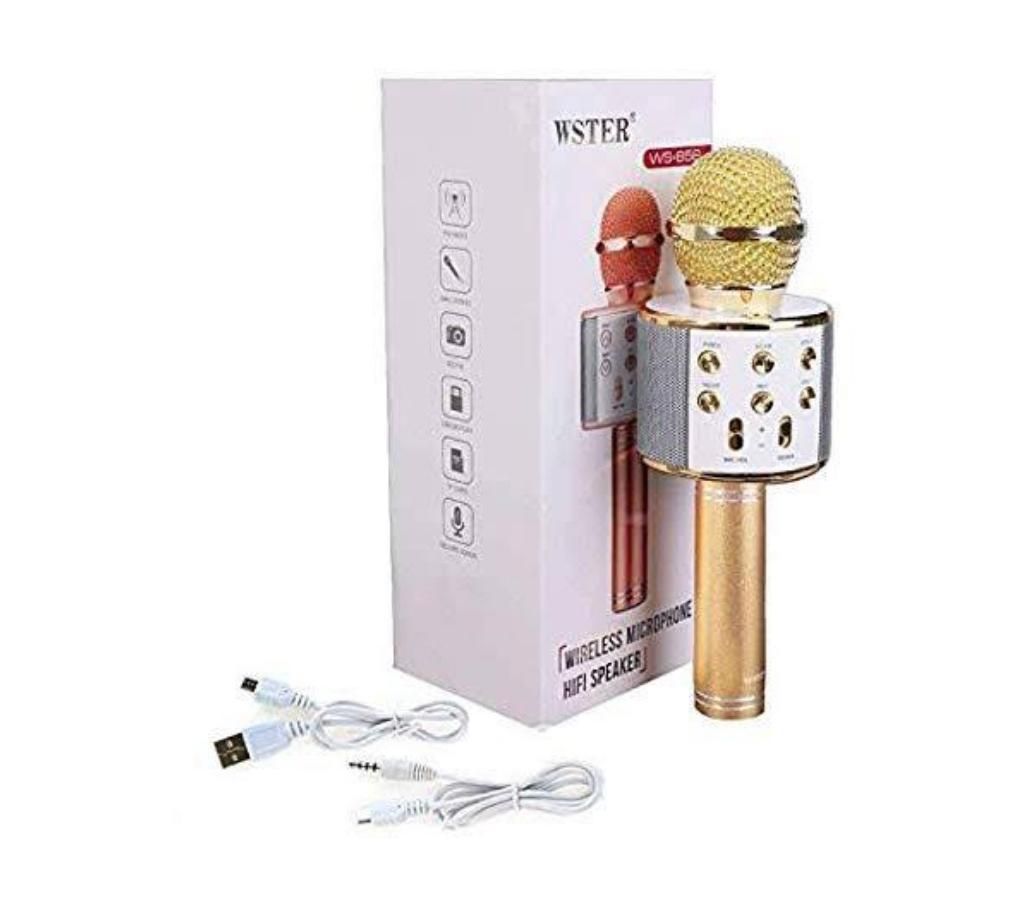
Connect the recording wire insert the MICRO plug of the recording wire into the MICRO interface of Karaoke Treasure, and the 3.5mm interface into the earphone jack of the mobile phone
open the Karaoke software in the mobile phone, such as: USING. Kugou Music or other recording APPs, select your favorable song, record the song according to the above mentioned singing method.Test and save the song: operate according to the instructions of Karaoke software
Selfie function:
press the “d)” button to switch from wireless mode to selfie mode;
Enable wireless in the mobile phone, search “shutter”, click connection3. Open the photograph interface of the mobile phone