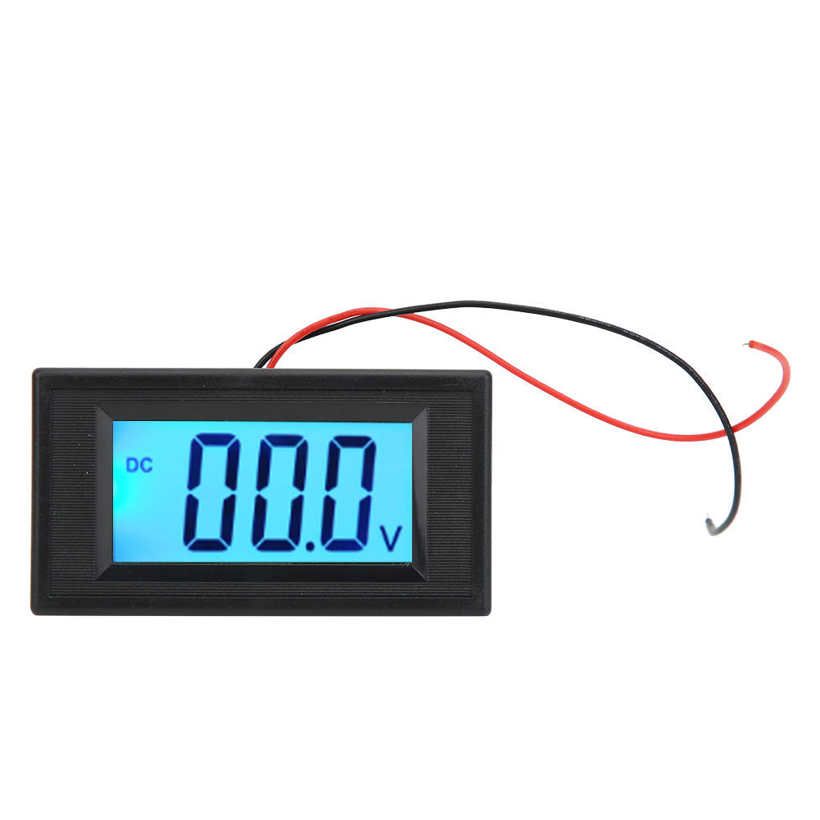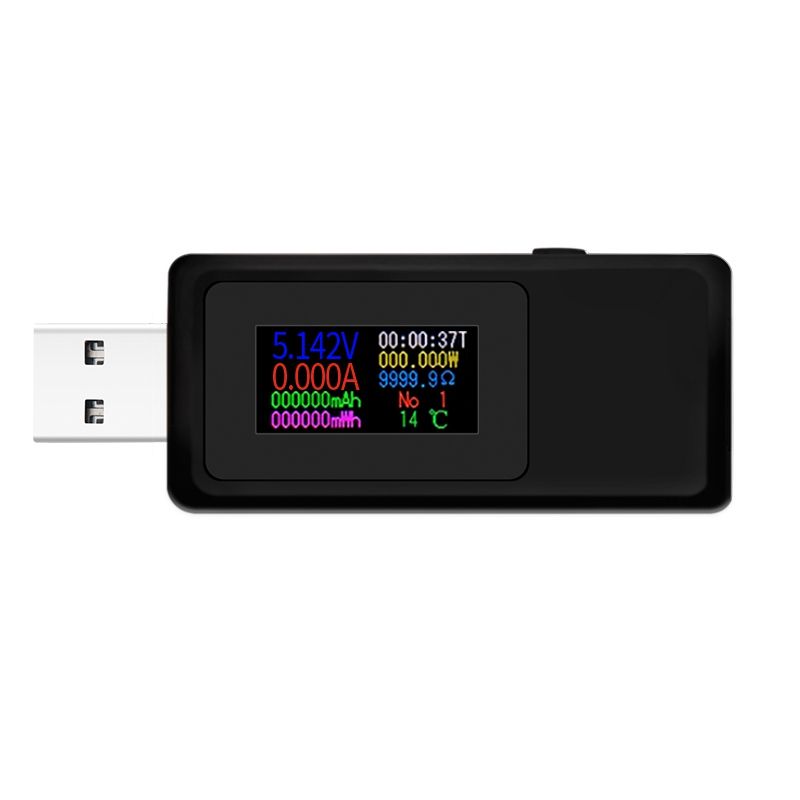
KWS-MX19 USB Tester DC 4V-30V 0-5A Current Voltage Detector Power Ammeter Digital Capacity Charger Monitor
- 1. Timing shutdown settings. Continue to click the button until the screen display appears on the right. Then press and hold the button for 3 seconds, the numbers on the screen will flash. Click the button again to increase the 30-minute shutdown delay. Then press and hold the button for 3 seconds to save your settings.
- 2. Overvoltage protection settings. Continue to click the button until the screen display appears on the right. Then press and hold the button for 3 seconds, the numbers on the screen will flash. Click the button again to increase 0.5 volts. Then press and hold the button for 3 seconds to save your settings.
- 3. Overcurrent protection settings. Continue to click the button until the screen display appears on the right. Then press and hold the button for 3 seconds, the numbers on the screen will flash. Click the button again to increase 0.5A current. Then press and hold the button for 3 seconds to save your settings.
- 4. Return to the main page, press and hold the button for 3 seconds to clear the saved data such as accumulated working time, power, and energy.