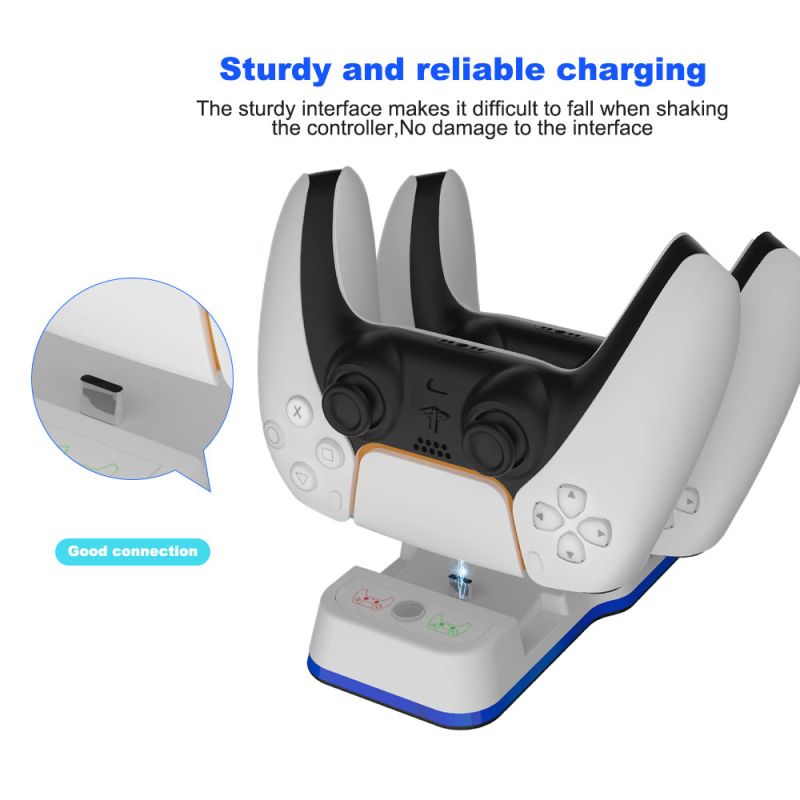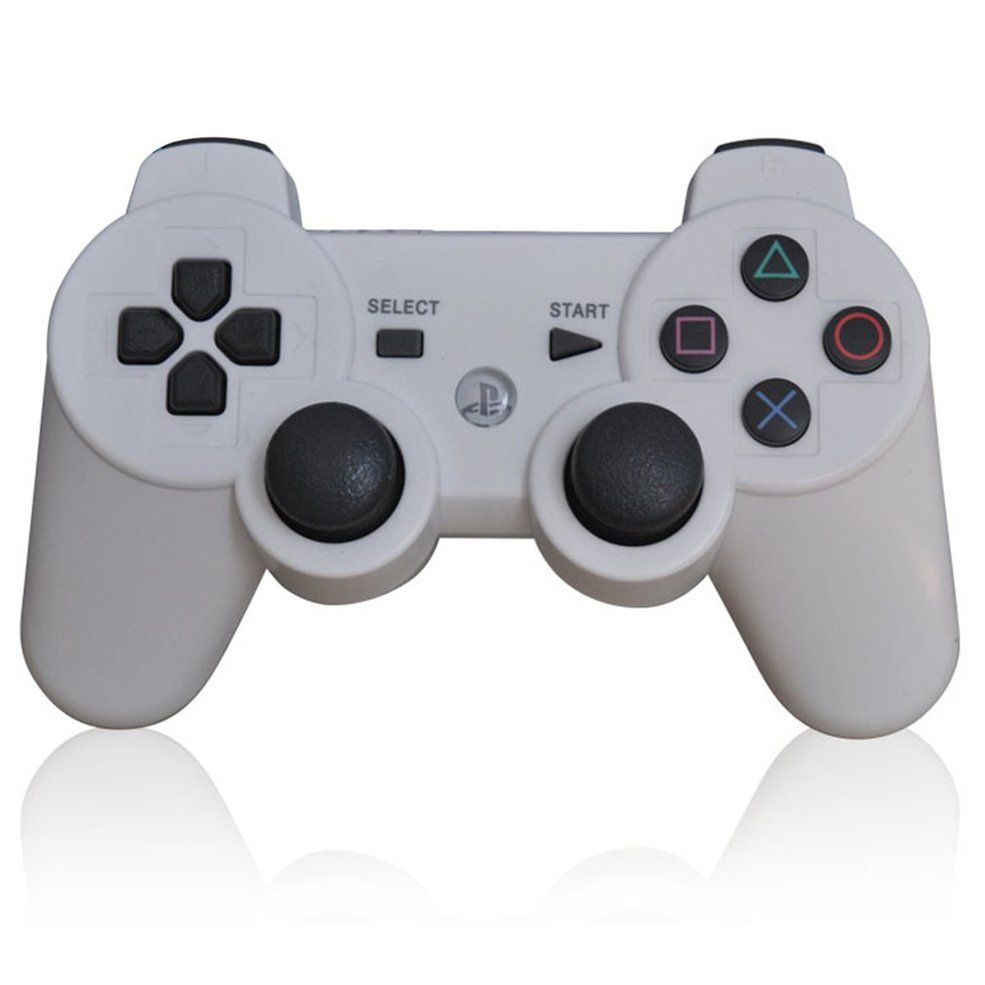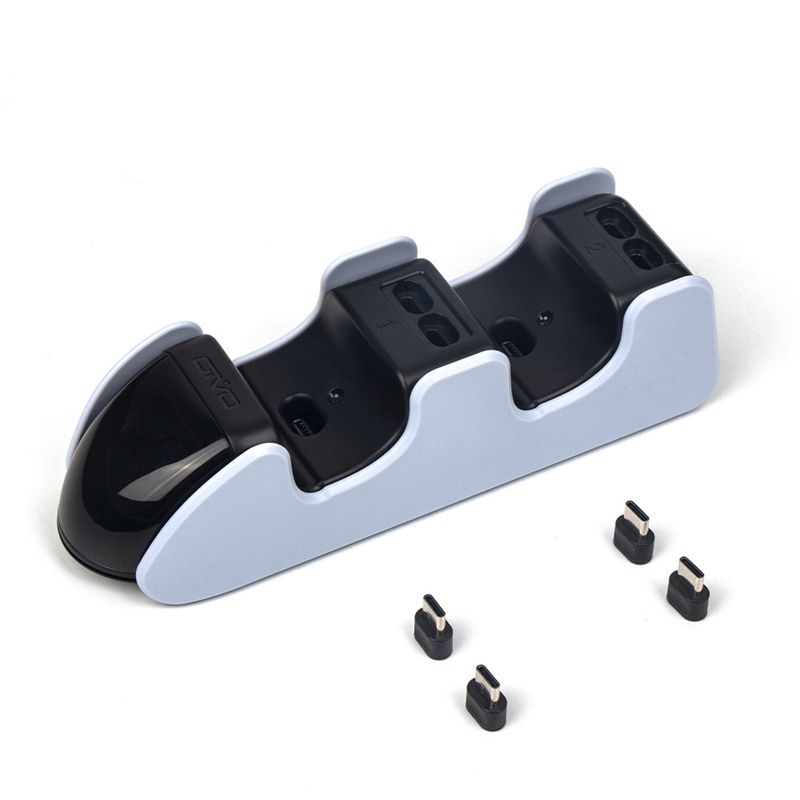
OIVO for PS5 Wireless Controller Charger Game Controller Charger PS5 Dual Charger with LED Light
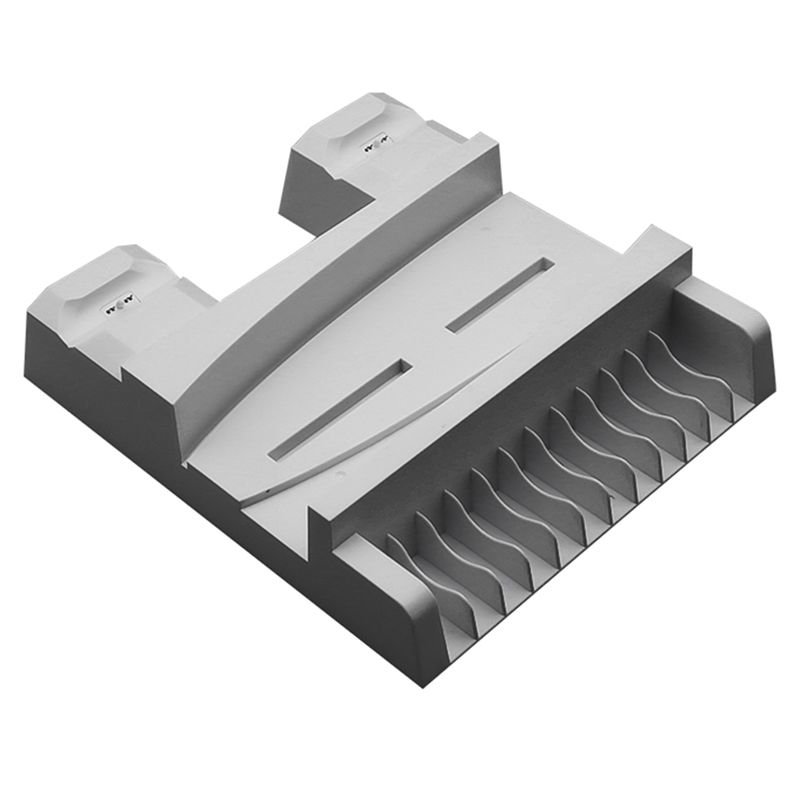
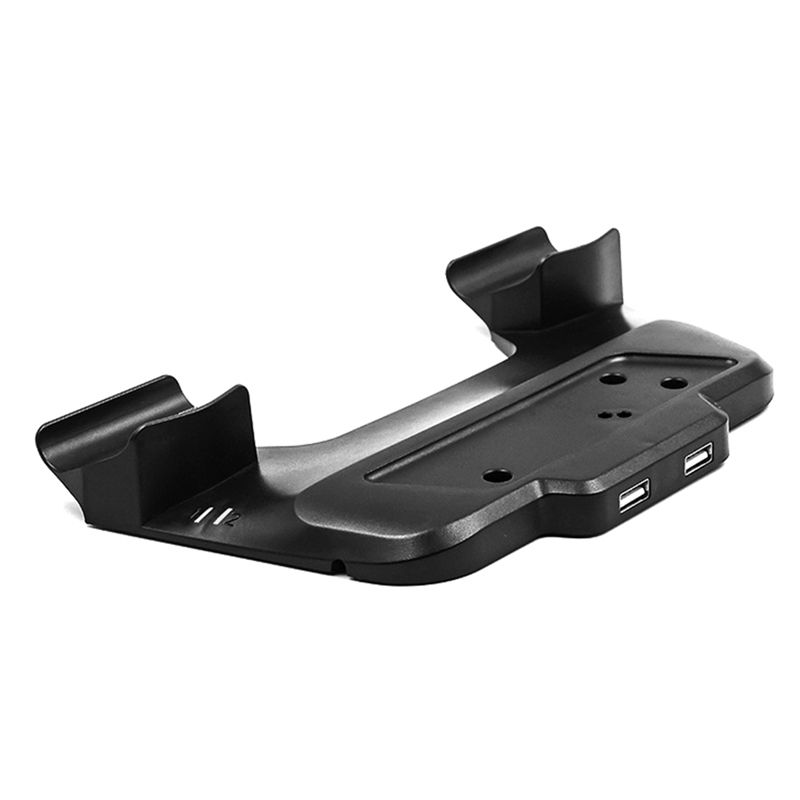
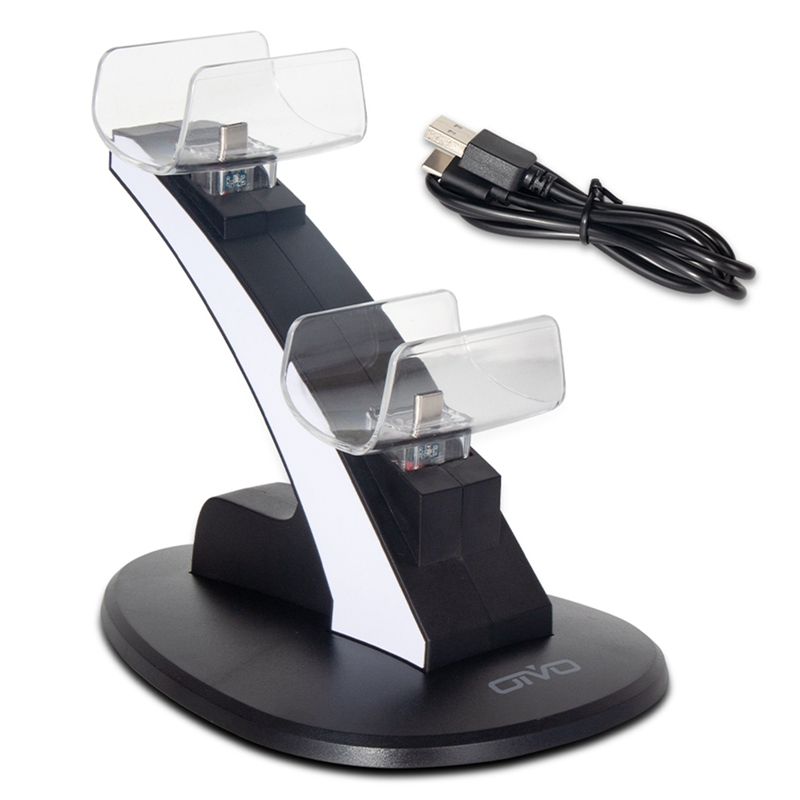
- Put Wireless Controller on the charging stock in headstand, keeping its jack right connected with the charging slot to start charging. The indicator light in the charging slot can indicate the charging state. With the light on, the stock is charging the battery pack.
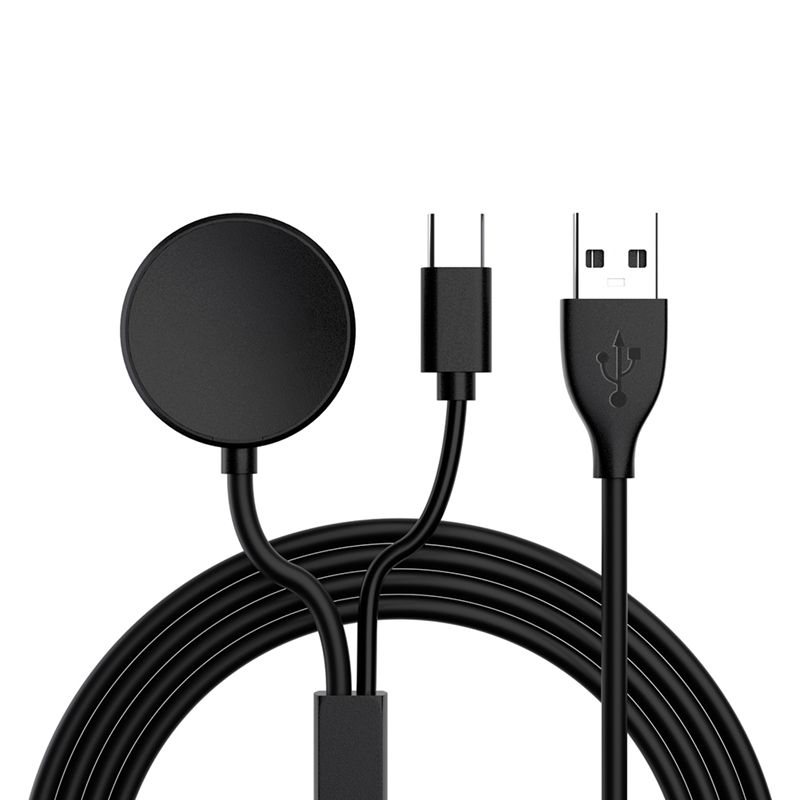
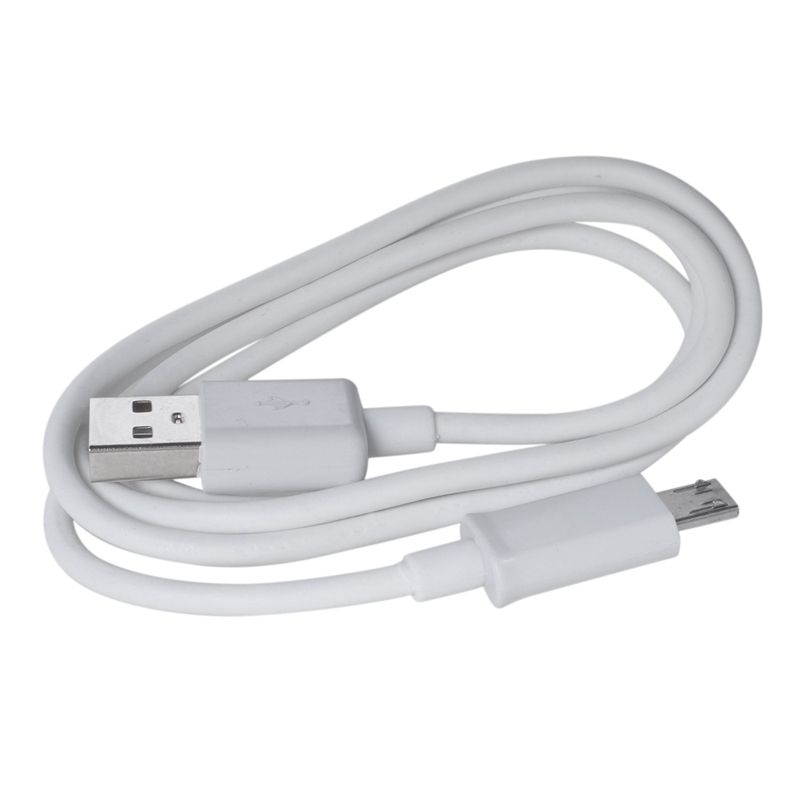
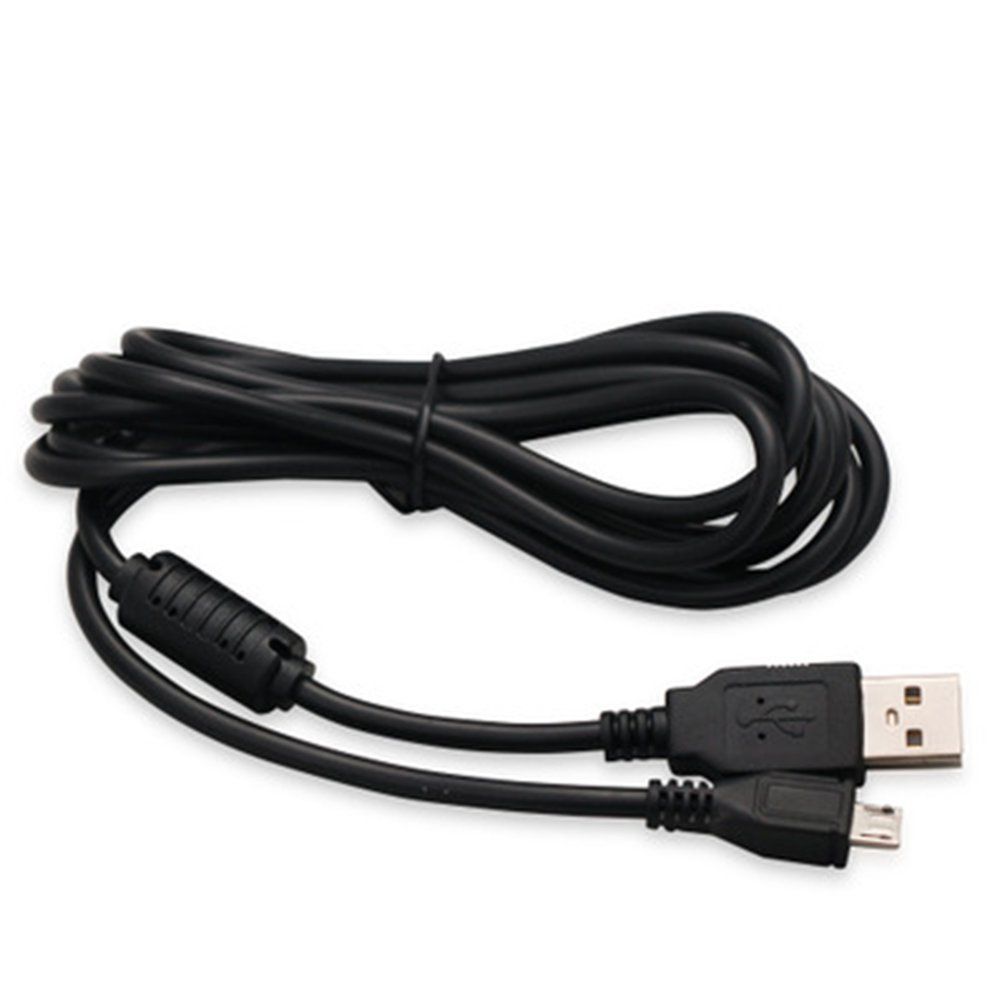
- Connect the USB of configured charging cable to the USB jack of PS5 console, computer or other standard DC5V power adaptor, and connect the USB to the Micro-jack of charging stock, to start charging
- It can also work for two PS5 Wireless Controller simutaneously The unique appearance is designed for PS5 handle When not charging it can also be used as a handle storage seat
- PS5 Wireless Controller can self-control its charging state. When in low power, it charges automatically, when full, it disconnect the power automatically.