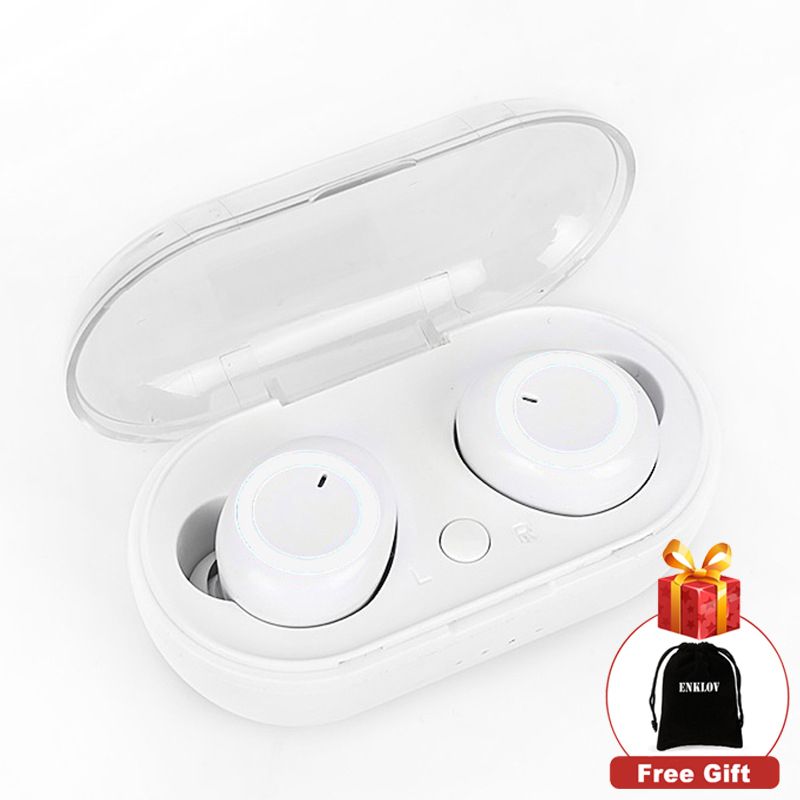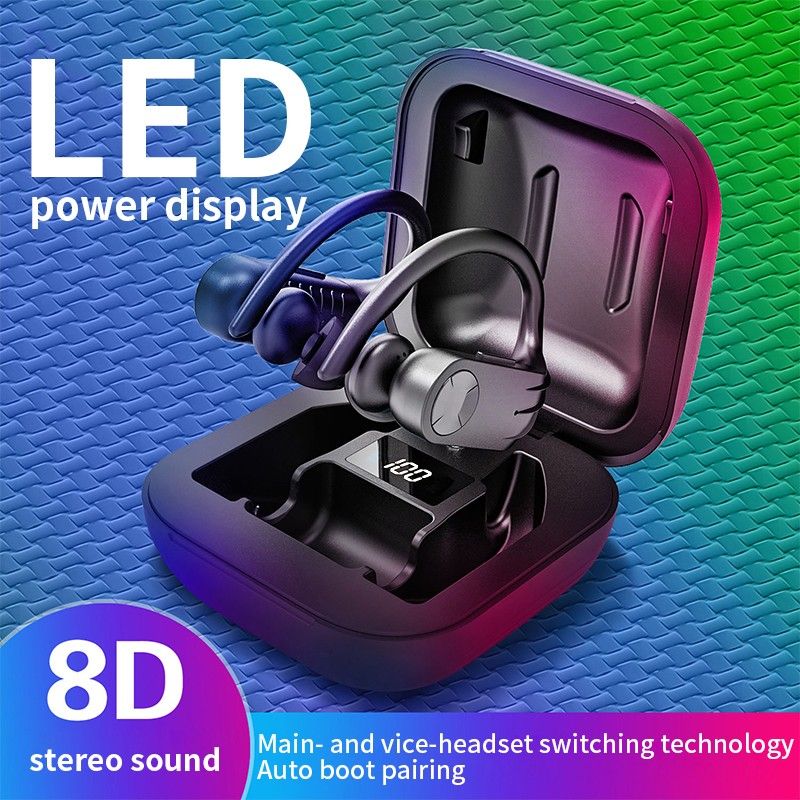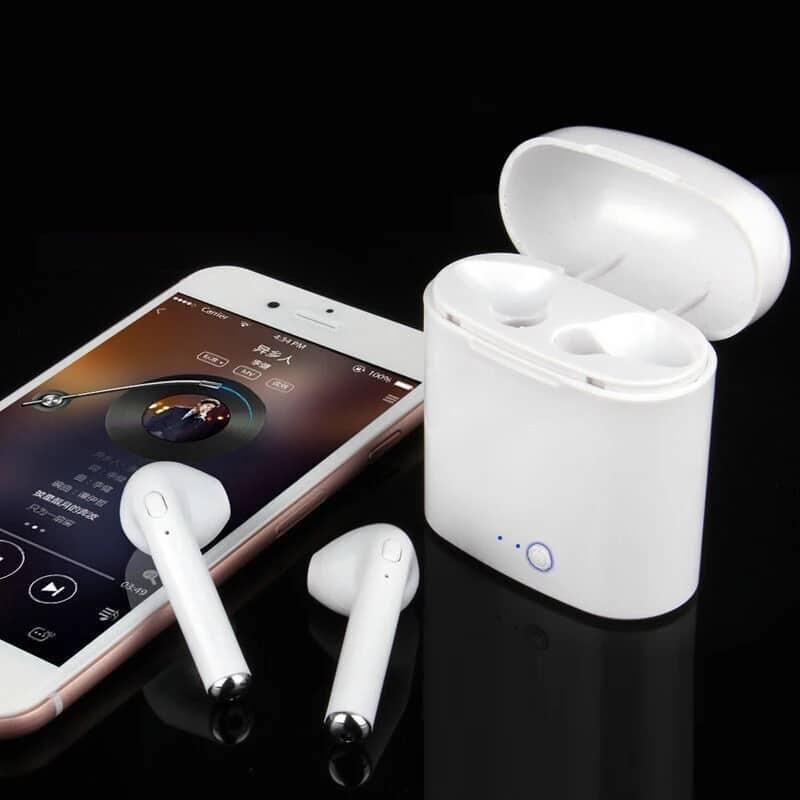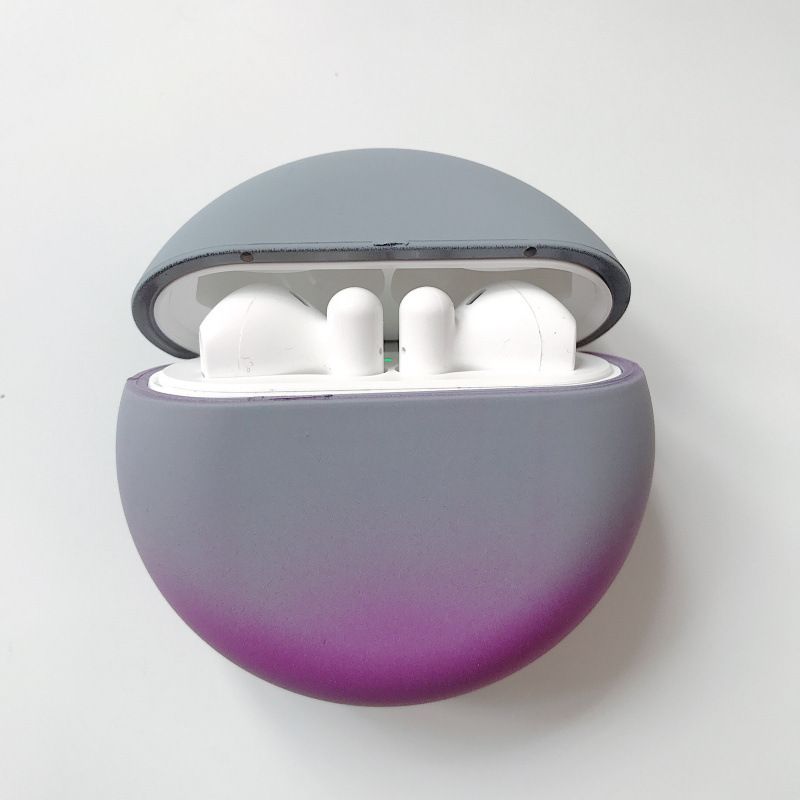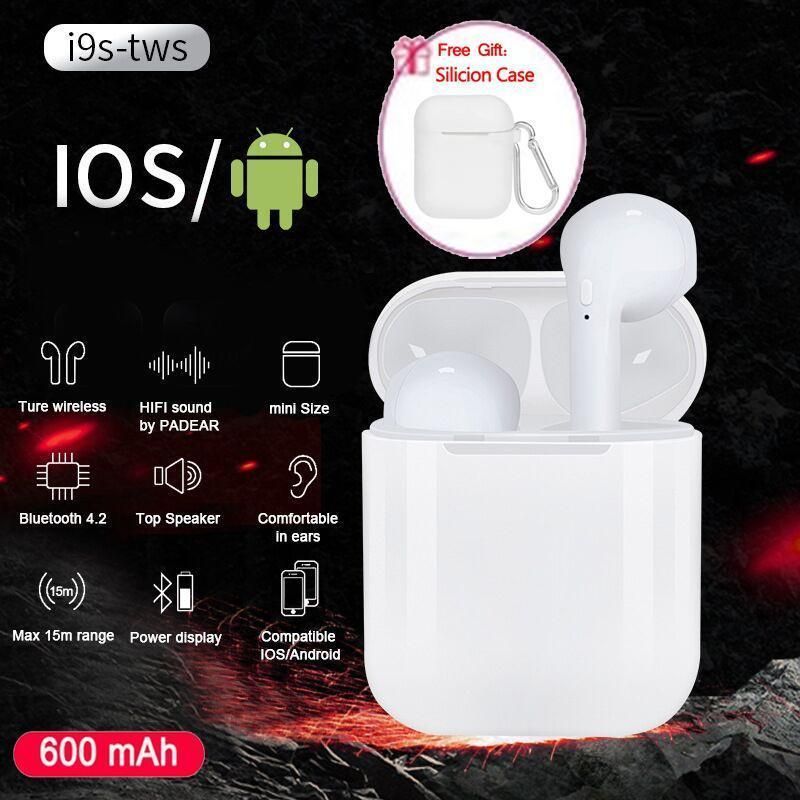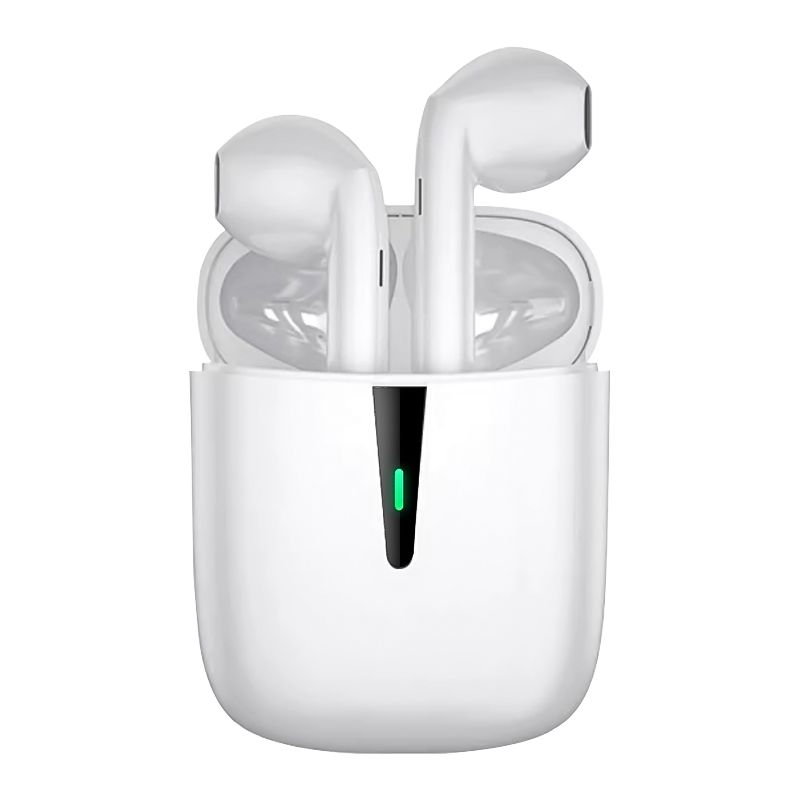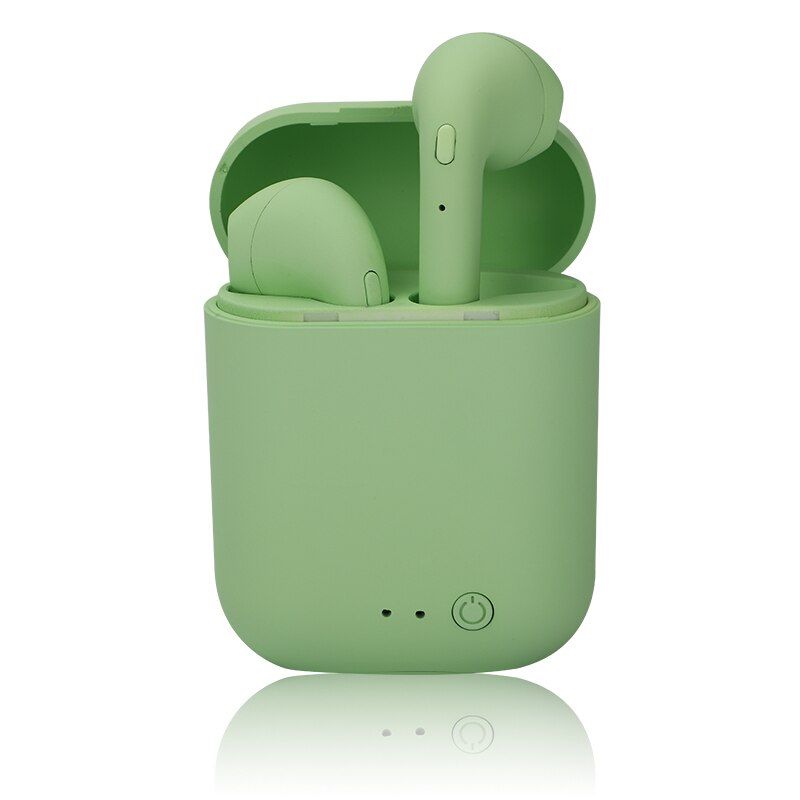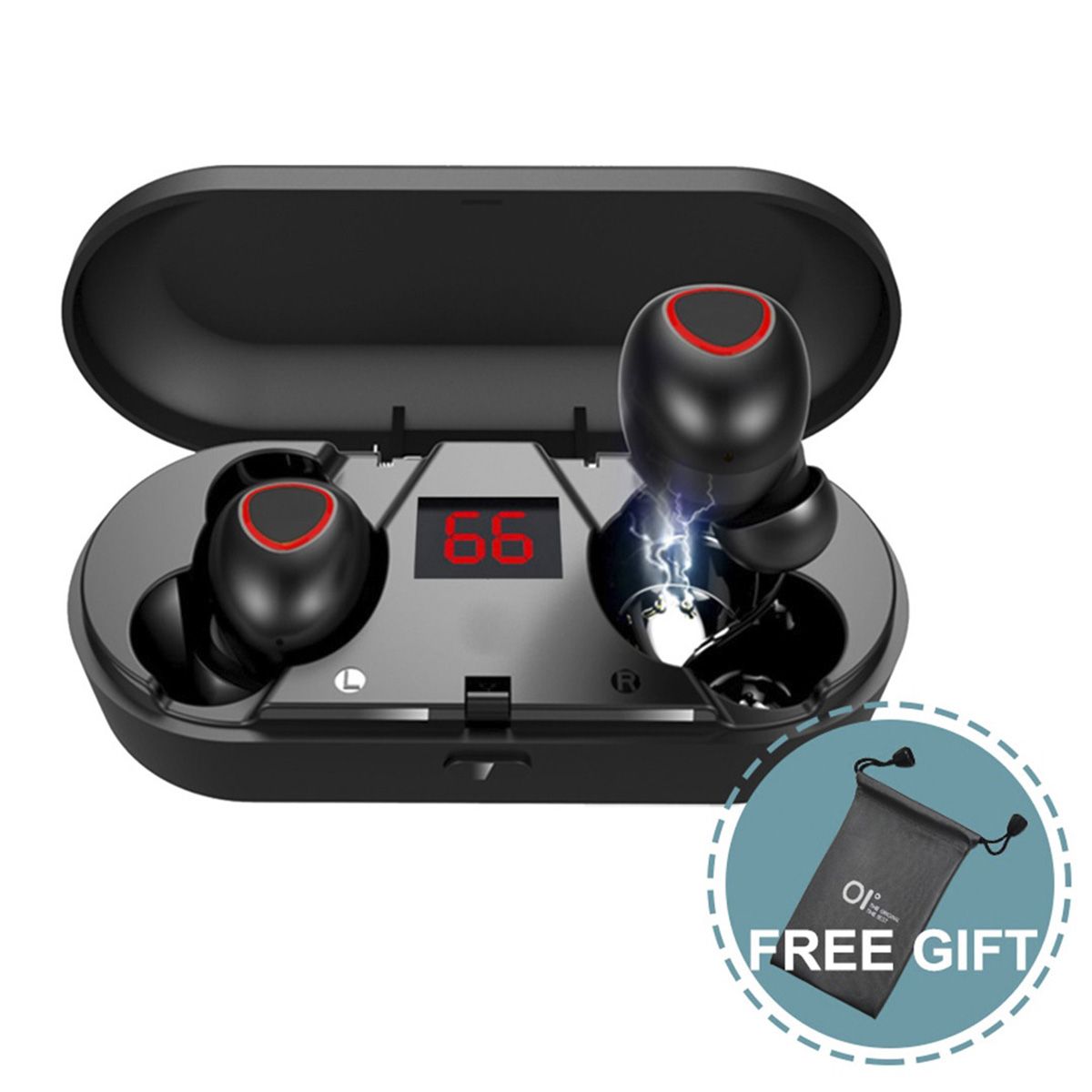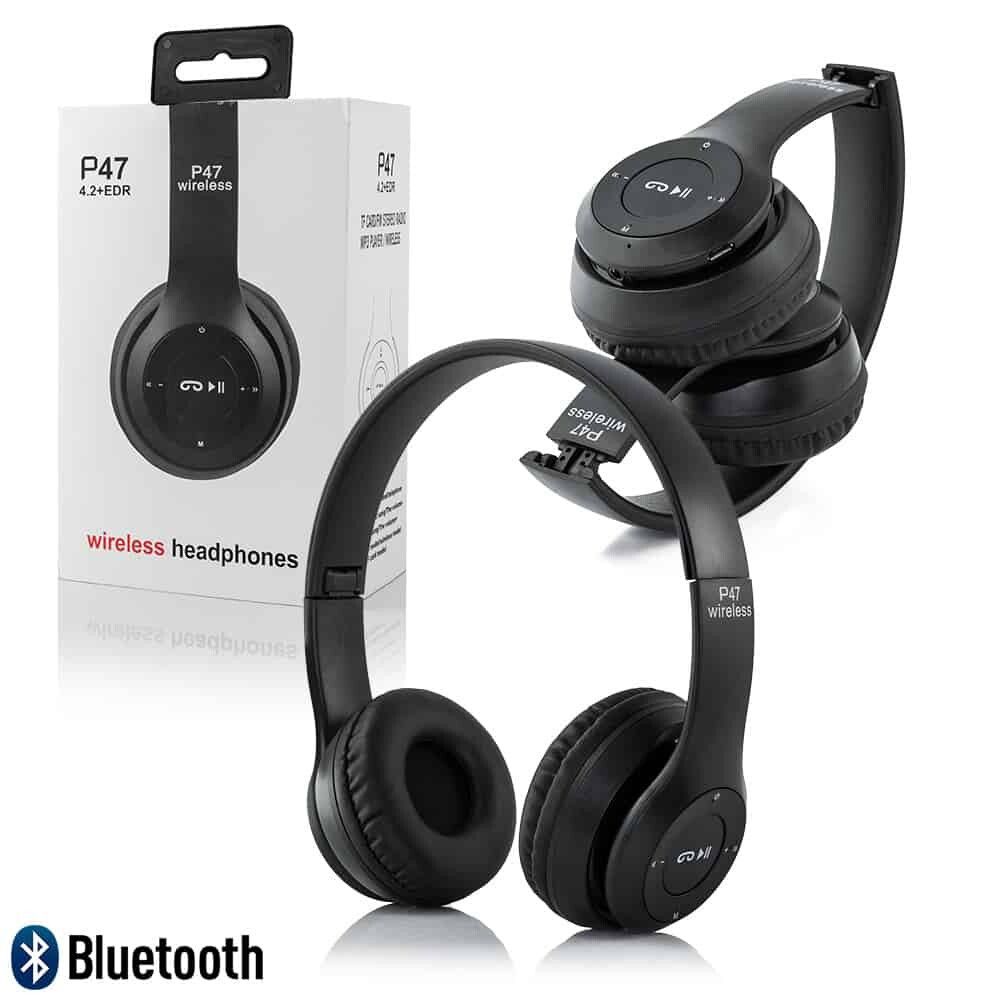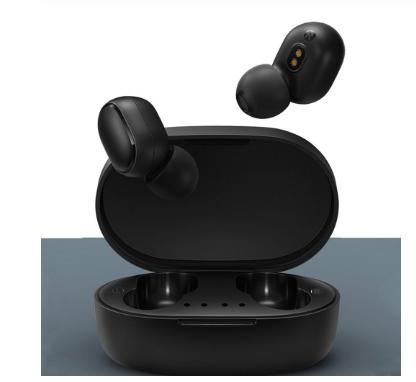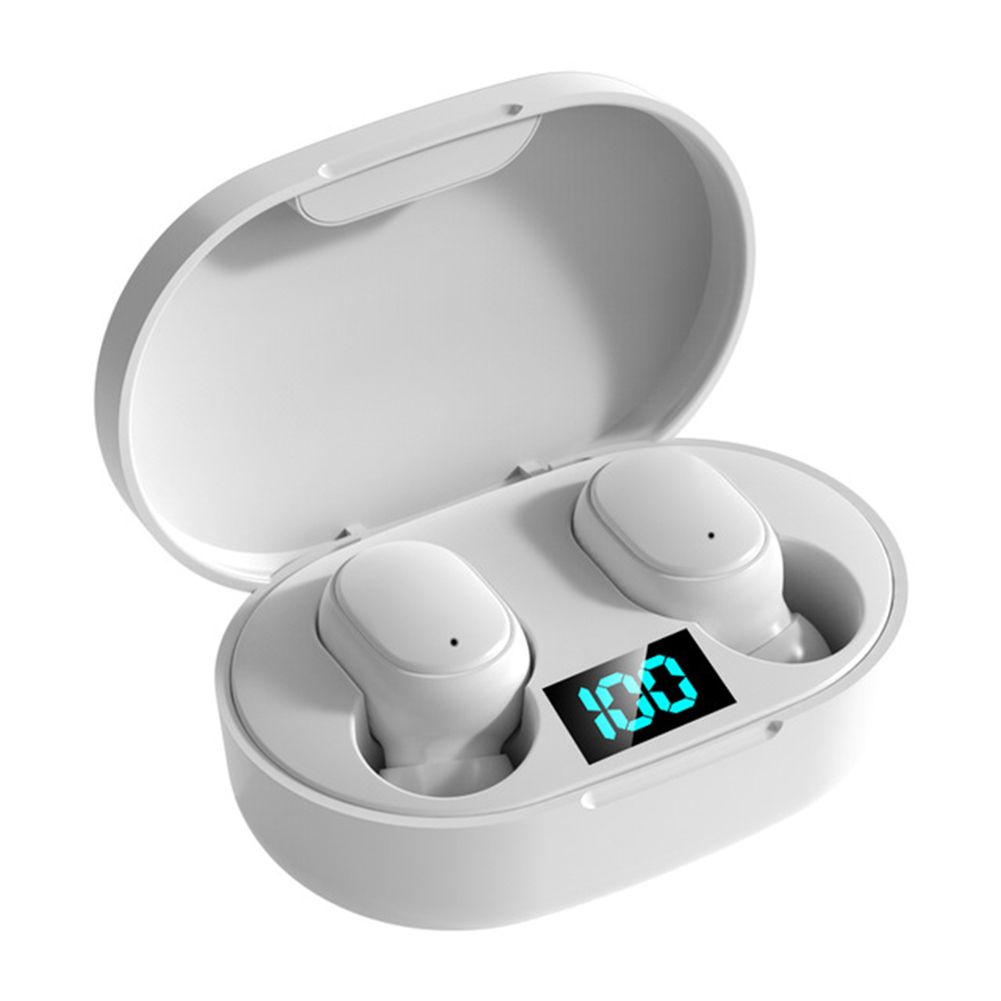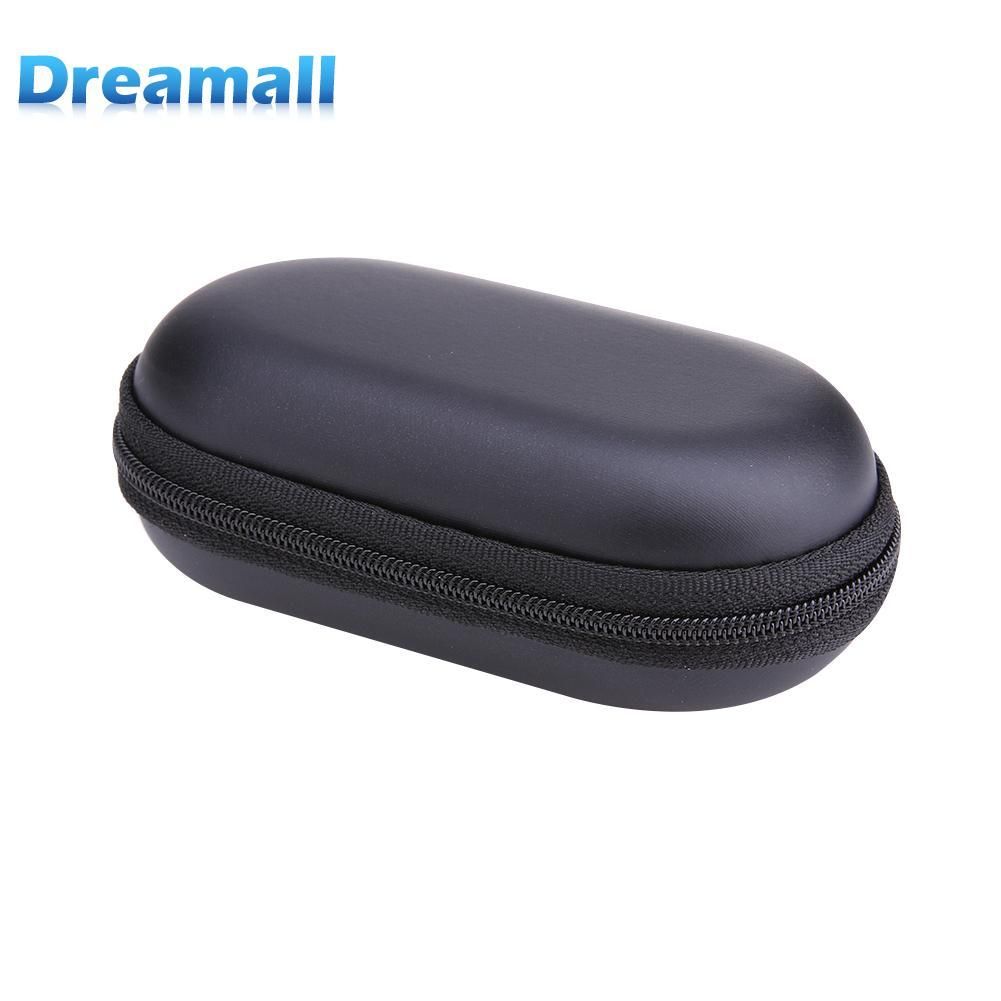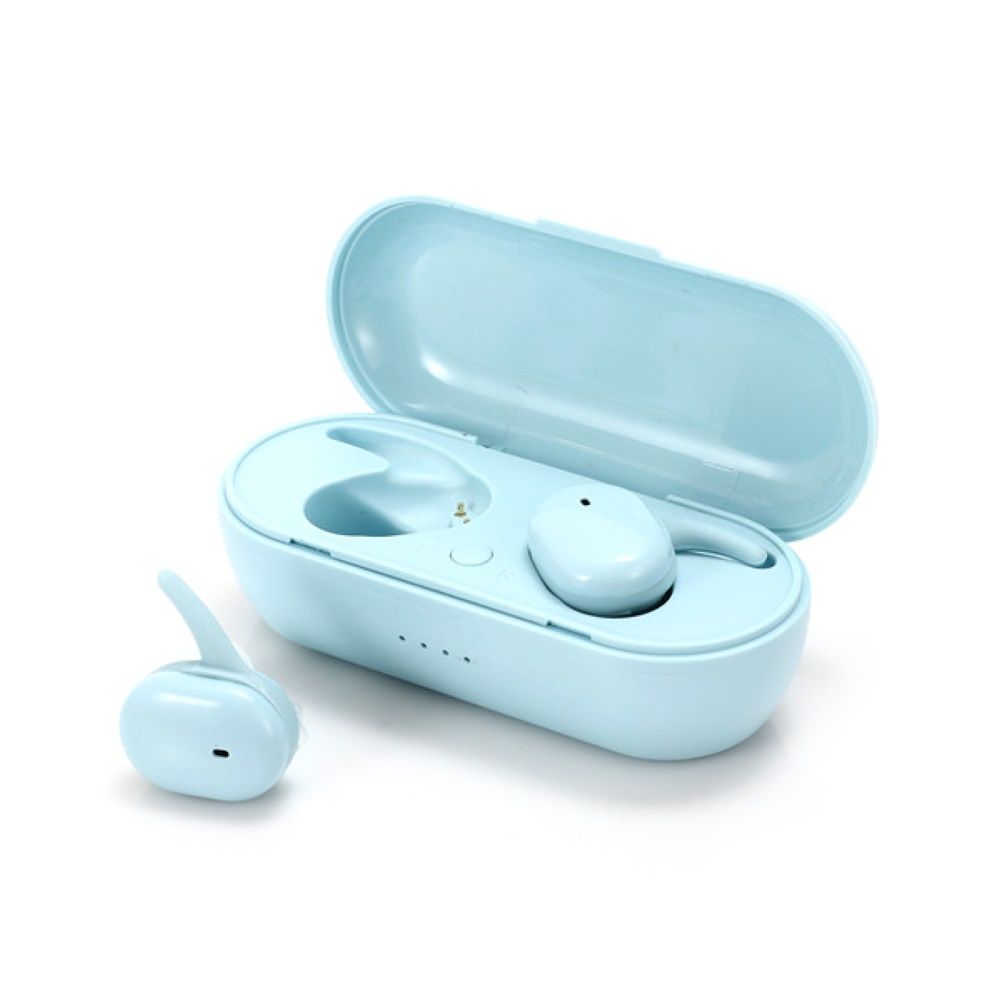
P2 TWS Wireless Bluetooth 5.0 Smart Touch Earphones Gaming Earbuds Headphones
- Matching Method:
- 1. Open the package and put the left and right earphones in the charging box. The earphones light up red. If it does not light up, please charge the battery.
- 2. The earphones are automatically turning on from the charging box and automatically paired. Wait for about 30 seconds, and one of the earphone lights will turn off.
- The other earphone flashes red and blue, and the machine is the main ear. At the same time, the pairing is successful.
- 3. Turn on the mobile phone Bluetooth, search for the earphone Bluetooth, and then click the link.
- 4. After using the earphones, put them back into the charging box and the earphones will turn off and charge automatically.
- 5. Use the earphones repeatedly, take it out of the charging box and turn it on automatically. Automatic pairing will also connect the phone.