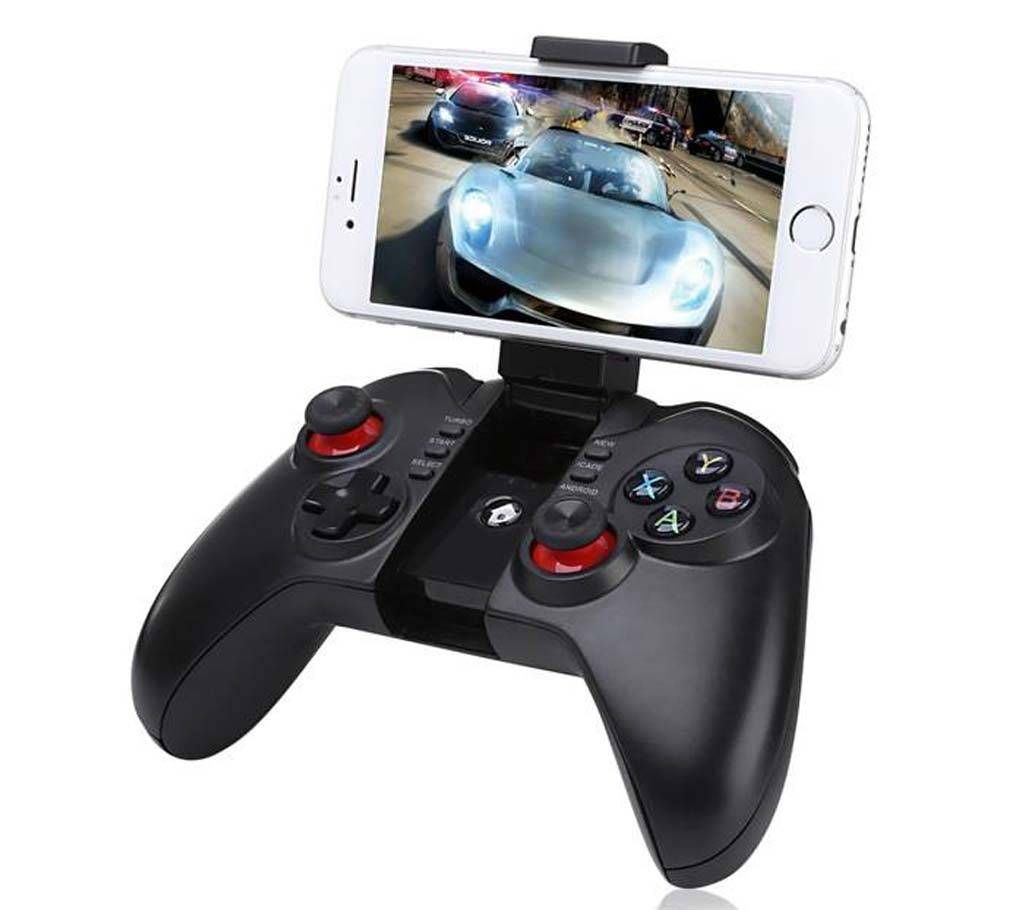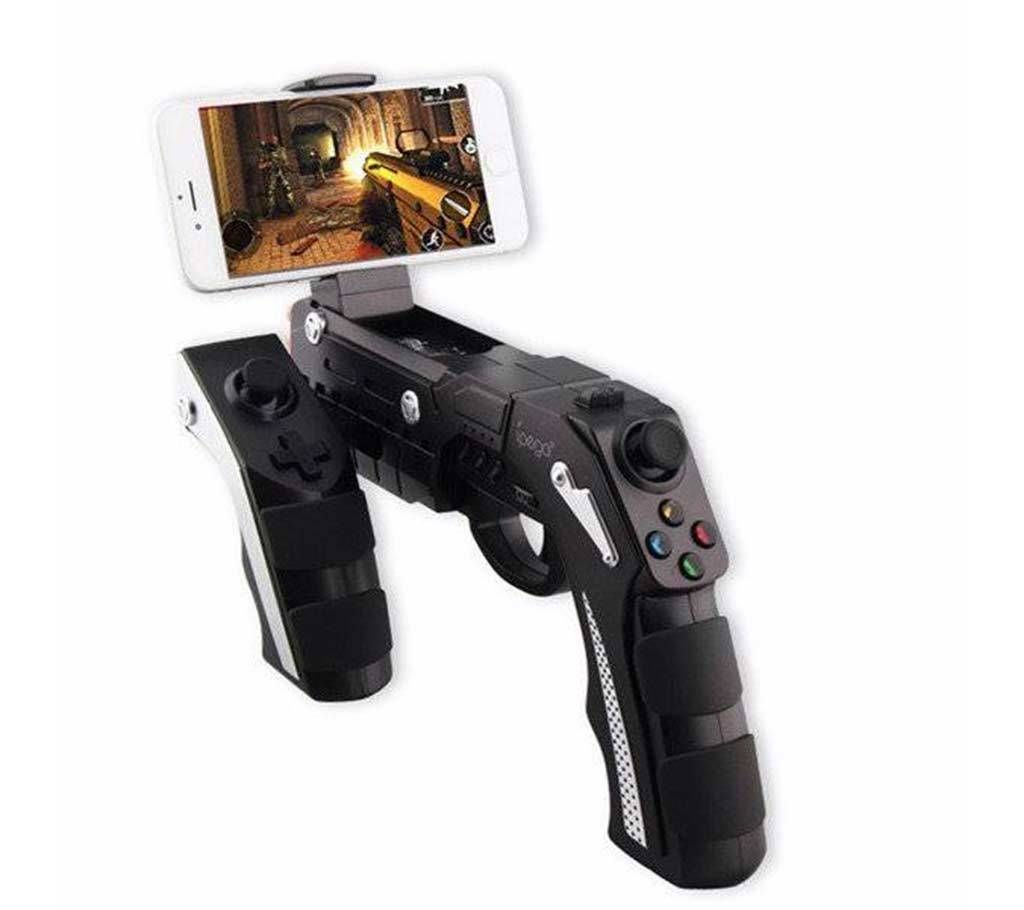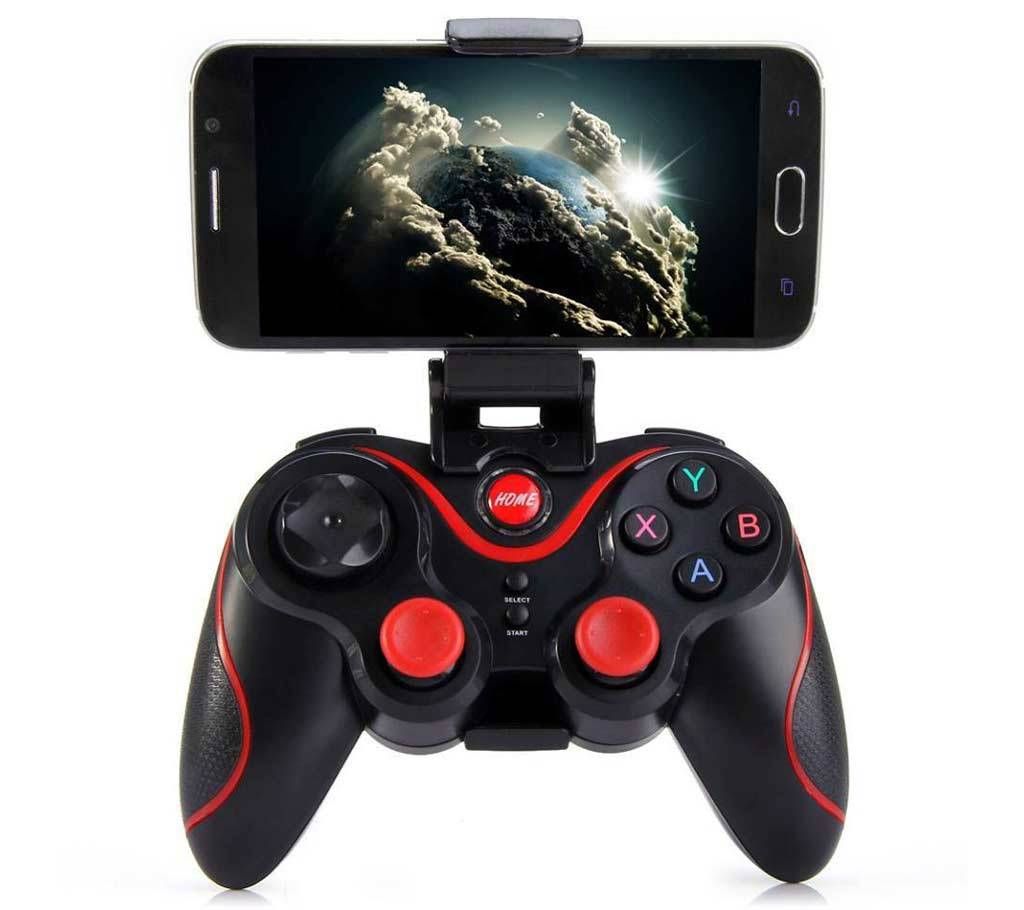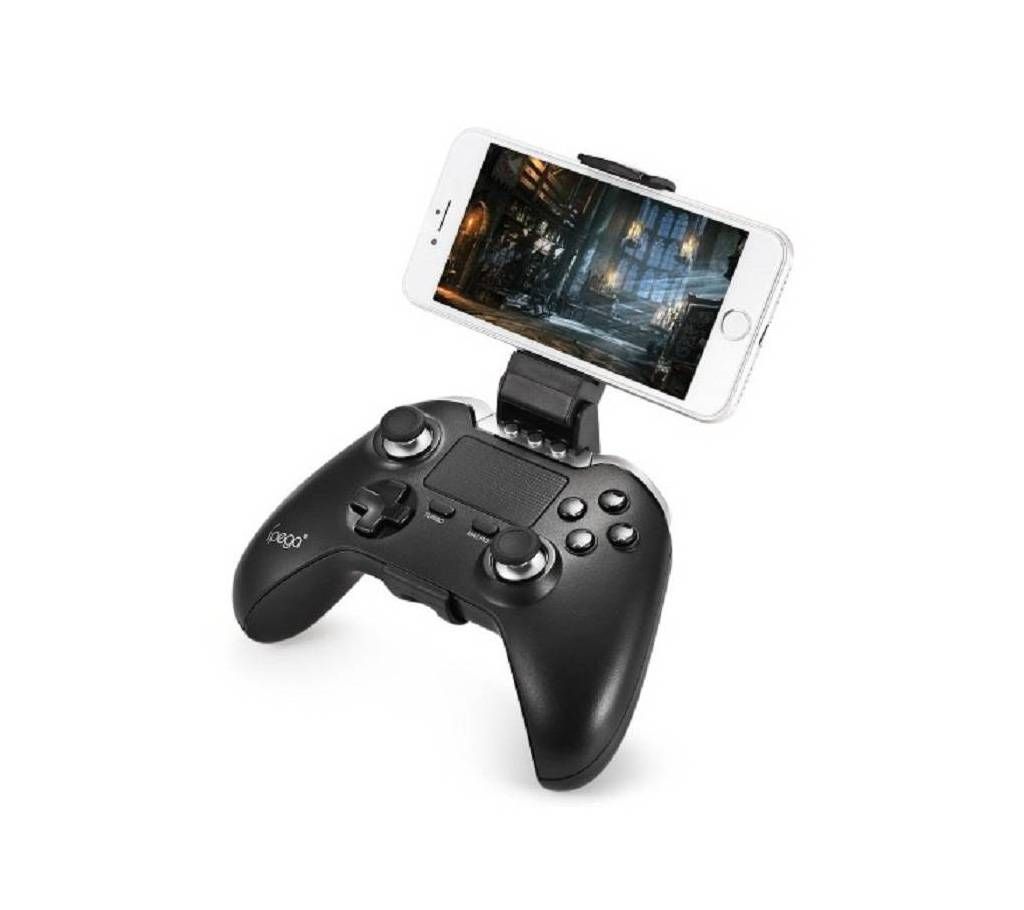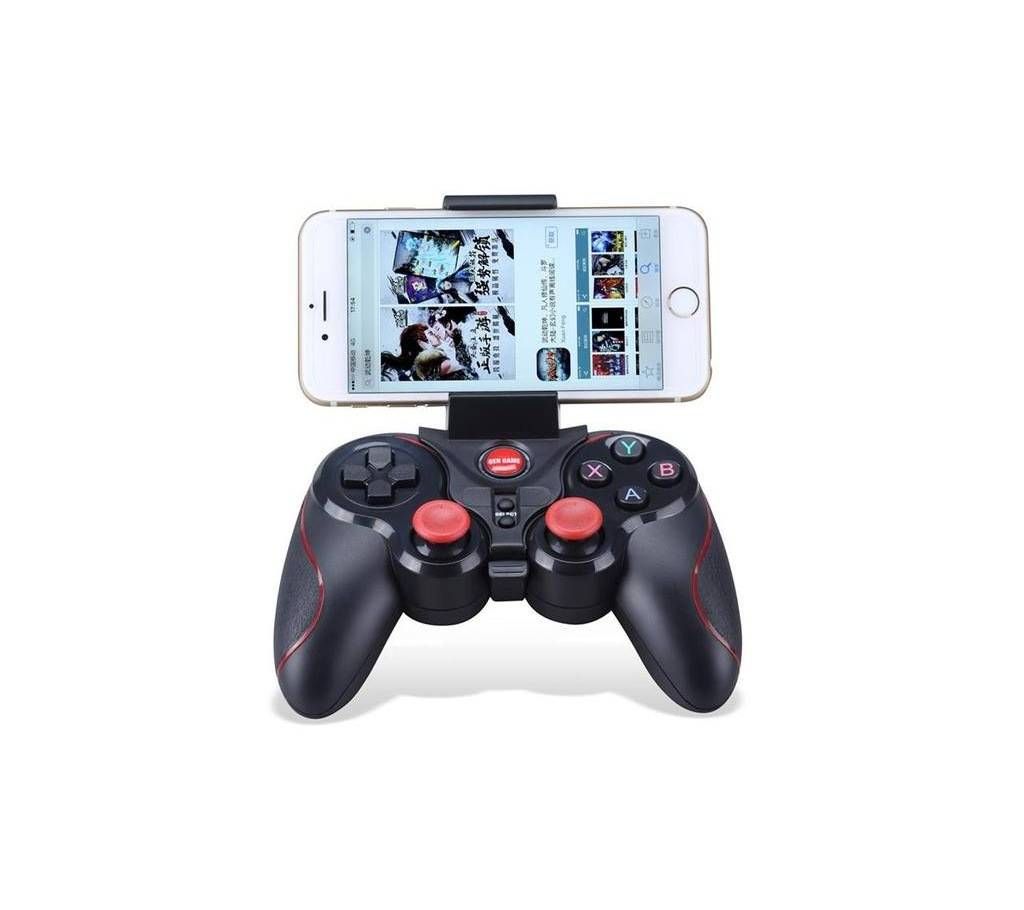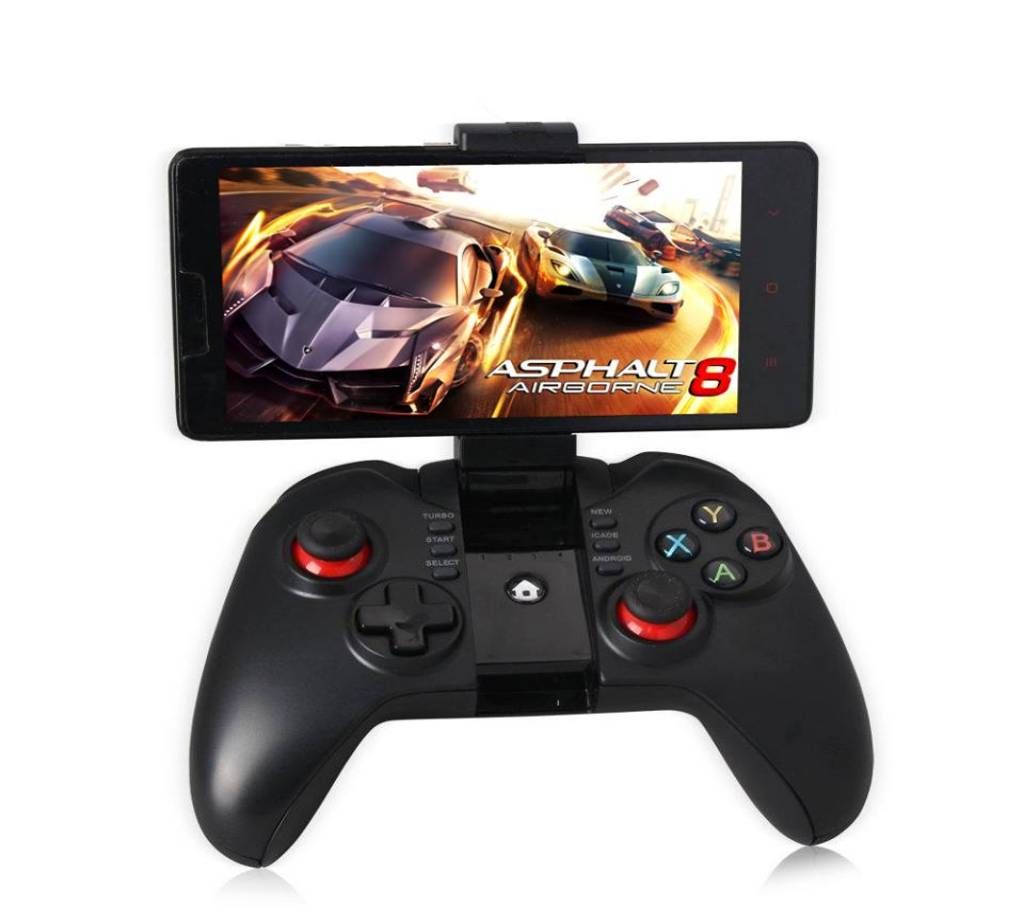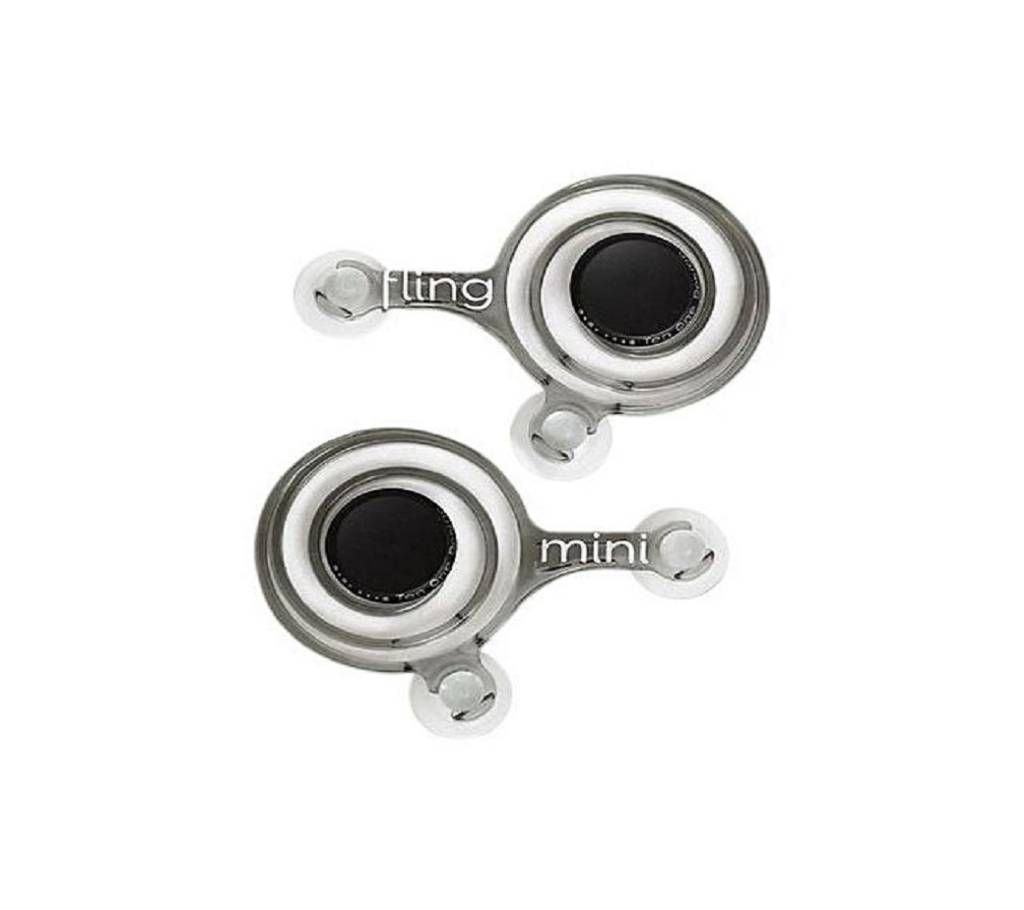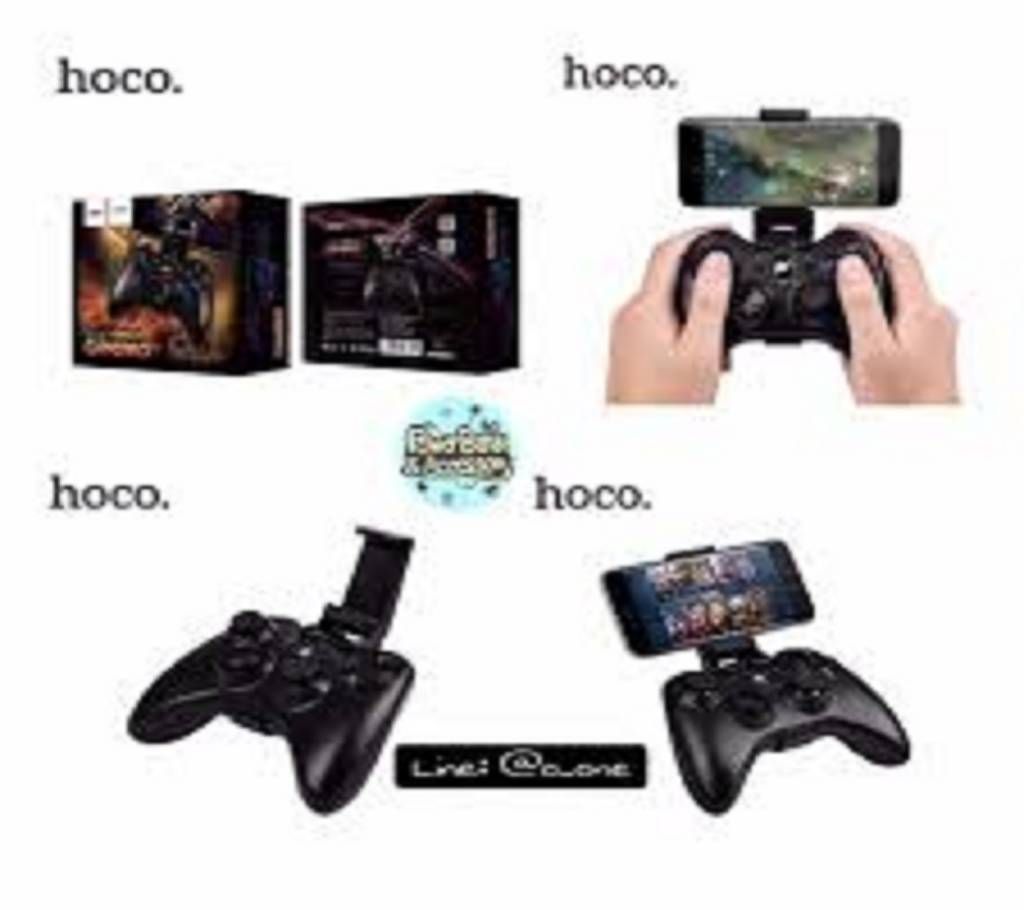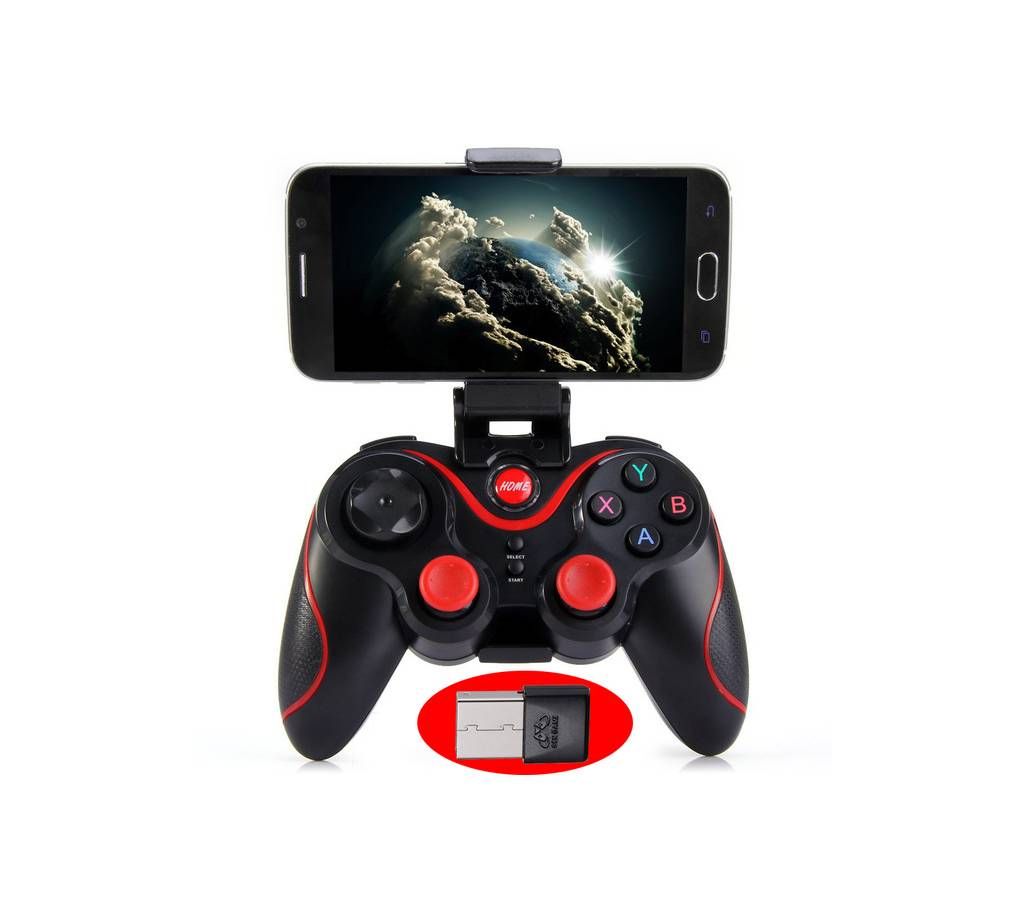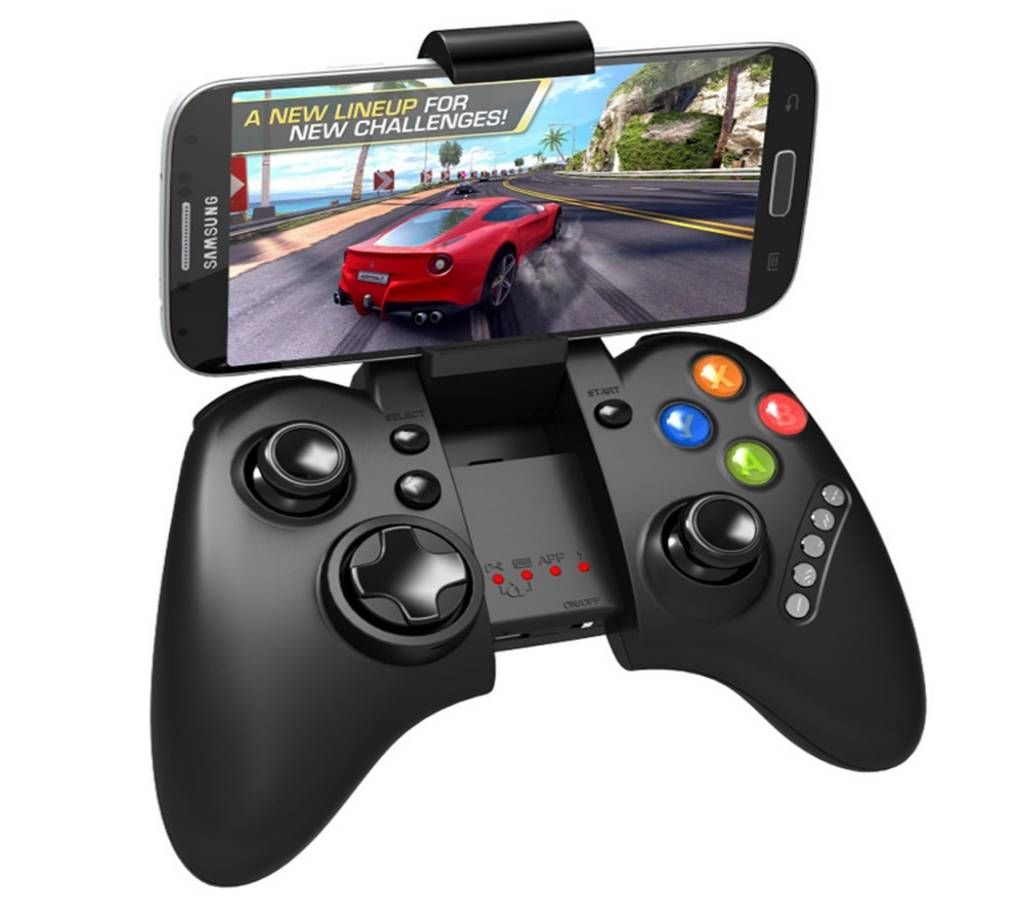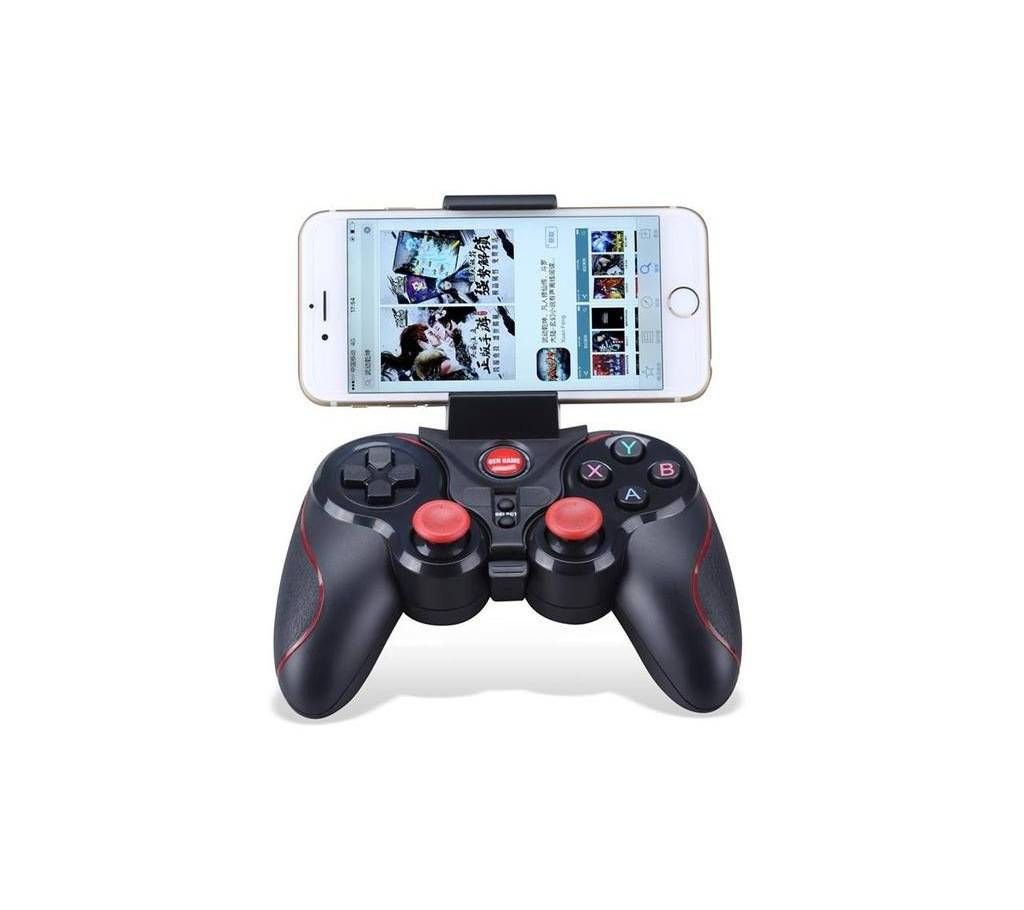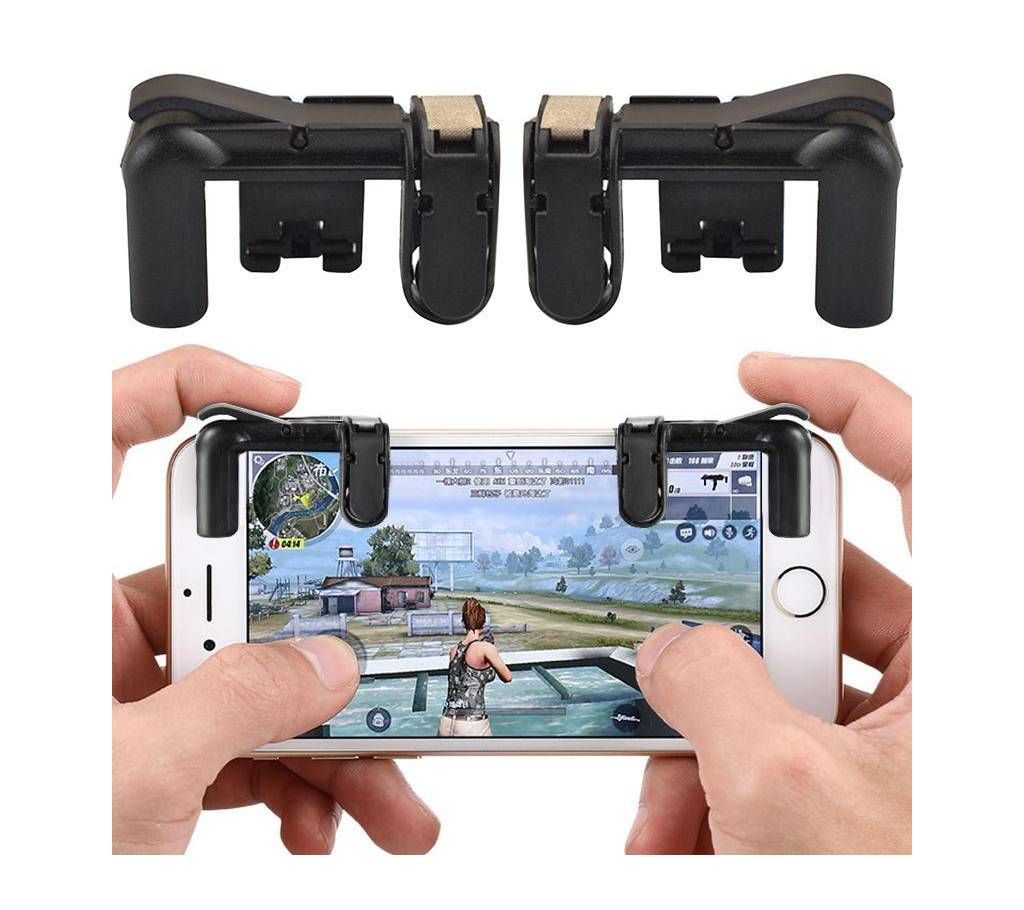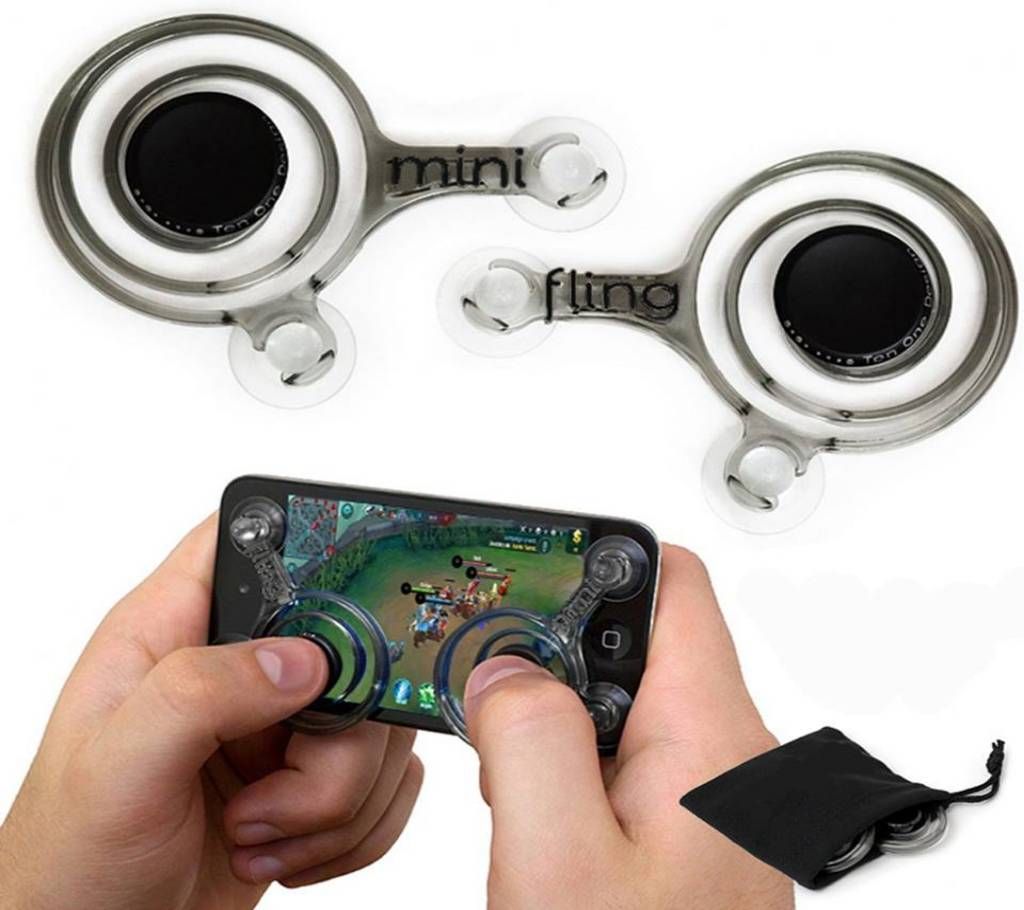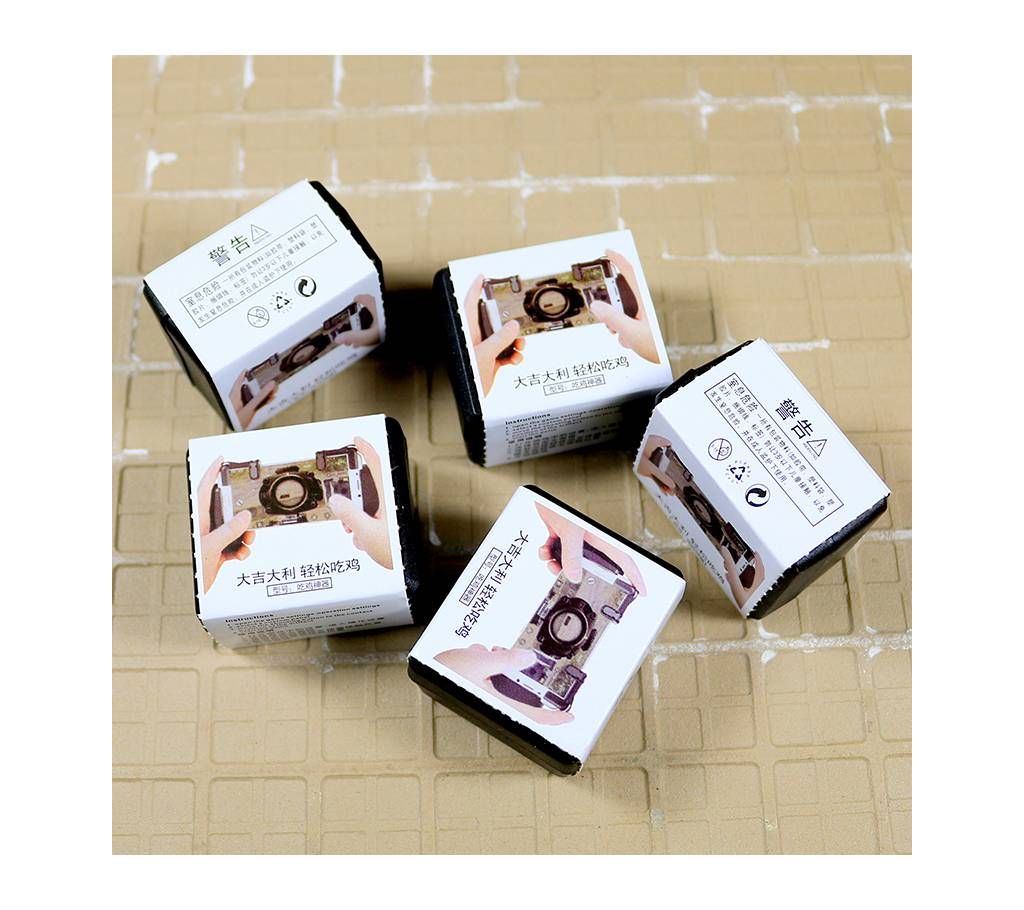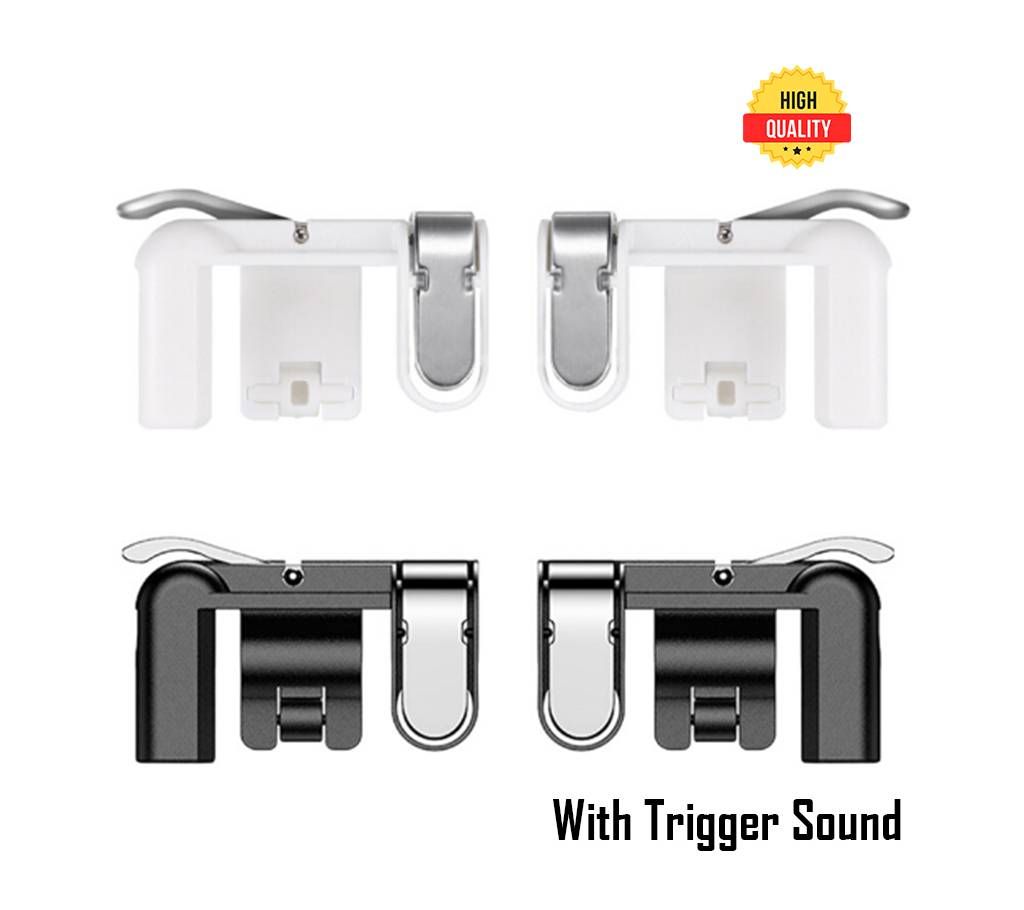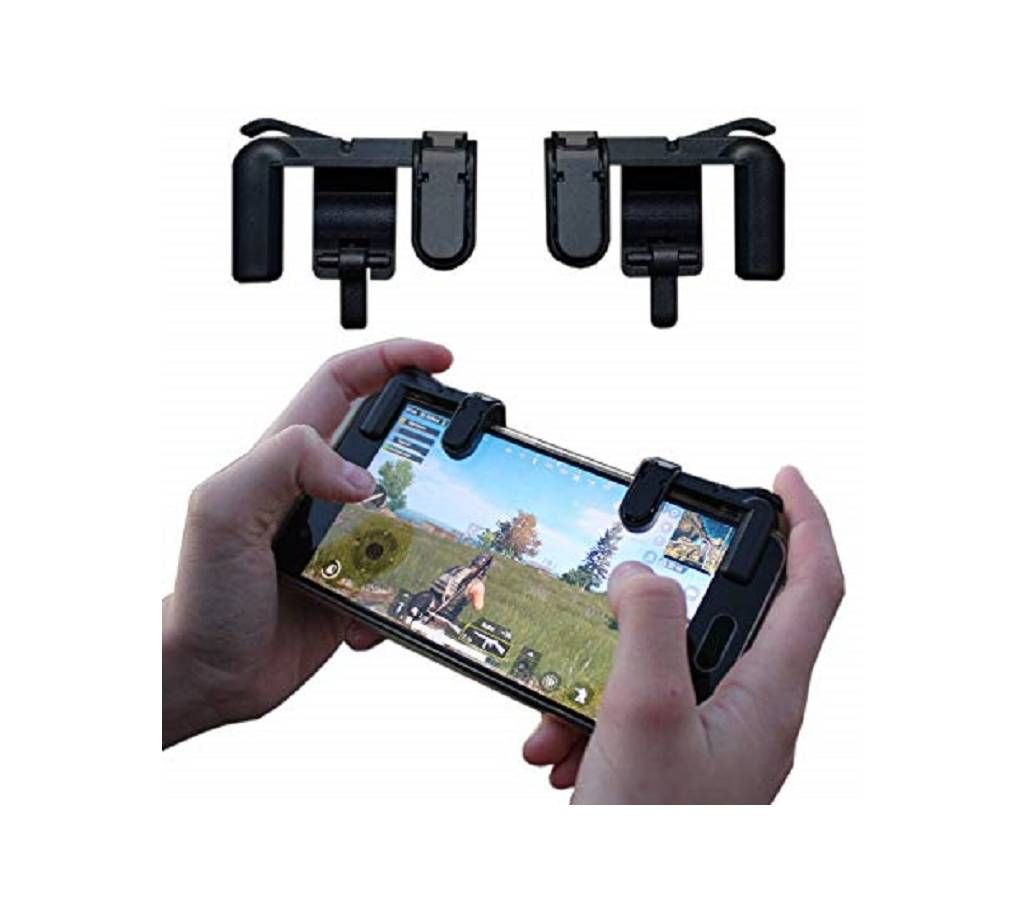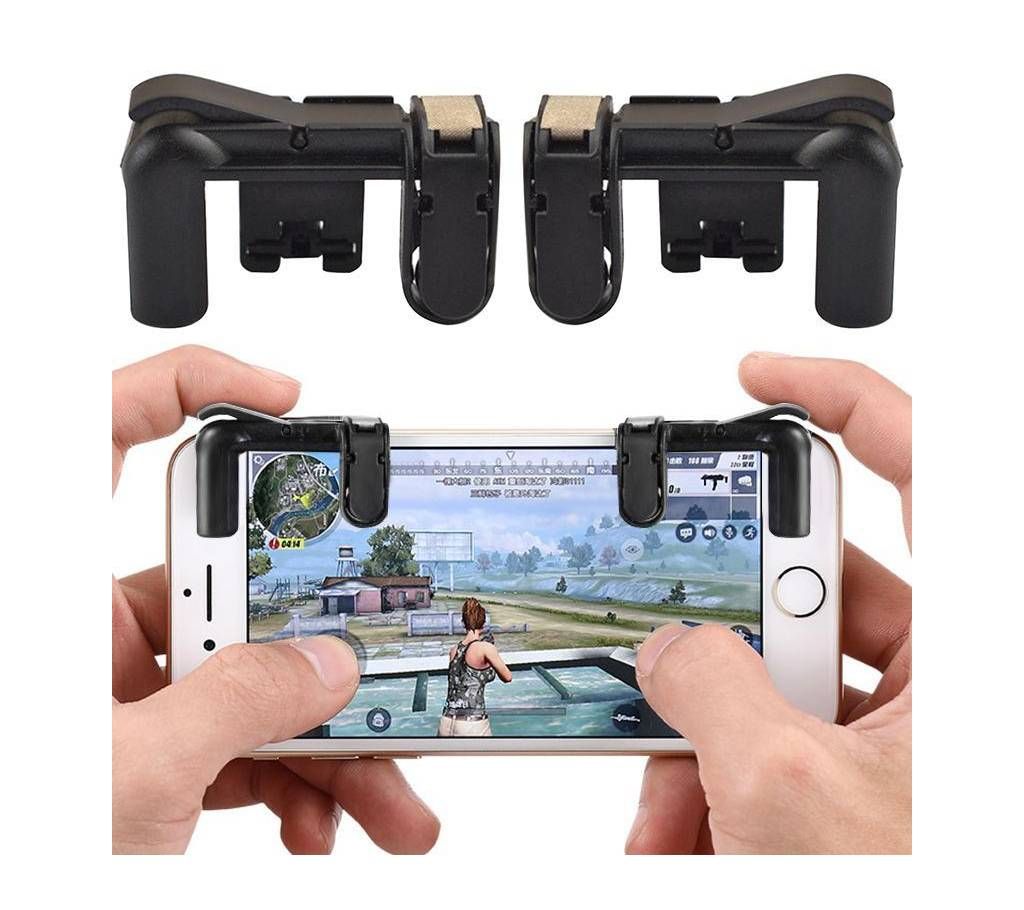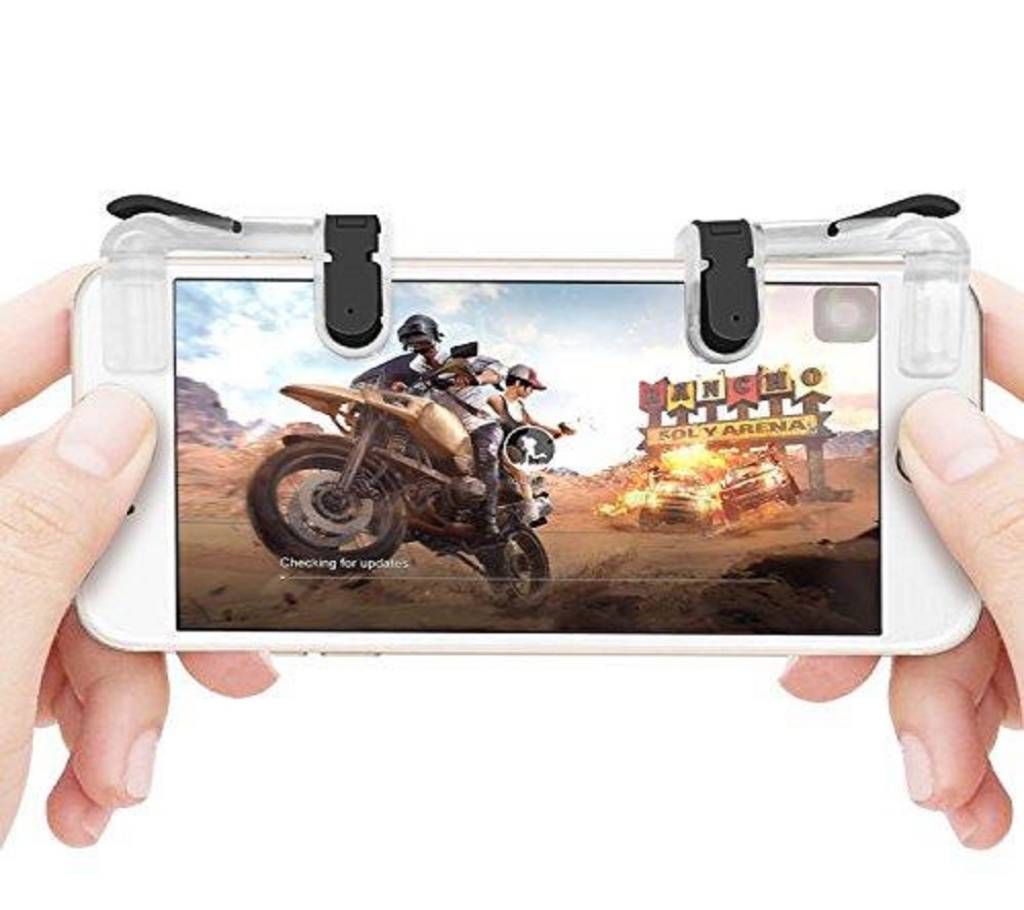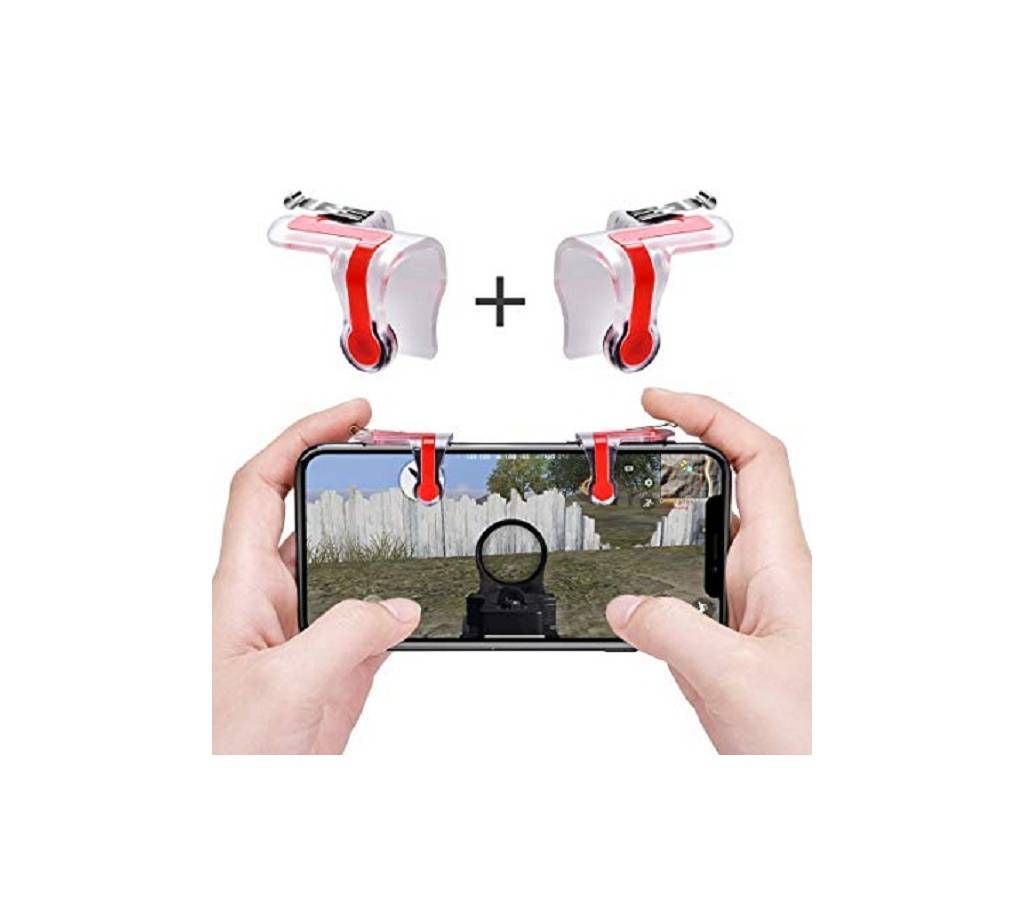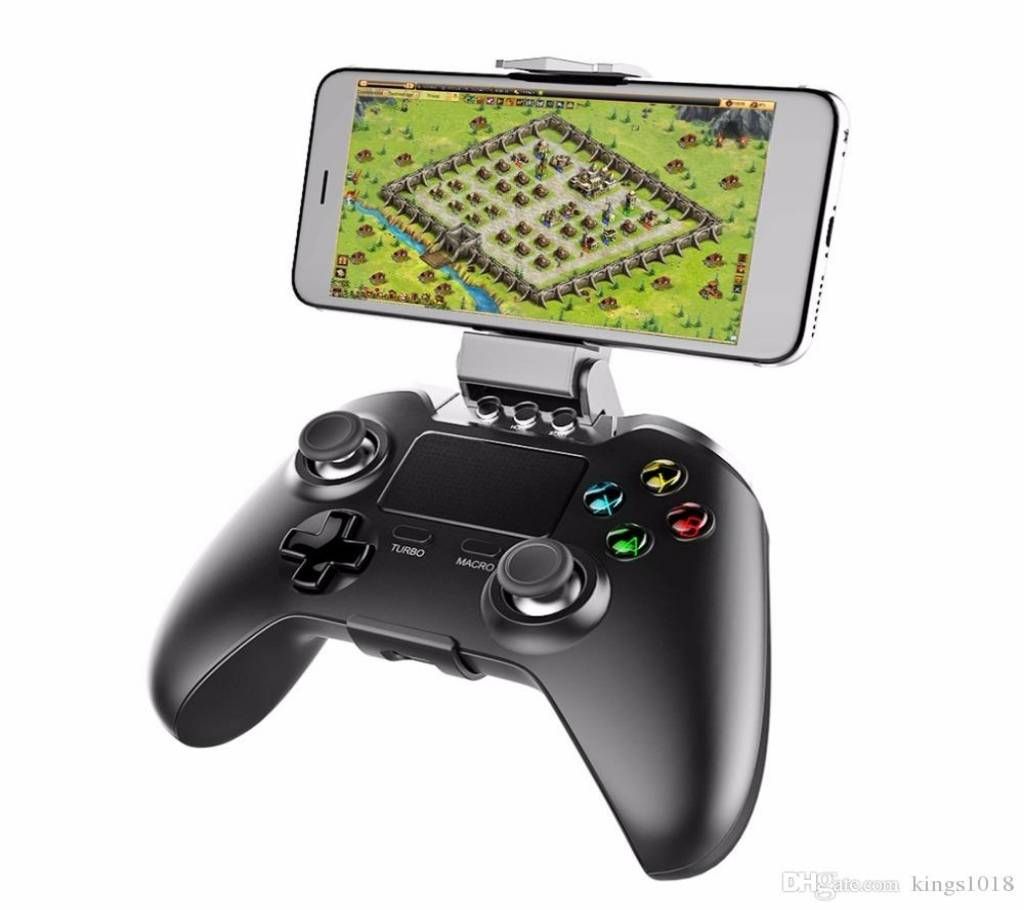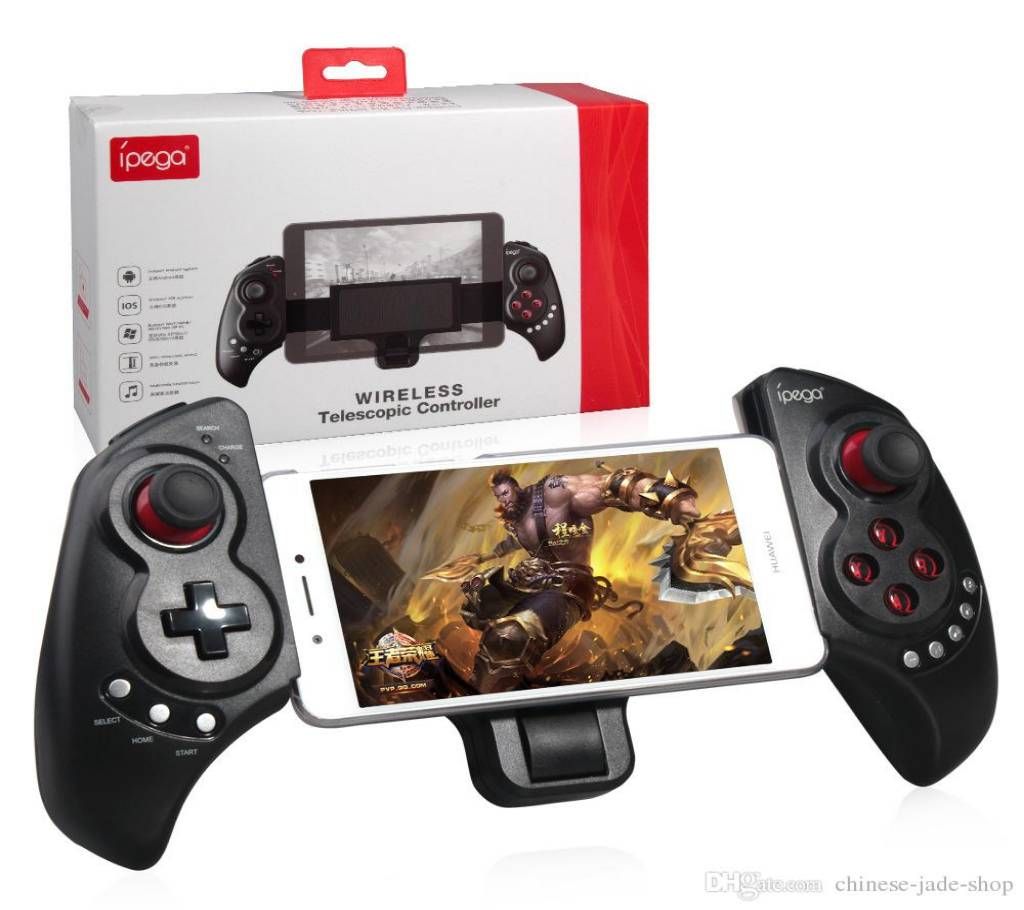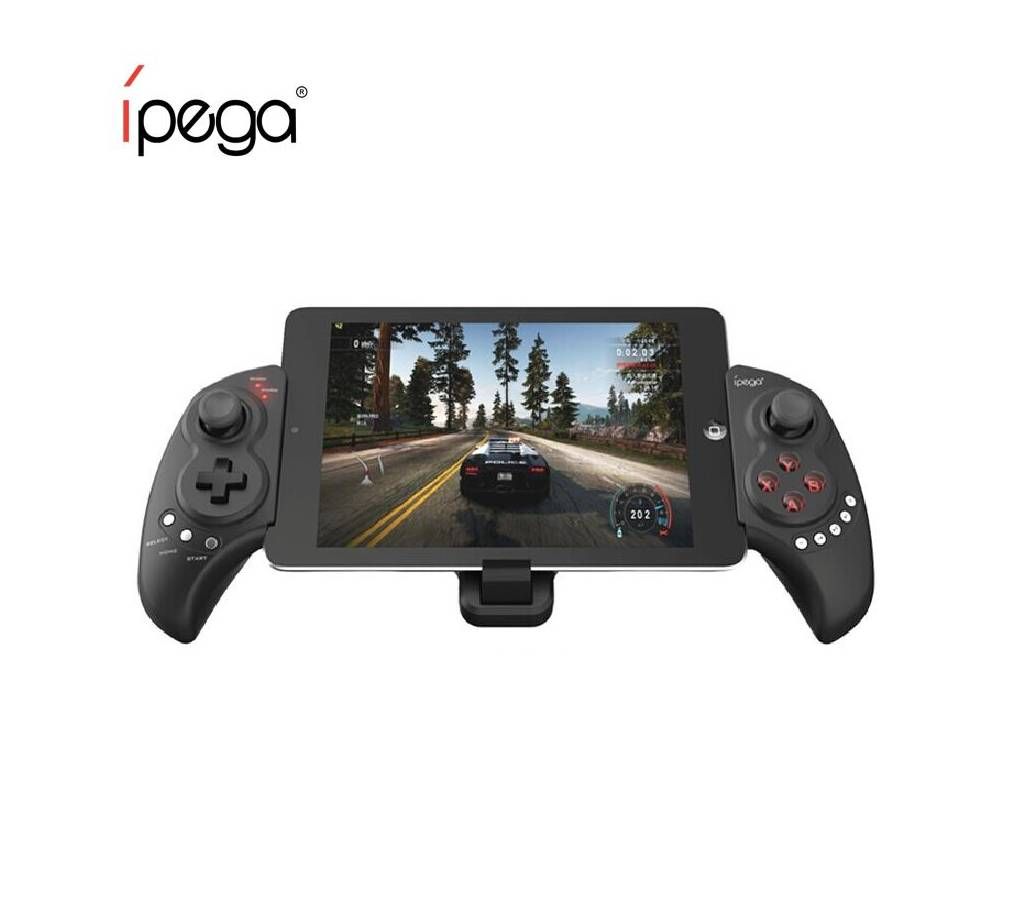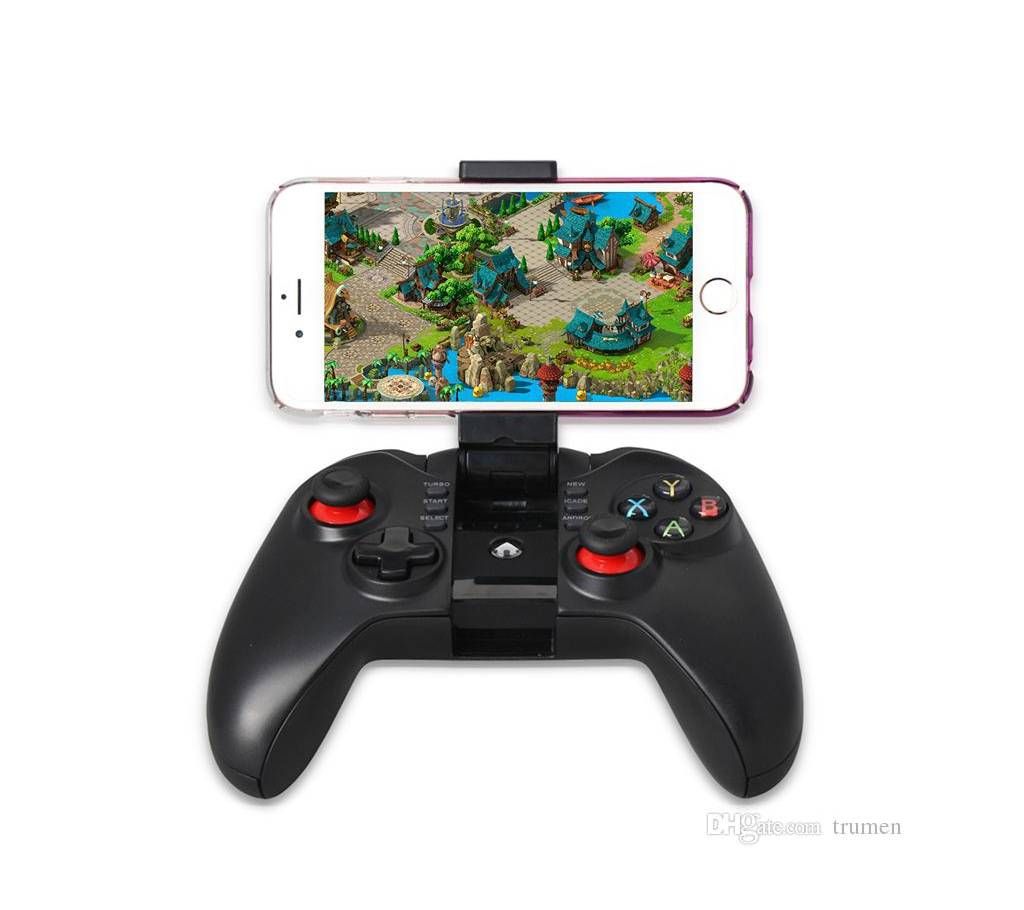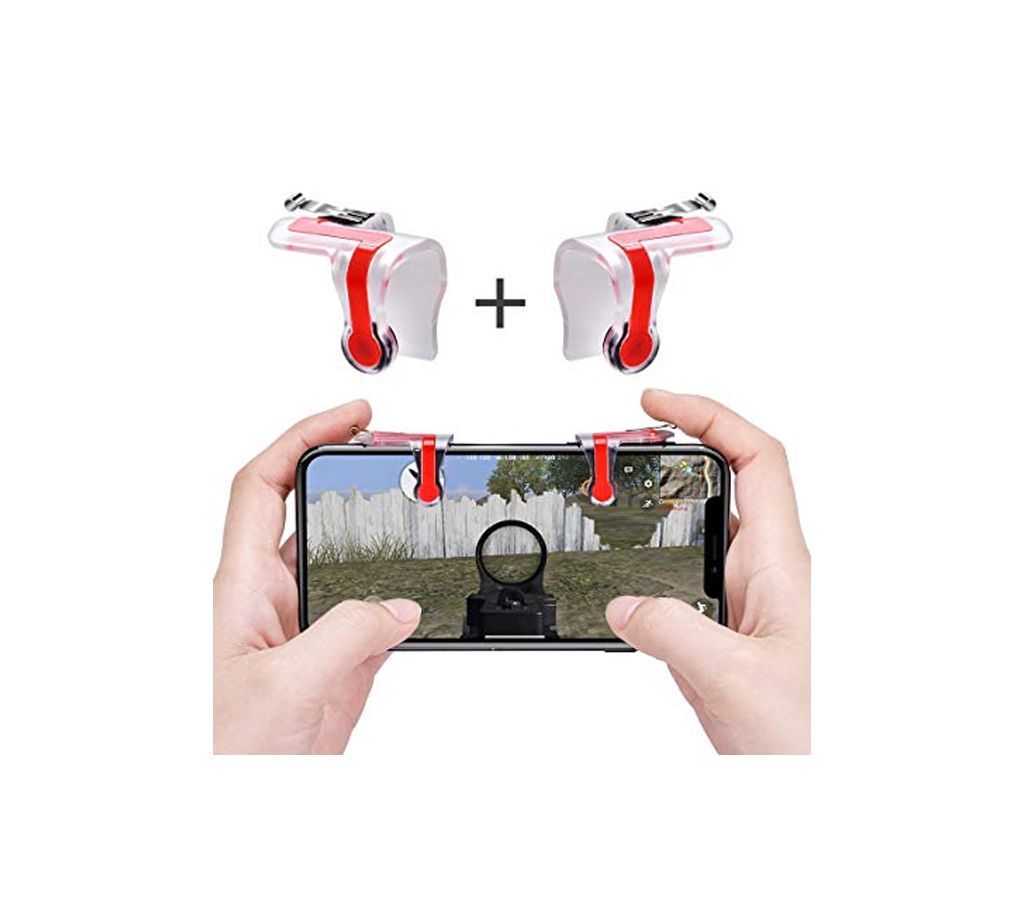
PUBG Mobile Game Controller
PUBG মোবাইল গেম কন্ট্রোলার
Start your game, and press the "Settings"-"Control"-"Customize"
Move the "FIRE" button to the top of left corner
Move the "AIM" button to the top of right corner
Adjust the shoot and aim buttons under the touchpad of the cellphone game controller.
"Save" your settings and restart your game.