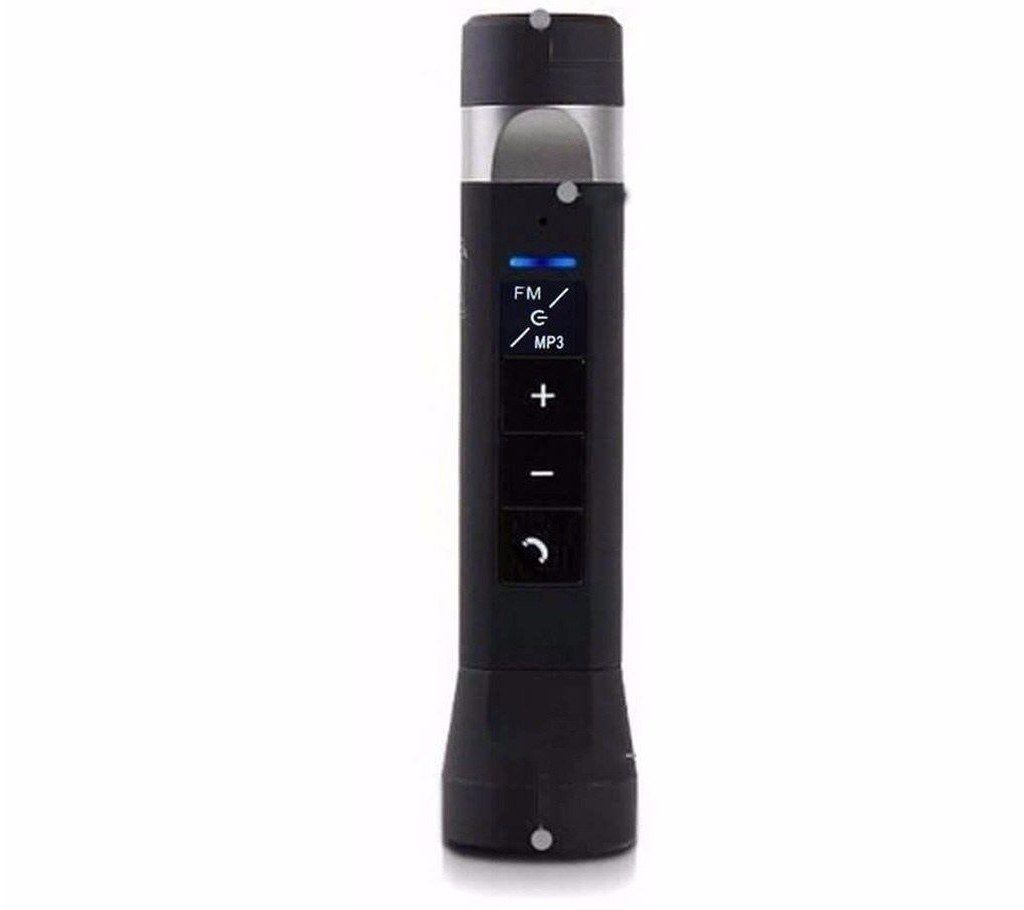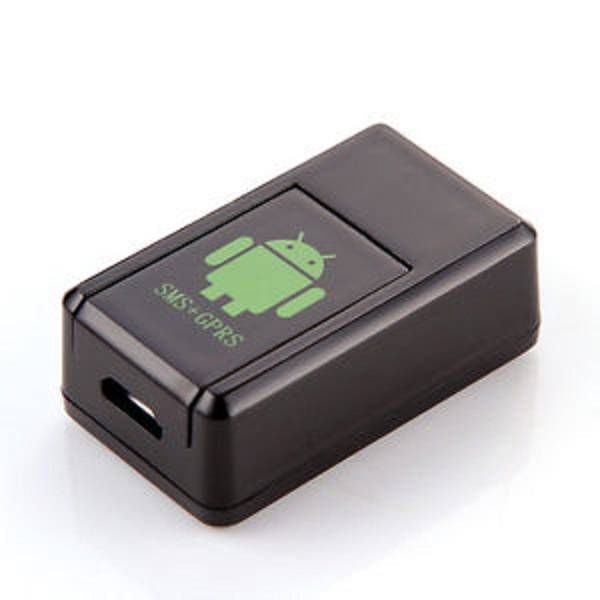
Spy Gf 08 mms video taking
Spy Gf 08 mms videoOperations: Warning: wh taking
Operations:
Warning: when the user install a new SIM card, the GPRS function should be activated, otherwise, the function for sending MMS by taking photos would be invalid.
1. Preparation: a SIM card and TF memory card
2. Starting: insert SIM card after opening the card cover according to the indicating direction, then insert the mini memory card, the product will automatically switch on the red light with shining four times, then enter standby state in 30 seconds.
3. Binding the master number: Use the mobile phone to send the text message 000 to the alarm locator, the machine will reply a text message; Set; Binding + the master number
4. Photographing MMS reply: Use the mobile phone to send the text message 111 to the alarm locator, the machine will reply a MMS photo (to get the best photo, please place the product with a good angle)
5. Video MMS reply: Use the mobile phone to send the text message 112 to the alarm locator, the machine will reply a MMS video ,Mobile not supports playback of video files, and the files should be downloaded to computer to play (to get the best photo, please place the product with a good angle), this function will be provided by the upgrade version
6. Mobile detecting photographed MMS reply, mobile object recording;
Use the mobile phone to send the text message 222 to the alarm locator, the machine will reply a text message; Md; Mobile detecting is opened successfully. Then, when an object moves, the machine will automatically take pictures and send the pictures back to the master control mobile phone, then take recording
7. Recording and video taking: Use the mobile phone to send the text message 333 to the alarm locator, the machine will reply a text message; Vdo; Video taking function is opened successfully
8. Recording alone: Use the mobile phone to send the text message 555 to the alarm locator, the machine will reply a text message; [Snd; recording is starting]