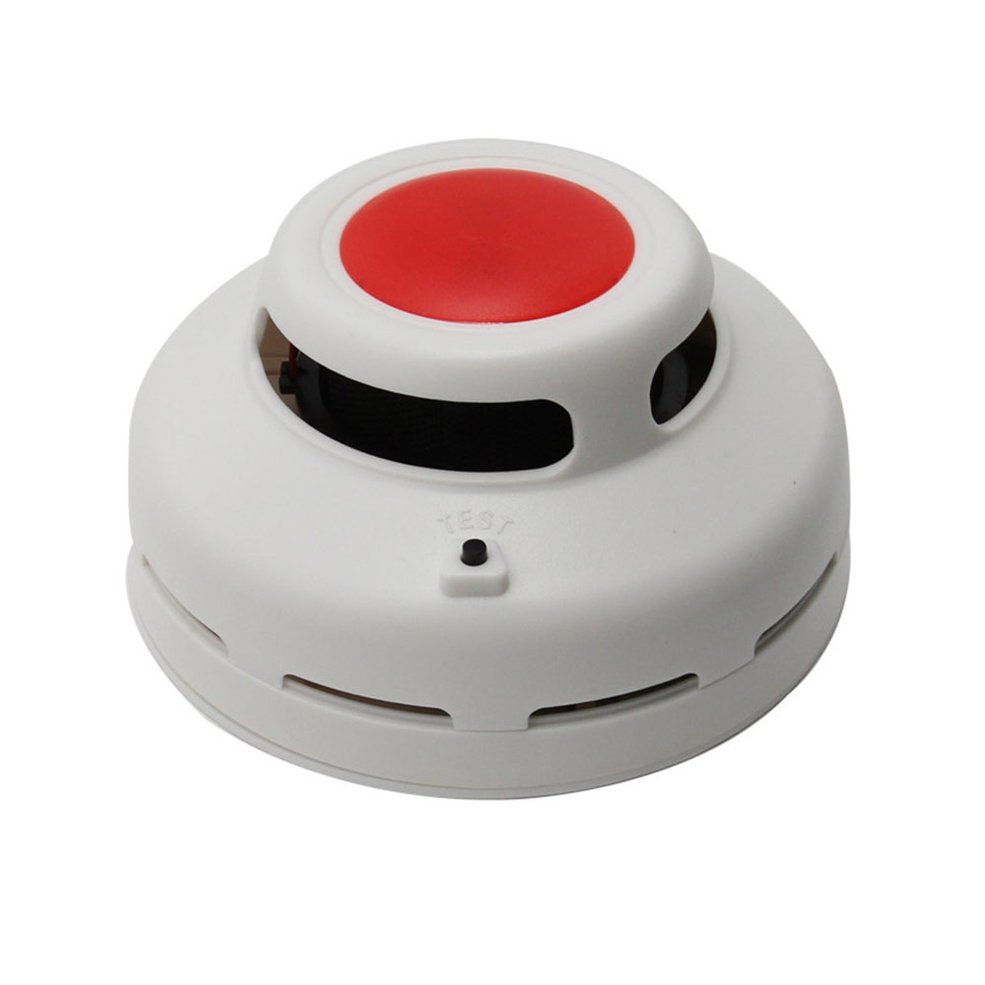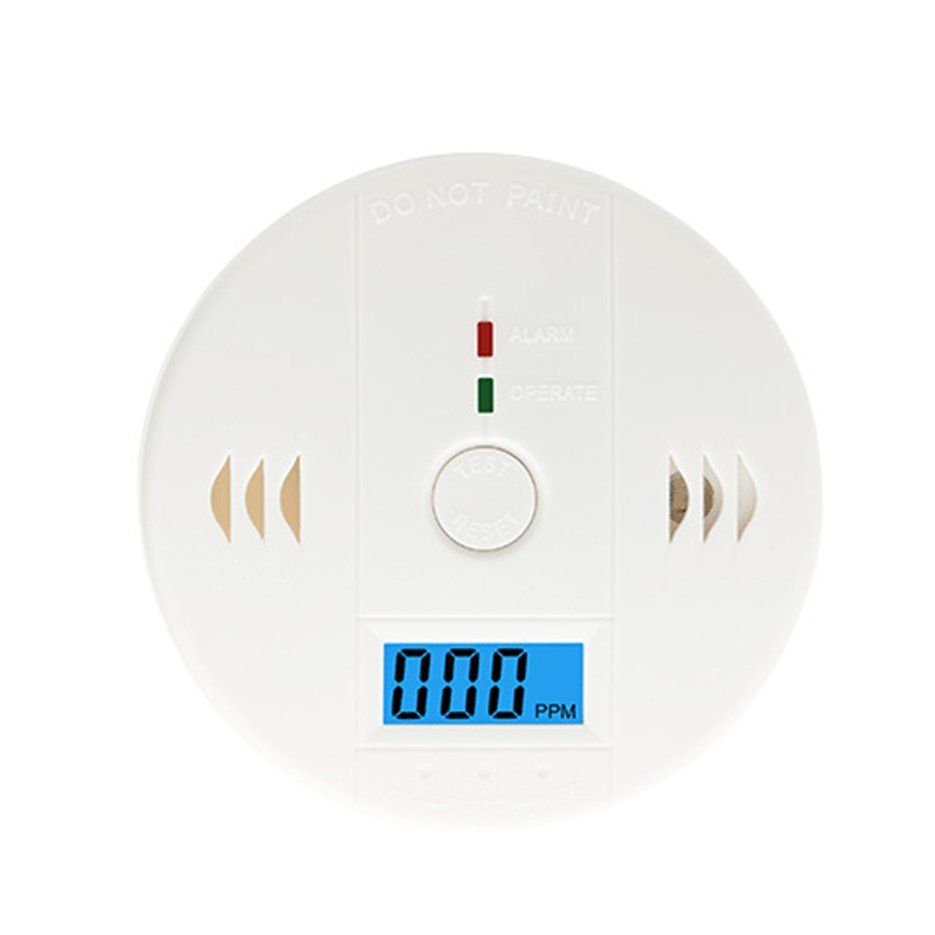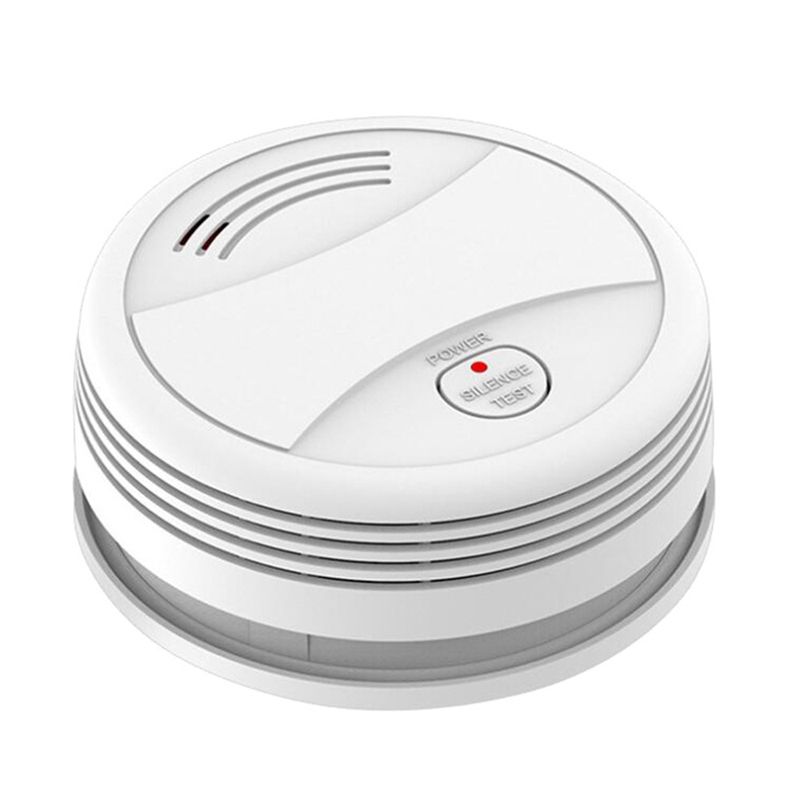
Tuya Intelligent Wifi Strobe Smoke Detector Wireless Fire Sensor Tuya APP Control Office Home Smoke Fire Protection
- WiFi Configuration & Networking: Install 'Tuya Smart' APP on your smartphone the first time you use the detector. Make sure your smartphone is connected to the WiFi.
- 1. Launch the APP, click 'Add device'---'Security Sensor'---'Sensor (WiFi)' / "Smoke(WiFi)".
- 2. Long press the 'TEST' button for 5s until LED flashes with a short beep of 'Di' (long press the button within 20s of loading the battery to enter WiFi configuration mode).
- 3. Click 'OK' in the APP---input password for the WiFi an click 'OK', the detector enters configuration mode which lasts for 60s maximum.