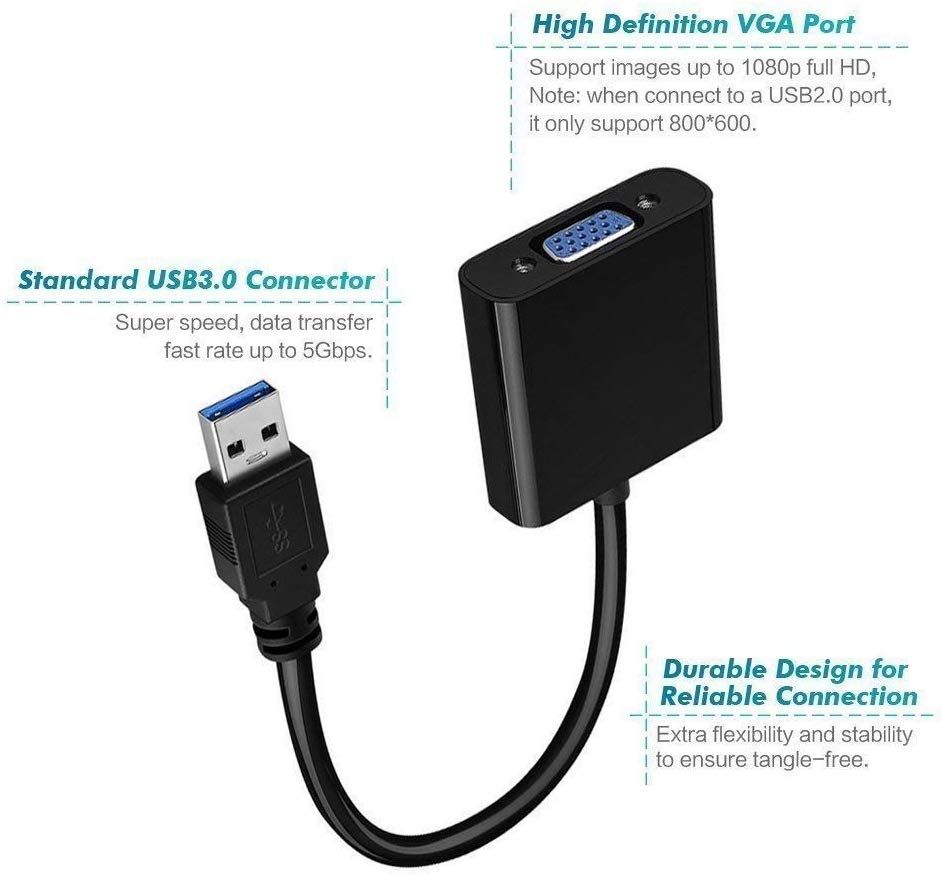
USB 3.0 to VGA Adapter, USB to VGA Video Adapter Converter
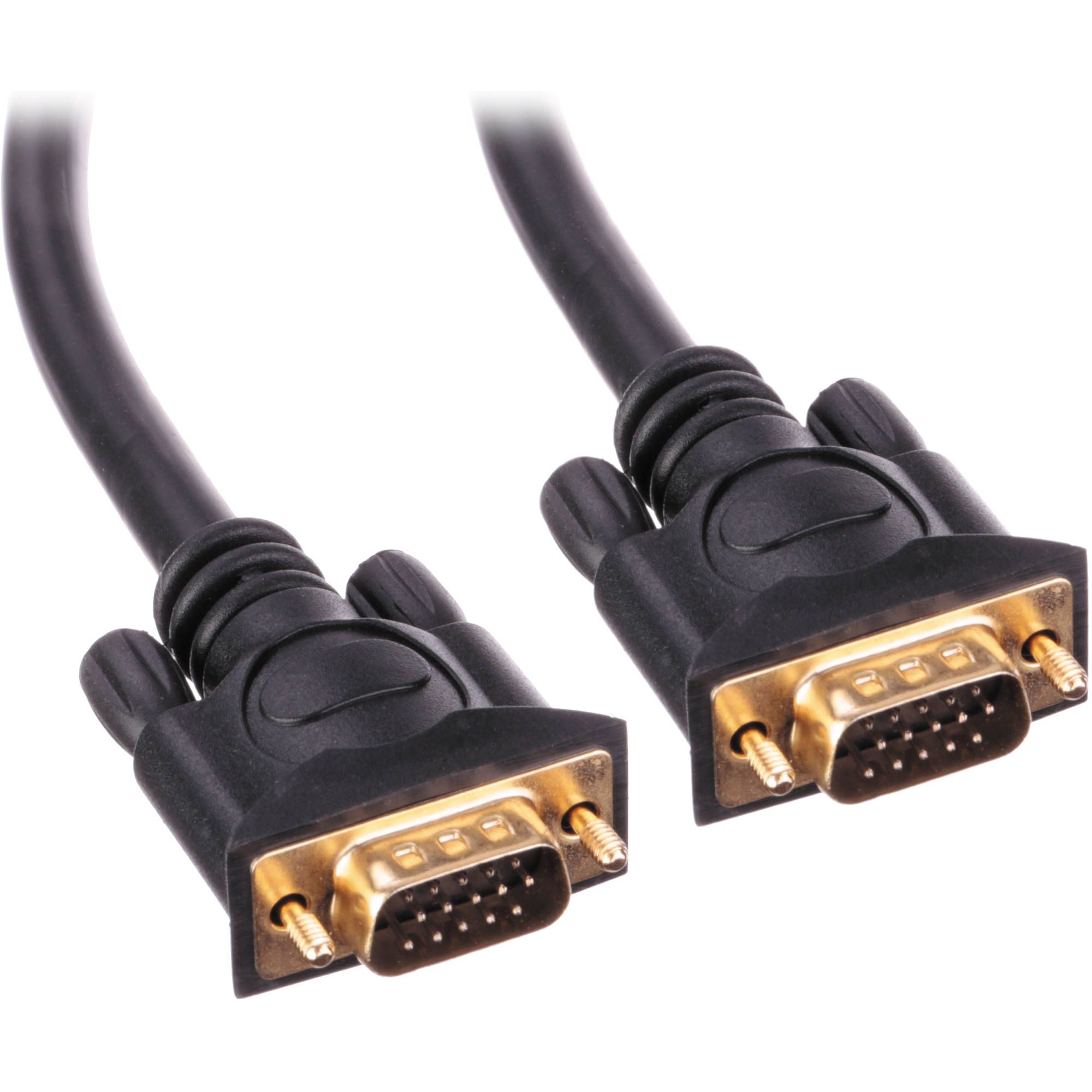
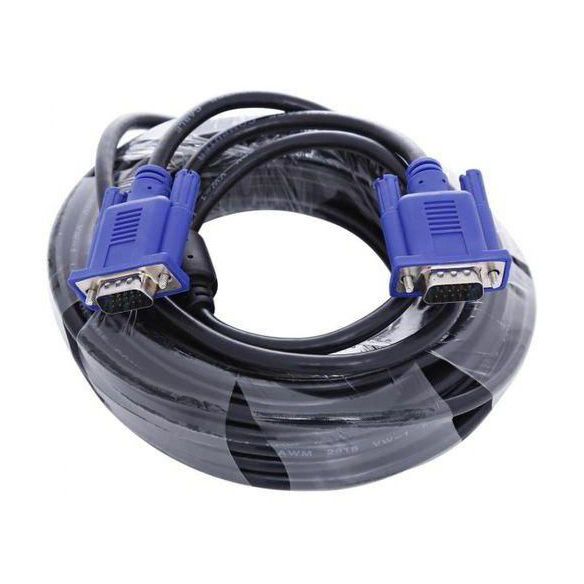
- Insert the device into the computer USB3.0 interface. Connect second monitors and devices to the VGA connection line.
- Look up and run FL00.EXE in the device disk. Restart the computer after the installation is completed.
- After reboot, the second monitors correctly display the image. Set the resolution to 1920*1080.
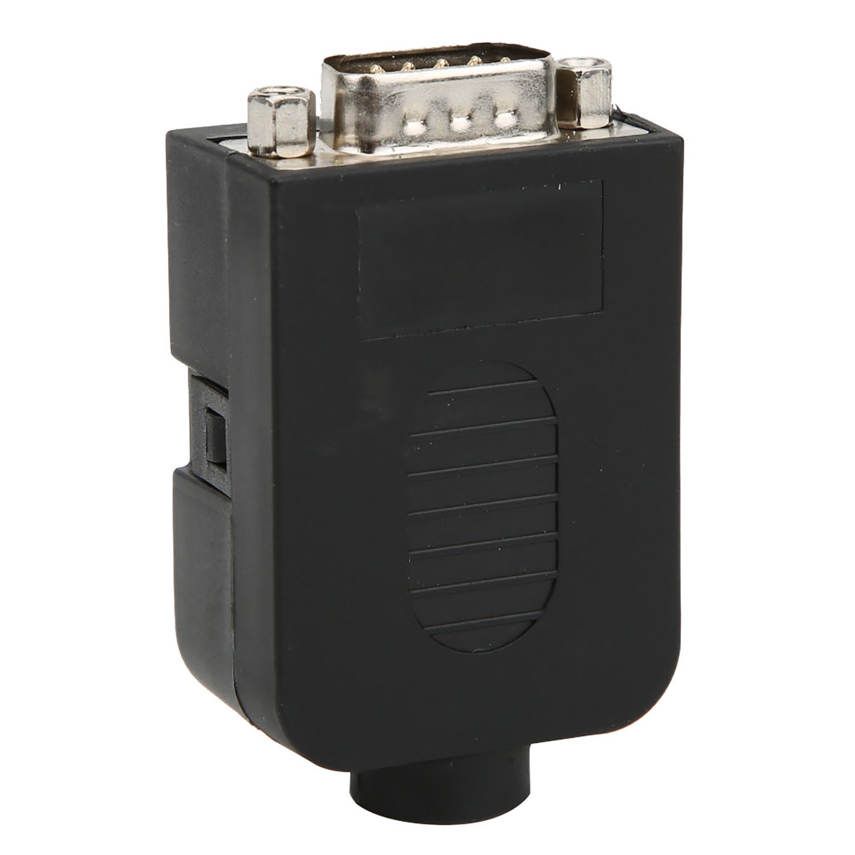
- FrontTech USB3.0 to VGA Adapter, USB 3.0 Male to VGA Female Converter Video Graphic Card Display External Adapter for Windows 7/8 Supports for Multiple Monitors
- Easy to add multi-monitor capability
- Can be used to mirror your primary desktop
- Durable and Safe for Your Device
- Compatible with USB 2.0 and 3.0
- Multi-display super speed
- With high resolution 1920 x 1080