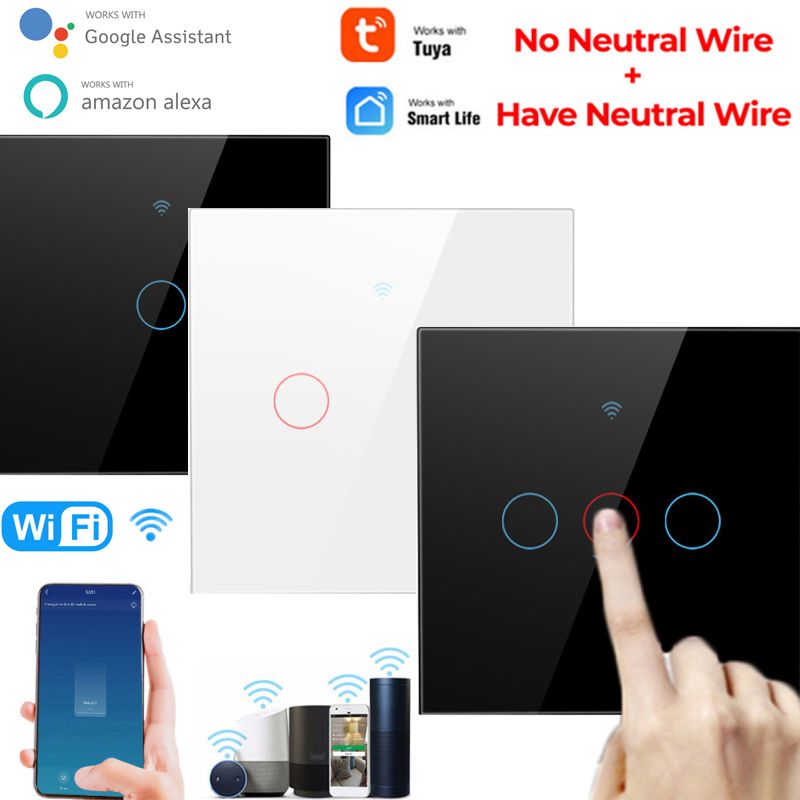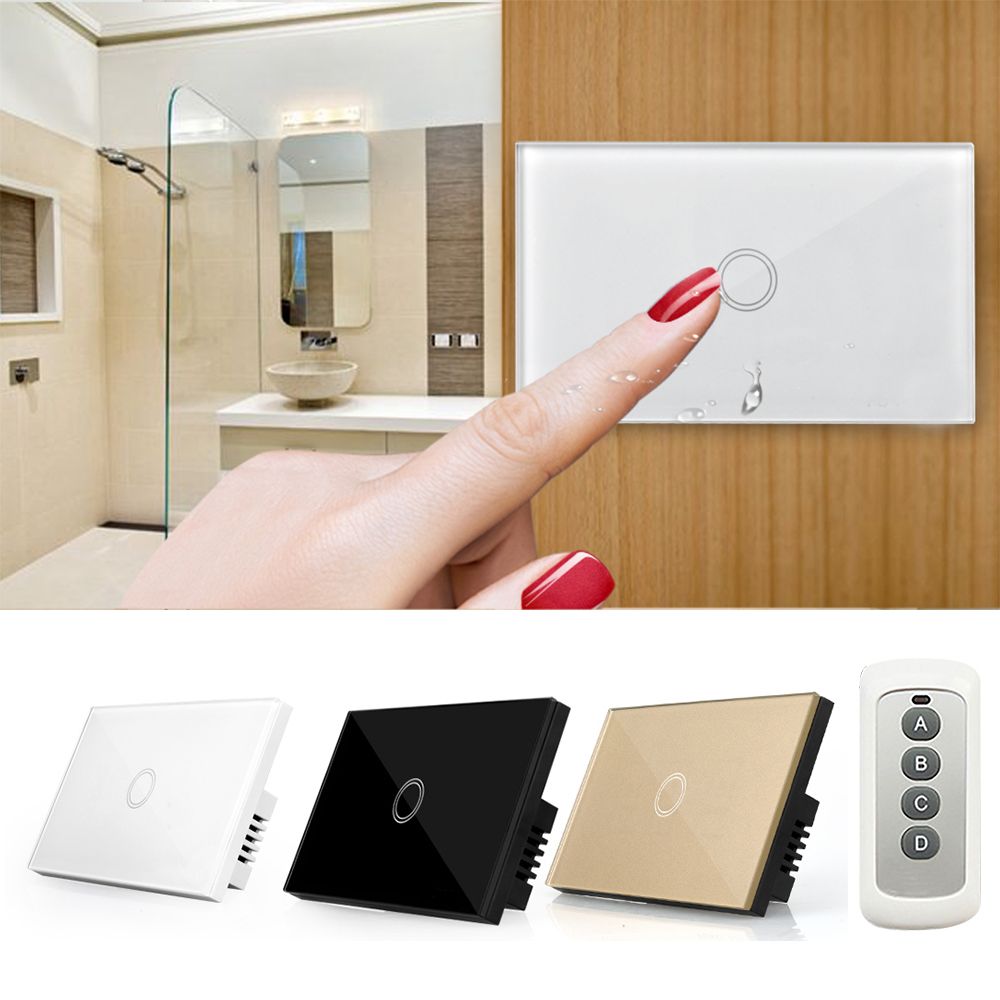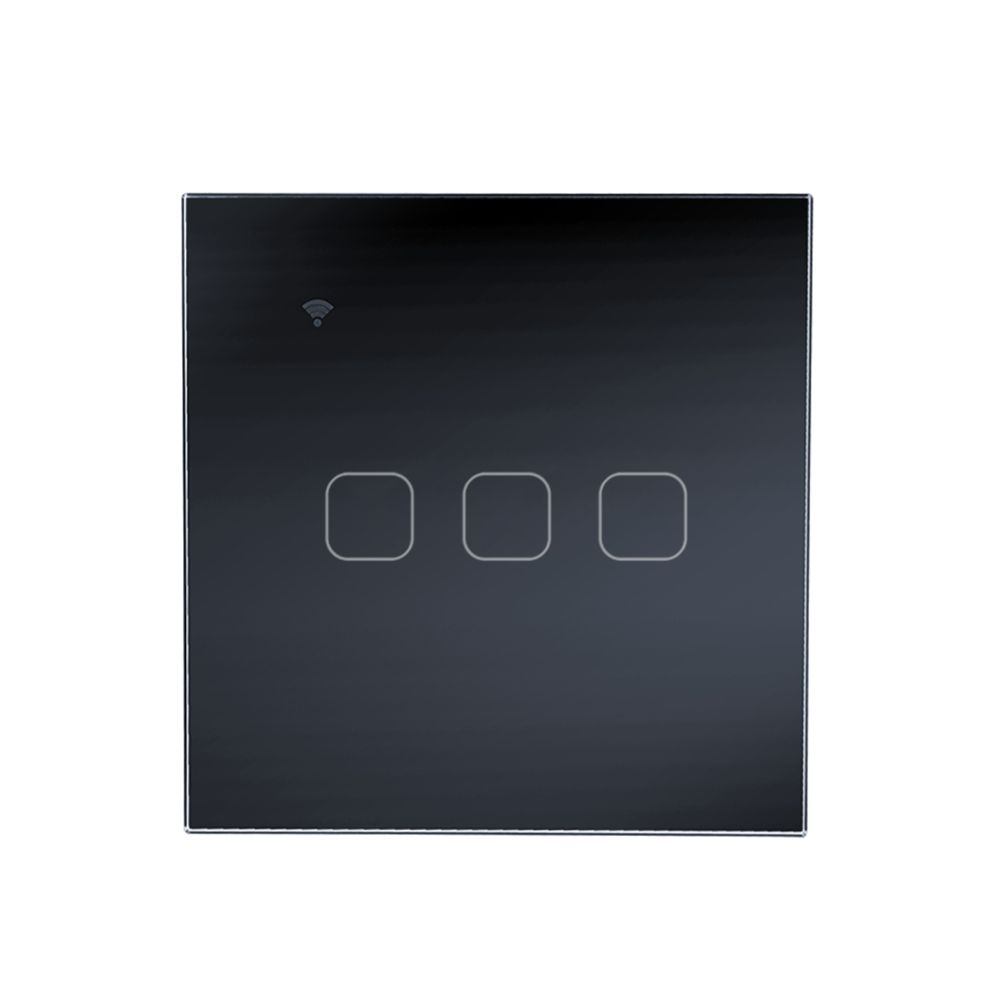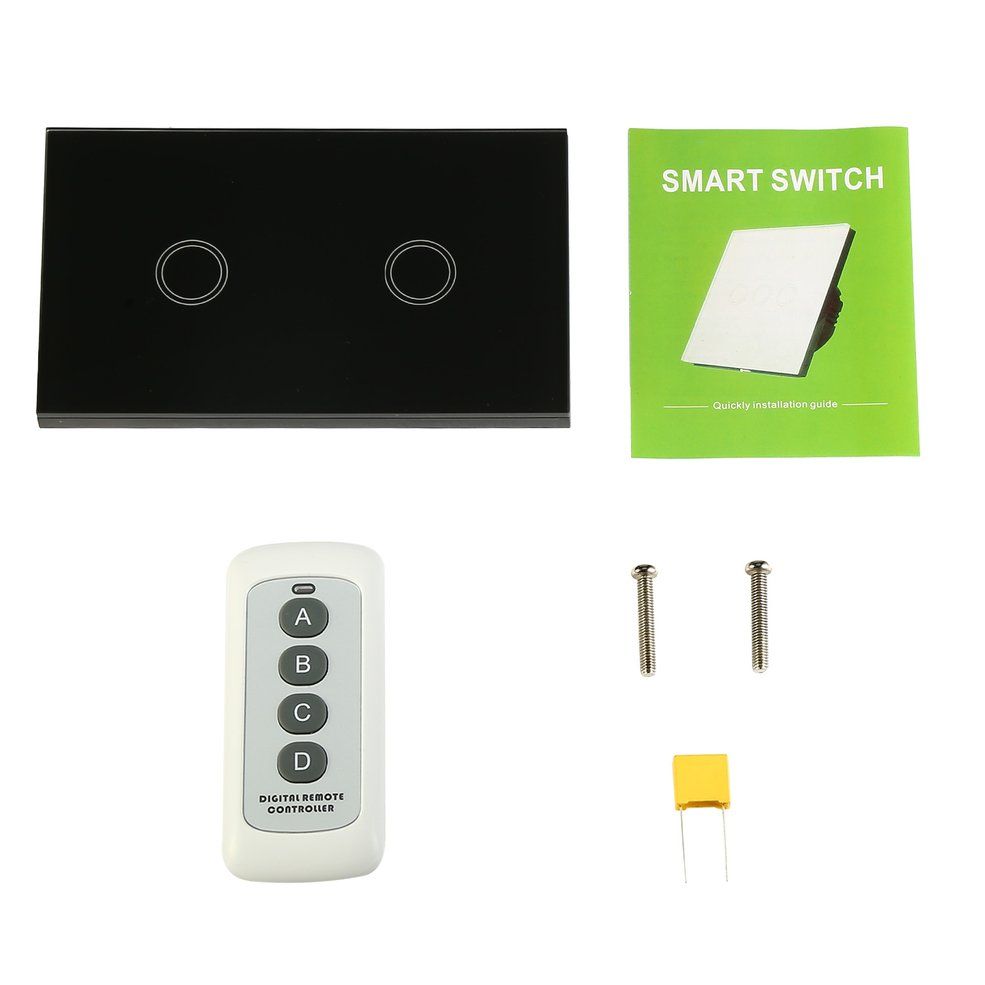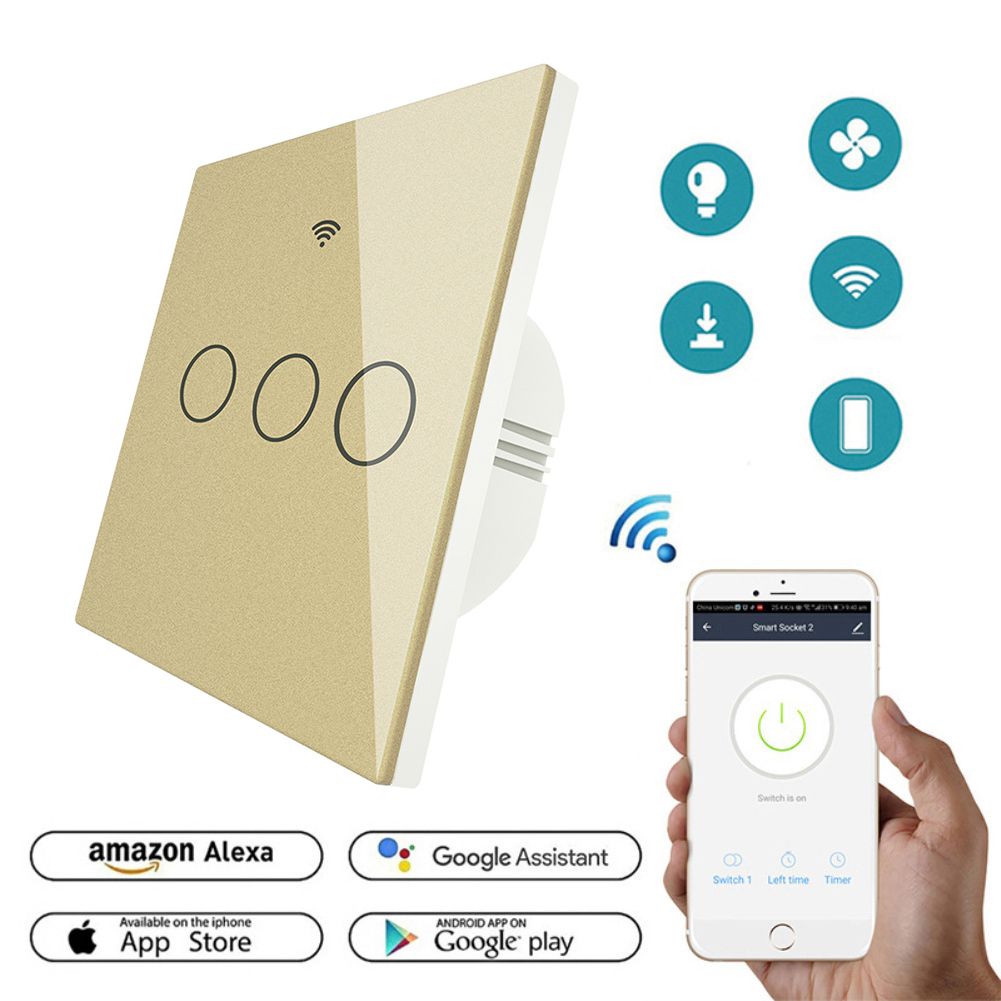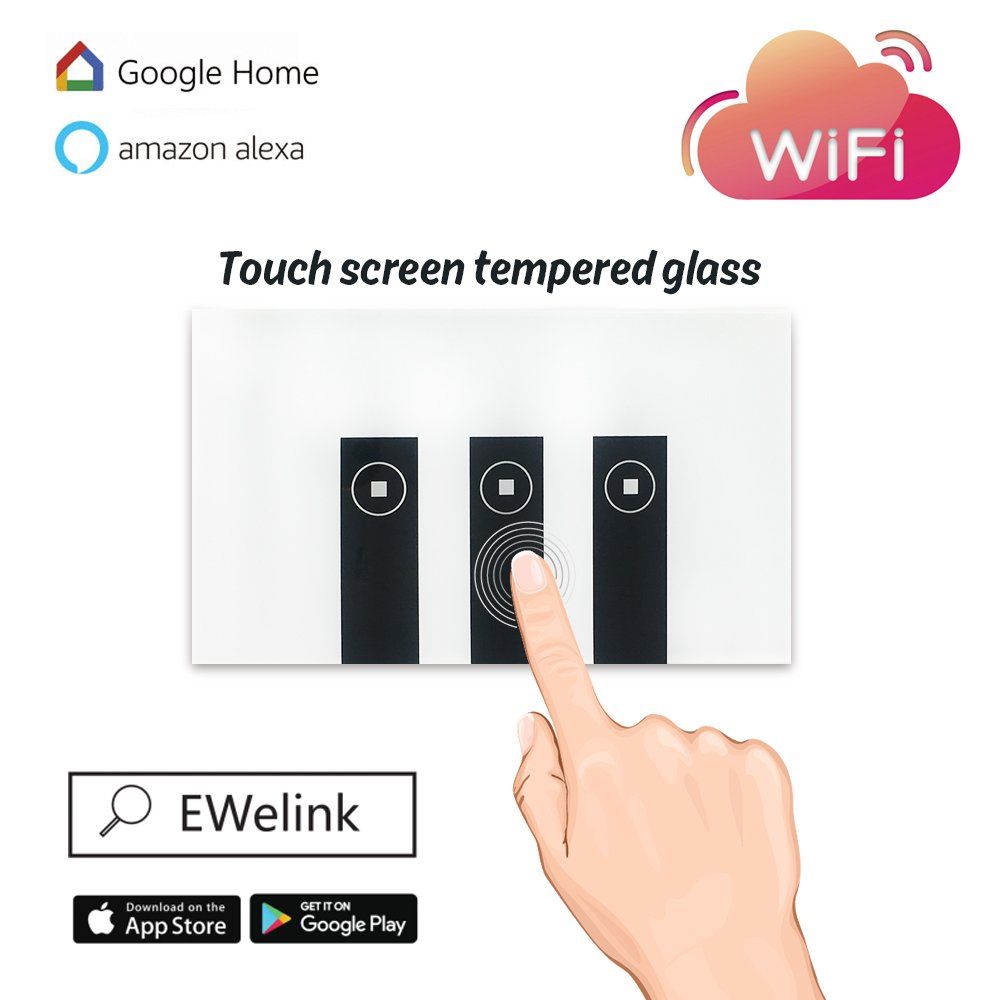
WIFI smart wall touch light home switch wireless glass touchpad compatible with Alexa Echo Google Home, timing function, remove from anywhere to control your lights Fidelity design
- Safe Use: Elegant & safety, as it adopts glass crystal panel and fire retardant PC substrate, water-proof , moisture-proof and fire-proof, avoid electric shock risk.
- Smart Wi-Fi Touch Panel Wall Switch, you can control with the lights in anyway, through Andrio/IOS smartphone , Work with Amazon alexa.
- VOICE CONTROL: Using "Smart Life" skill in Alexa App to control electric devices with your voice.
- Manage Your Home Remotely: Instantly Control devices connected to the Smart Plug wherever you have Internet using the free app on your smart phone, Enjoy peace of mind by checking on your devices remotely and always coming home to a well-lit house
- TIMING FUCTION: Schedule the intelligent Wi-Fi light switch to automatically power electronics on and off based on specific time you set; Power saving eliminate wasteful standby power and prevent overcharging and overheating save on your electric bills and extend product life.
- Notes: When the LED on,the device is "online" please close eWeLink and re-open. The switch must be powered up through Lin(live input) and Nin(netual input).While Lout is live output. (For first use : If you can't connect to the network, please power off the device, restart it, or reinstall the APP. If you have any questions, please contact the seller.)
- Please check the following items before using the equipment:
- .Your smartphone or tablet is connected to a 2.4G WIFI network that can access the Internet, and the signal cannot be too weak!
- .Use mobile phone or tablet with android system, the system must be 4.0 or later.
- .If you use an iphone or iPad, it must be able to access the APP store and download APP.
- .If your wireless router has set up the MAC address filter, please turn off the router MACaddress filtering function first.