
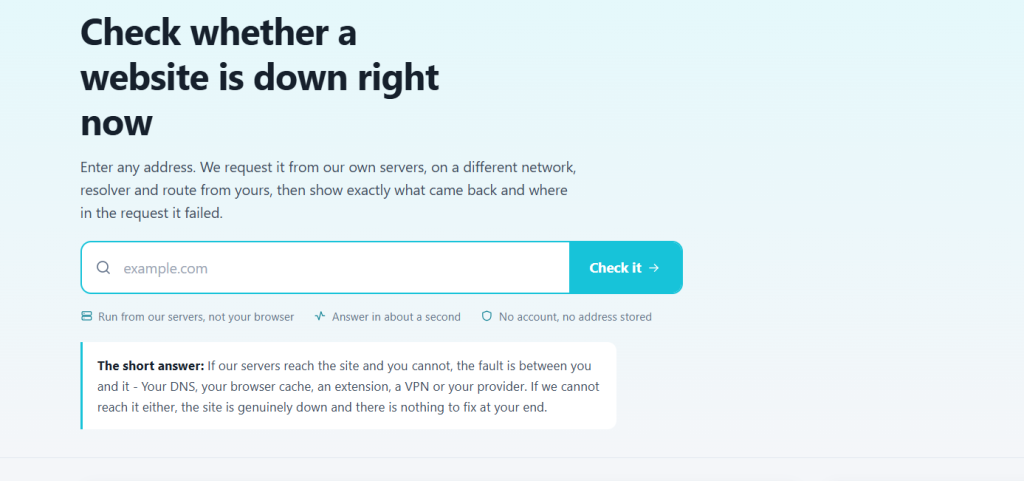
A site will not load. The immediate question is whether the problem is theirs or yours, and the answer determines whether you spend the next twenty minutes troubleshooting or simply wait. Getting to that answer takes about two minutes if you do the checks in the right order.
Start with the outside view
Before touching any setting on your own machine, check whether the site responds from somewhere that is not your network. A website down checker requests the site from external servers and reports what it gets back — which immediately splits the problem in half.
If external checks fail too, it is down and nothing you do locally will help. If external checks succeed, the site is up and the problem is between you and it. Everything below assumes the second case.
The local diagnostic sequence
- Try a different browser. Thirty seconds, and it rules out extensions, cached scripts and a stale service worker in one step.
- Try mobile data. Switch the phone off Wi-Fi and load the site. If it works, the problem is your network or your ISP’s DNS, not the site.
- Hard refresh. Ctrl+Shift+R or Cmd+Shift+R bypasses the cache. A partially cached deployment produces pages that are broken in ways that look like a server fault.
- Flush DNS. If the site recently moved servers, your machine may be holding an old address until the cached record expires.
- Check for a captive portal. On public Wi-Fi, an unfinished login page intercepts everything and produces convincing-looking failures.
Reading the error you got
| Symptom | Usually means |
|---|---|
| Server not found / DNS error | Name resolution — your DNS or theirs |
| Connection timed out | Server unreachable, or blocked in transit |
| 503 / 502 | The site is up; something behind it is not |
| Certificate error | Expired certificate, or your device clock is wrong |
| Blank page, no error | Client-side script failure — check the console |
| Very slow, eventually loads | Overload rather than outage |
The 502 and 503 pair is worth recognising. Both mean the web server answered, so the domain, DNS and network are all fine — an application or database behind it is failing. These usually resolve without any action from you.
Partial outages are the confusing case
Large services rarely fail completely. A single region, a single feature or a subset of accounts goes down while the status page stays green, because the automated checks the status page runs are still passing. This is why “it works for me” and “it is broken for me” are frequently both true at the same moment.
Checking current outages across services helps here in a specific way: if several unrelated services are failing simultaneously, the cause is usually shared infrastructure — a CDN, a DNS provider, a cloud region — rather than each of them independently breaking.
If it really is down
Stop troubleshooting. Note the time and the error, check whether the failure is total or partial, and if you depend on the service for work, switch to the fallback now rather than after another half hour of refreshing. Most outages at major providers resolve within an hour, and nothing you do from the outside shortens that.
If you are responsible for the site rather than using it, the same external check is the first thing to run — confirming the outage is real and global before waking anyone up saves a lot of unnecessary escalation.