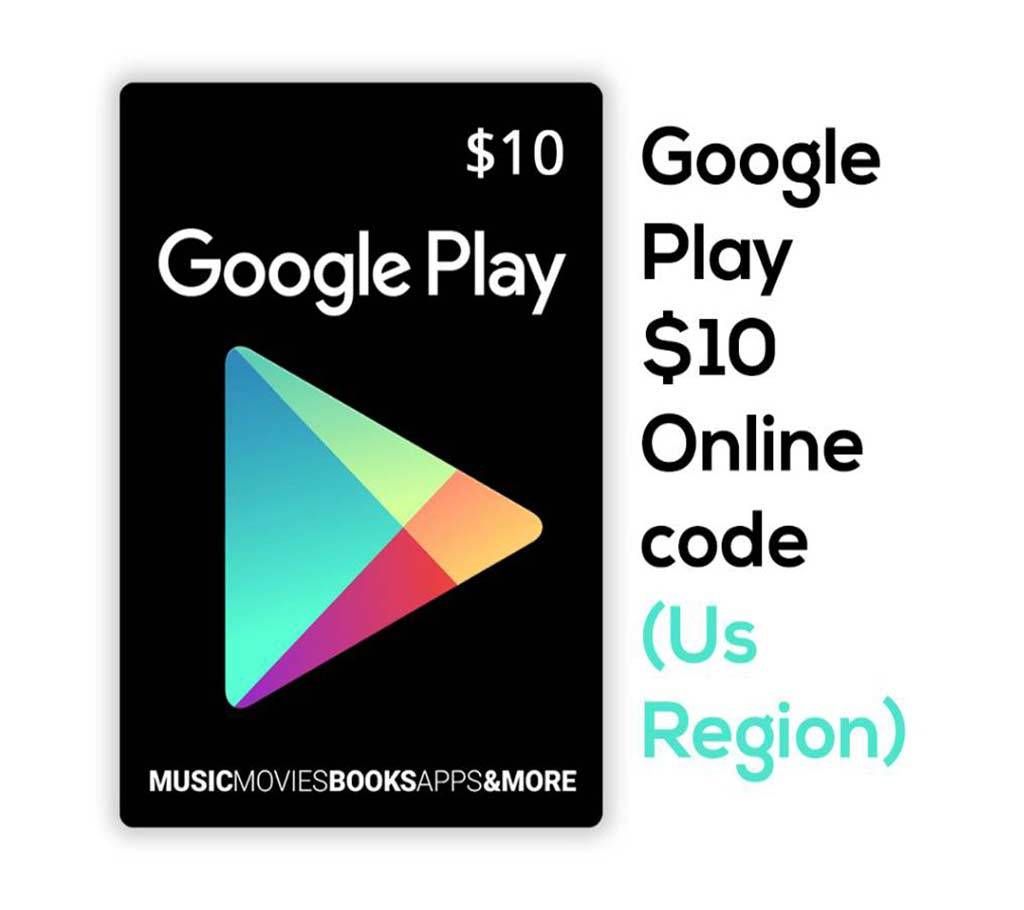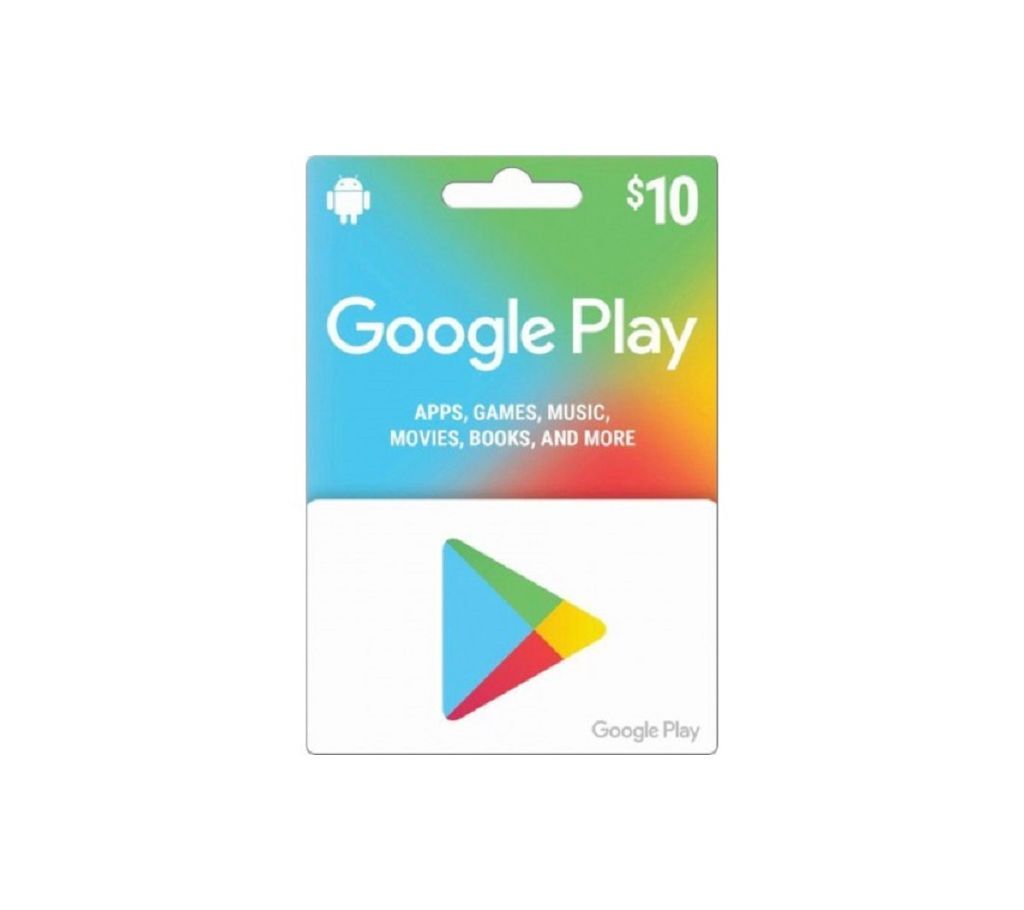
10 Dollar Google Play Gift Card
10 Dollar Google Play গিফট কার্ড
How to Redeem a Google Play gift card:
Change your Google Play account country
To redeem a gift card or promo code, your country in your Google Payments center needs to match the country where the gift card or promo code is offered. To check your country:
1. Go to pay.google.com.
2. On the left side of the page, select Settings Settings.
3. Under the "Payments profile," find the section labeled "Country/Region."
4. Select your Country USA
For Android device:
1. On your Android device, open the Google Play Store app Google Play.
2. Tap Menu Menu and then redeem.
3. Enter your code.
4. Tap Redeem.
Using your computer:
1. Visit play.google.com/redeem
2. Enter your code.
3. Click Redeem.
N.B. Only Advance payment order will be taken