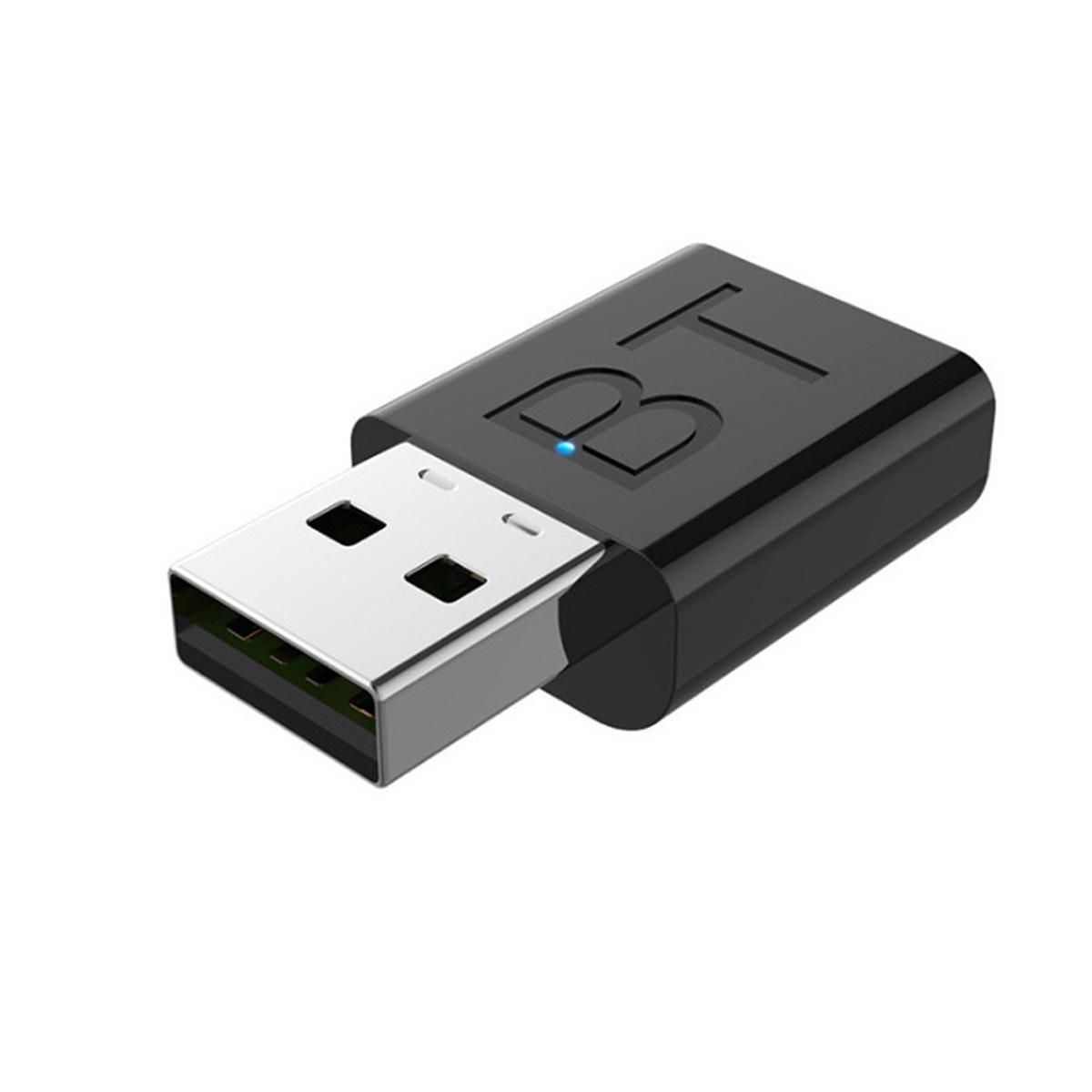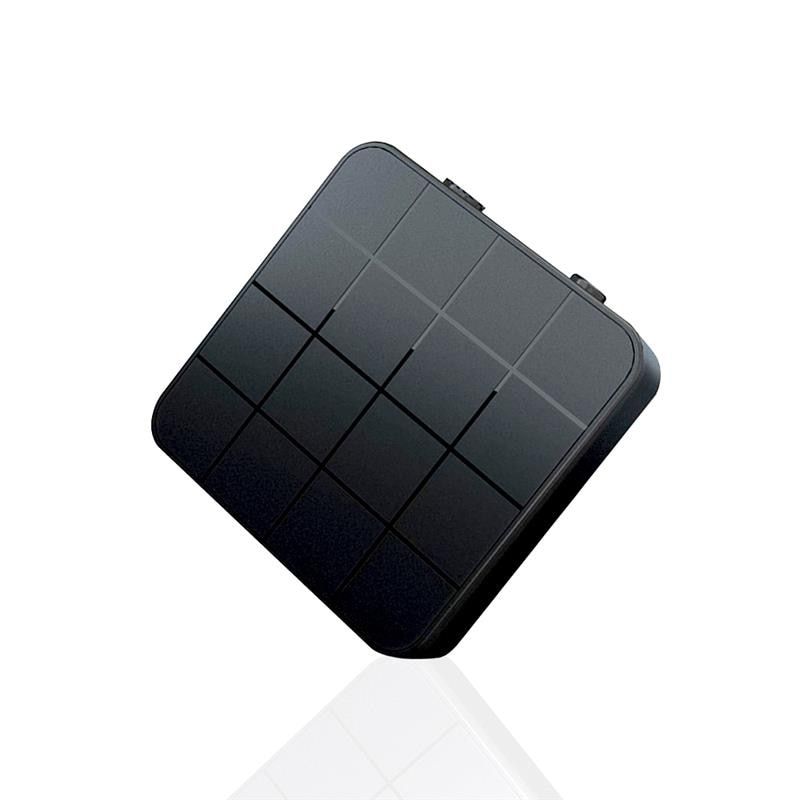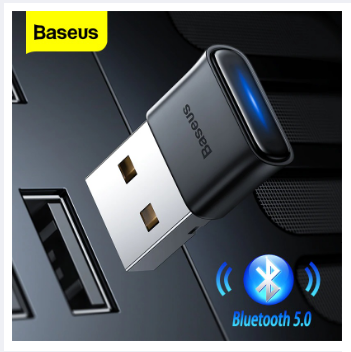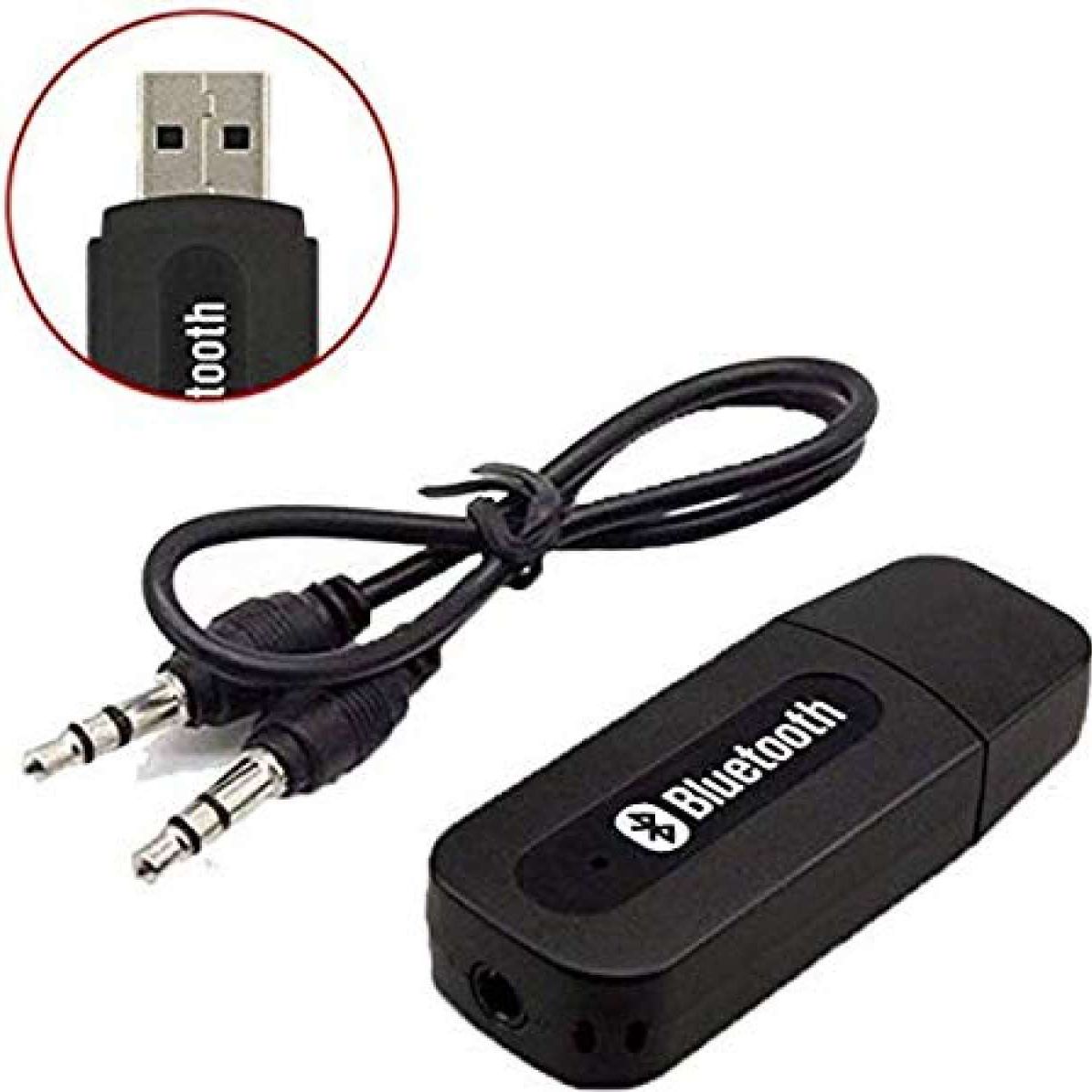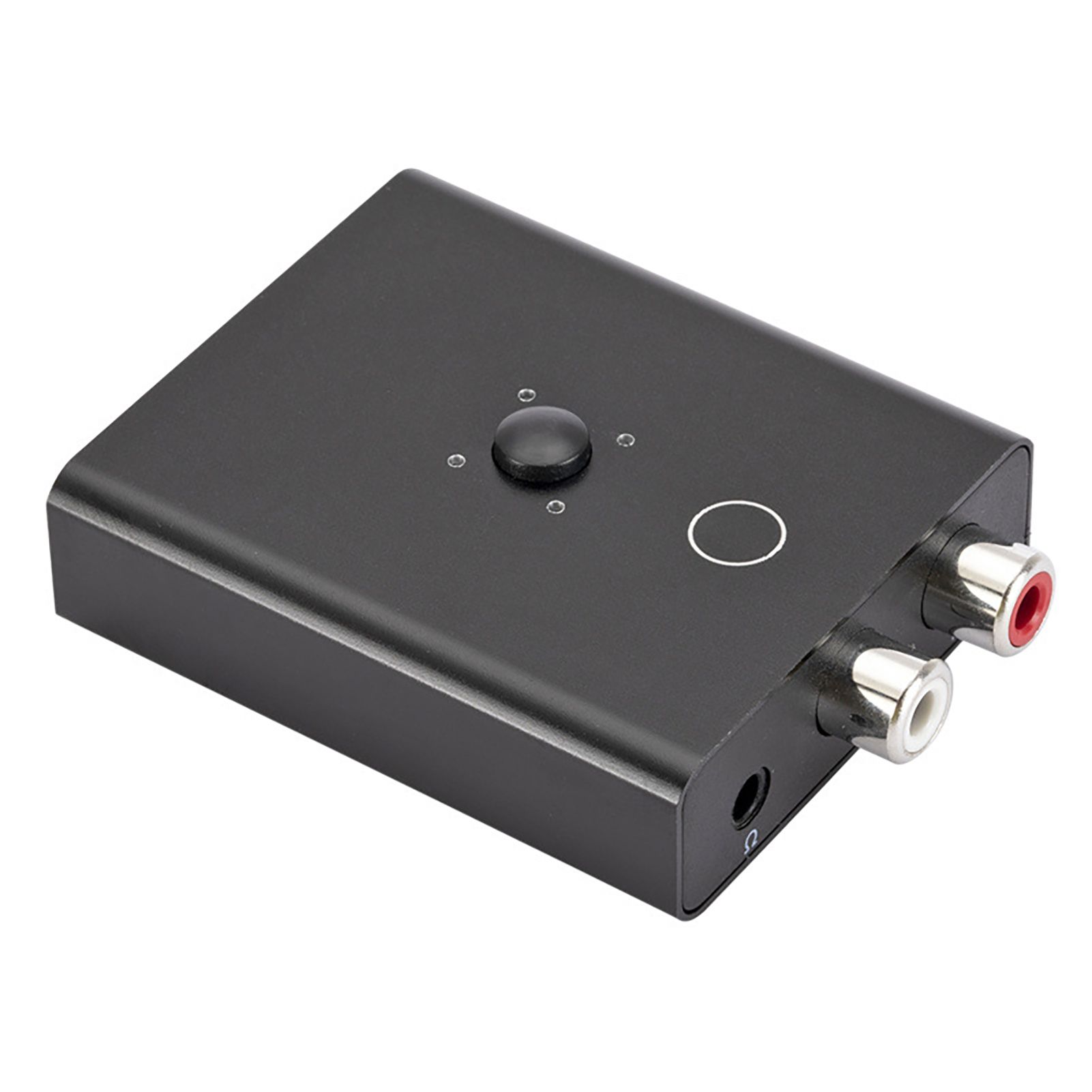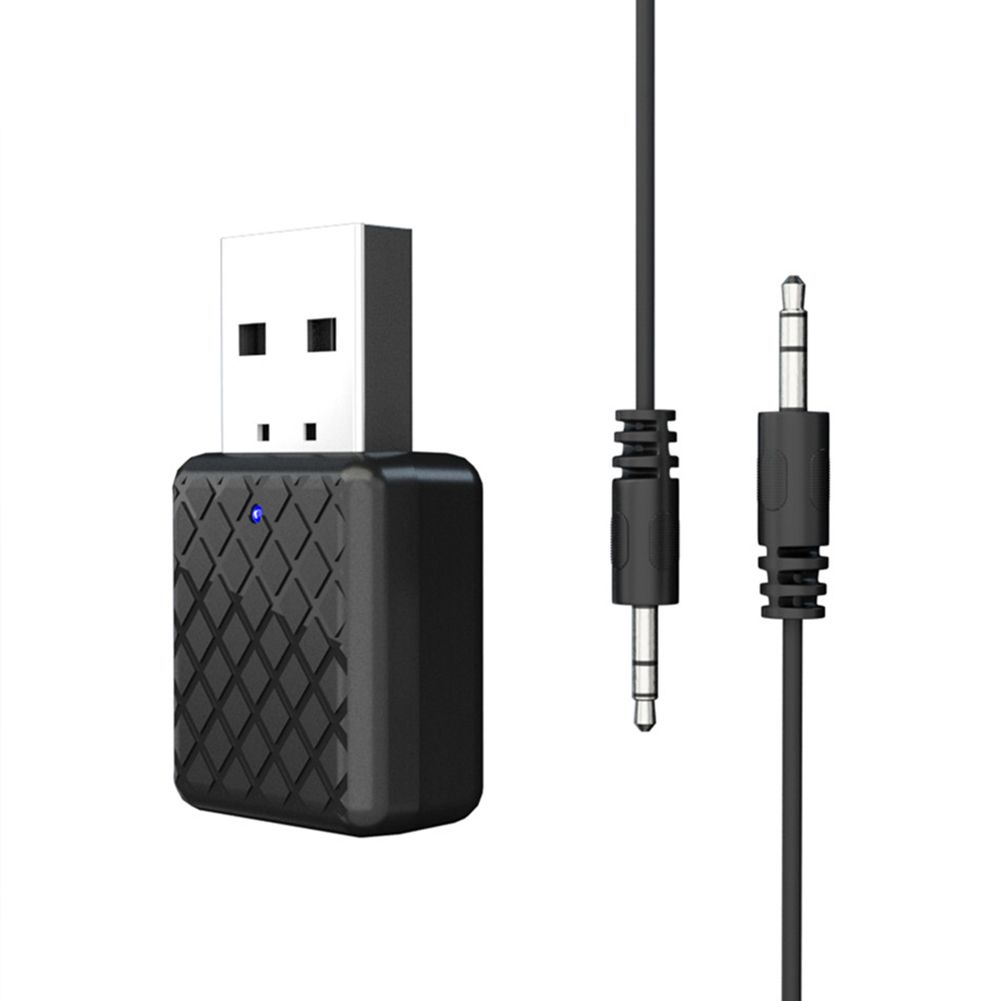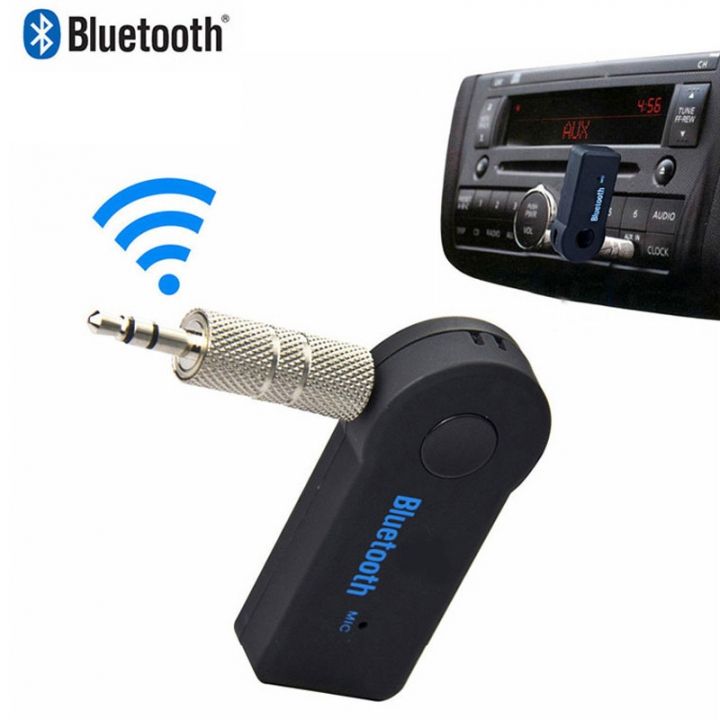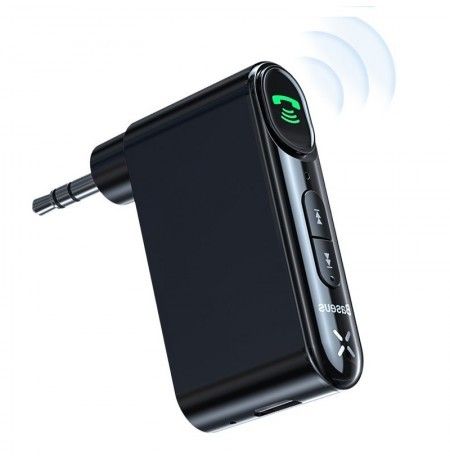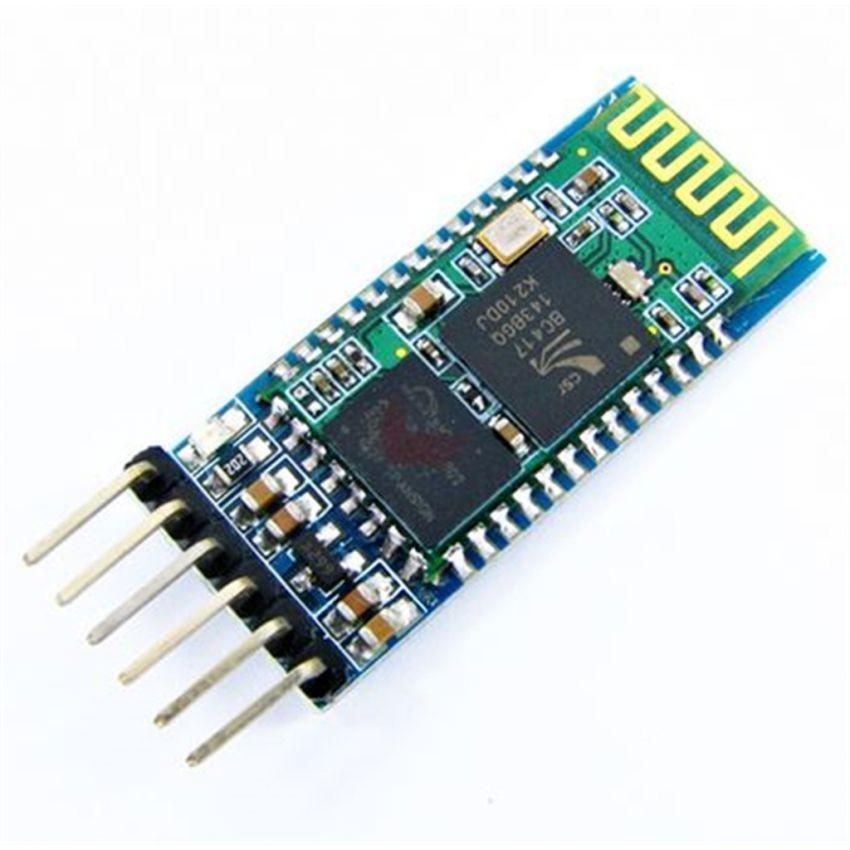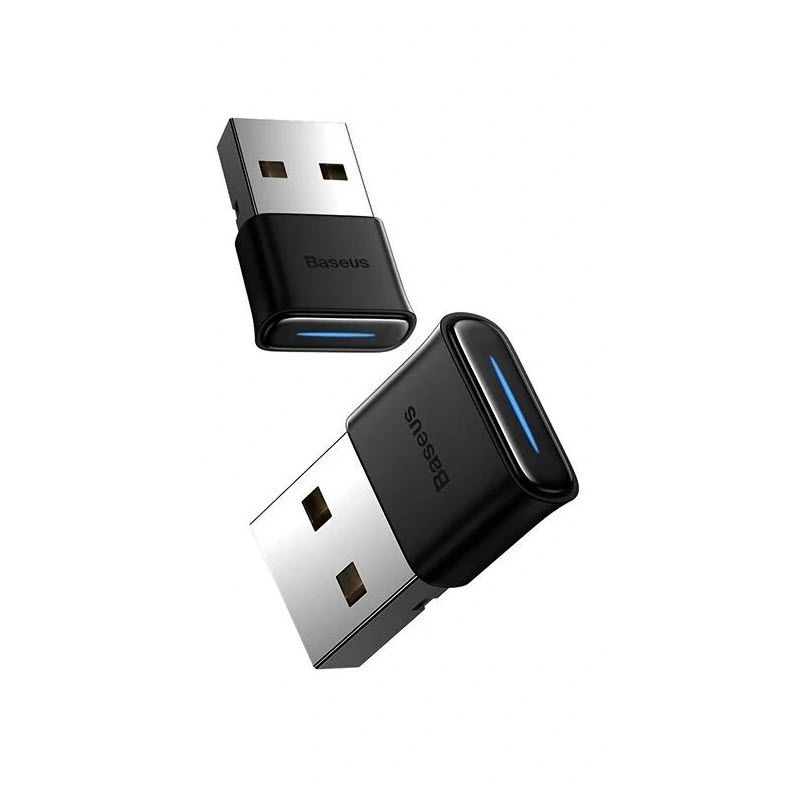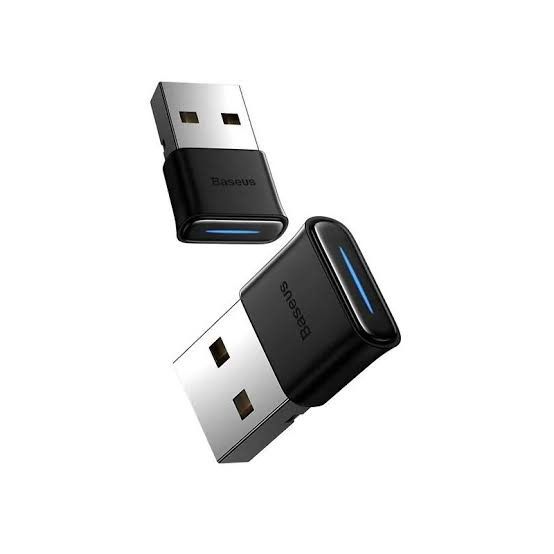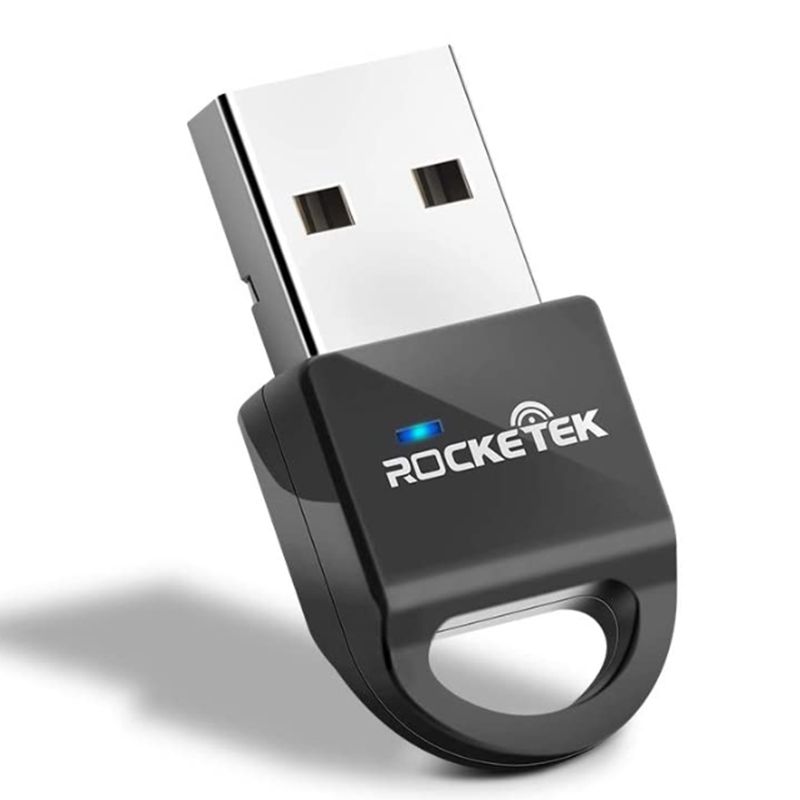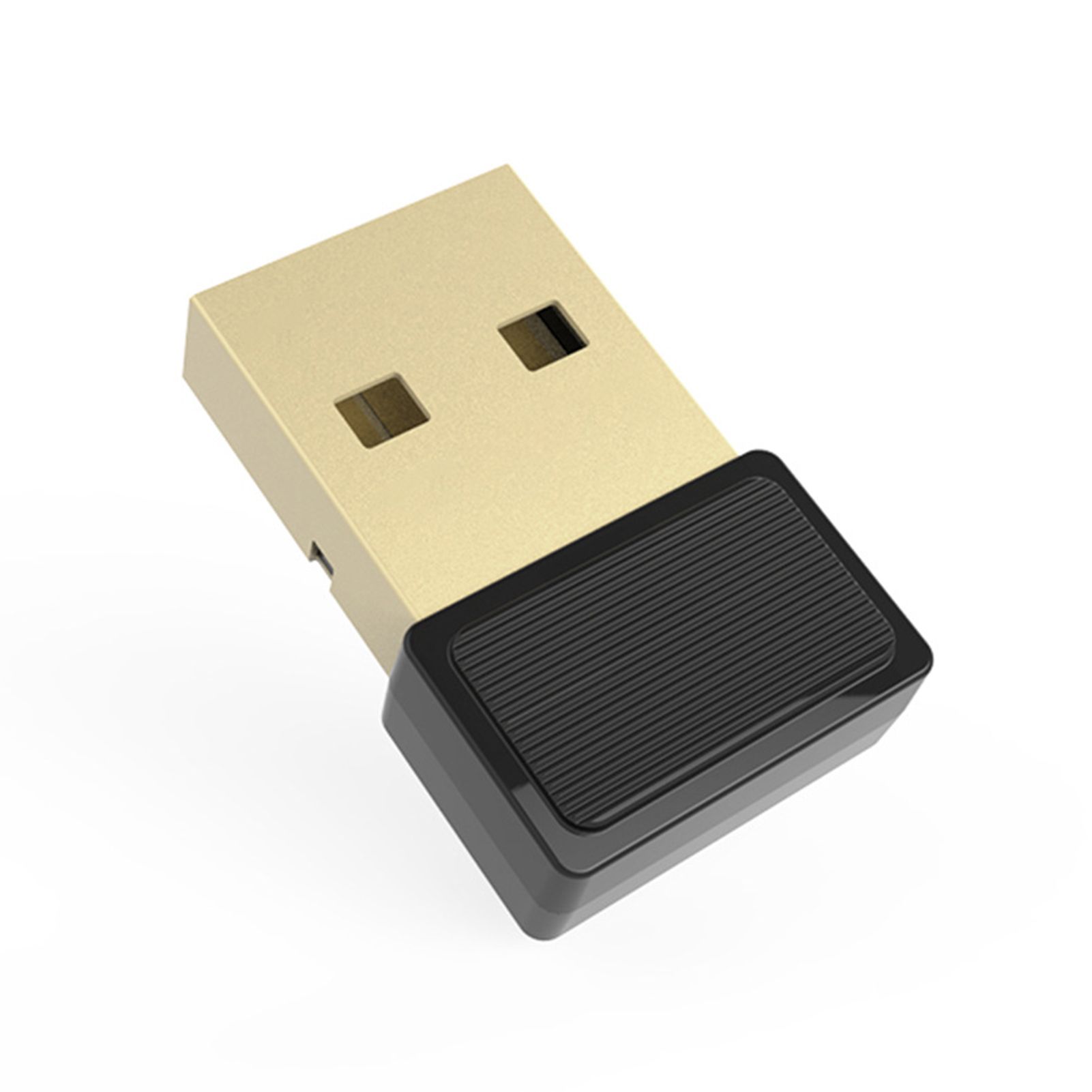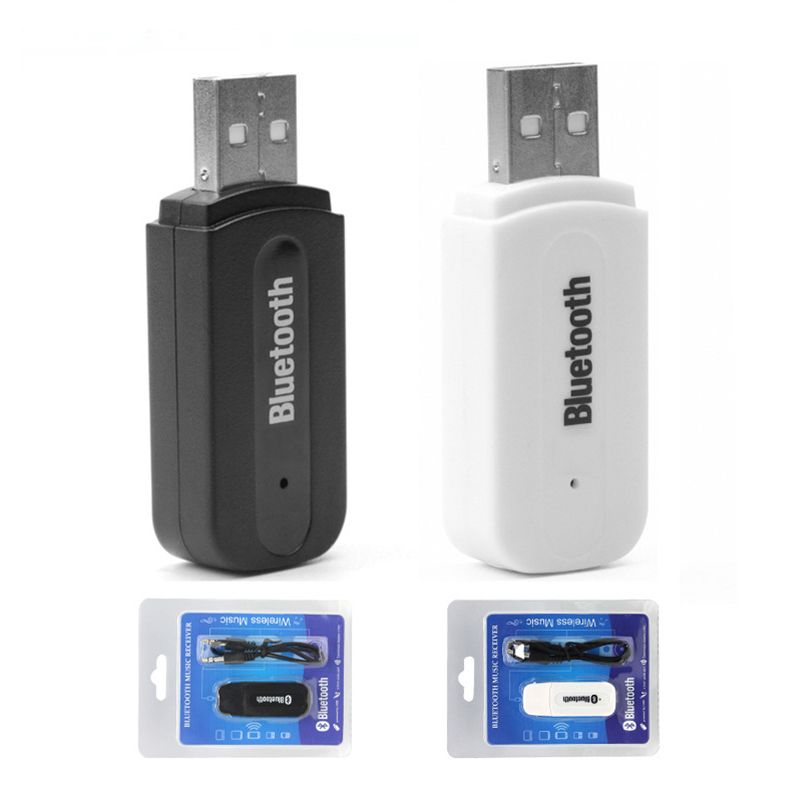
4.0 Wireless USB Bluetooth Adapter Car Speaker Wireless Audio Bluetooth Stick 3.5mm Bluetooth Audio Receiver for Windows PC Cellphone Speaker PS4
- 1, connected to the speaker
- In the first way, the speaker does not have a USB interface.
- Plug the Bluetooth flash drive into a charger with a 5VUSB interface and connect the audio cable to the AUX port
- The second way, the speaker has a USB interface
- Plug the Bluetooth flash drive directly into the speaker USB port and connect the audio cable to the AUX port.
- 2, pairing
- Turn on the Bluetooth function of the mobile phone (or computer), search for the surrounding Bluetooth devices, search and pair with them. After the pairing is successful, the indicator light on the Bluetooth receiver becomes slower!
- After the pairing is successful, play the music inside the phone, then select the music to be played by Bluetooth in the submenu, and the beautiful music will be played out from the speaker!